

Turnkey Pro Studios
Foresight QuadMAX with Guardian™ Bay Safety Enclosure | Turnkey Standard Package
Bay Size
Projector Type
Hitting Mat
Choose options
Bay Size
Projector Type
Hitting Mat
Bay Size
Projector Type
Hitting Mat
The Ultimate Tour-Level Simulation Experience
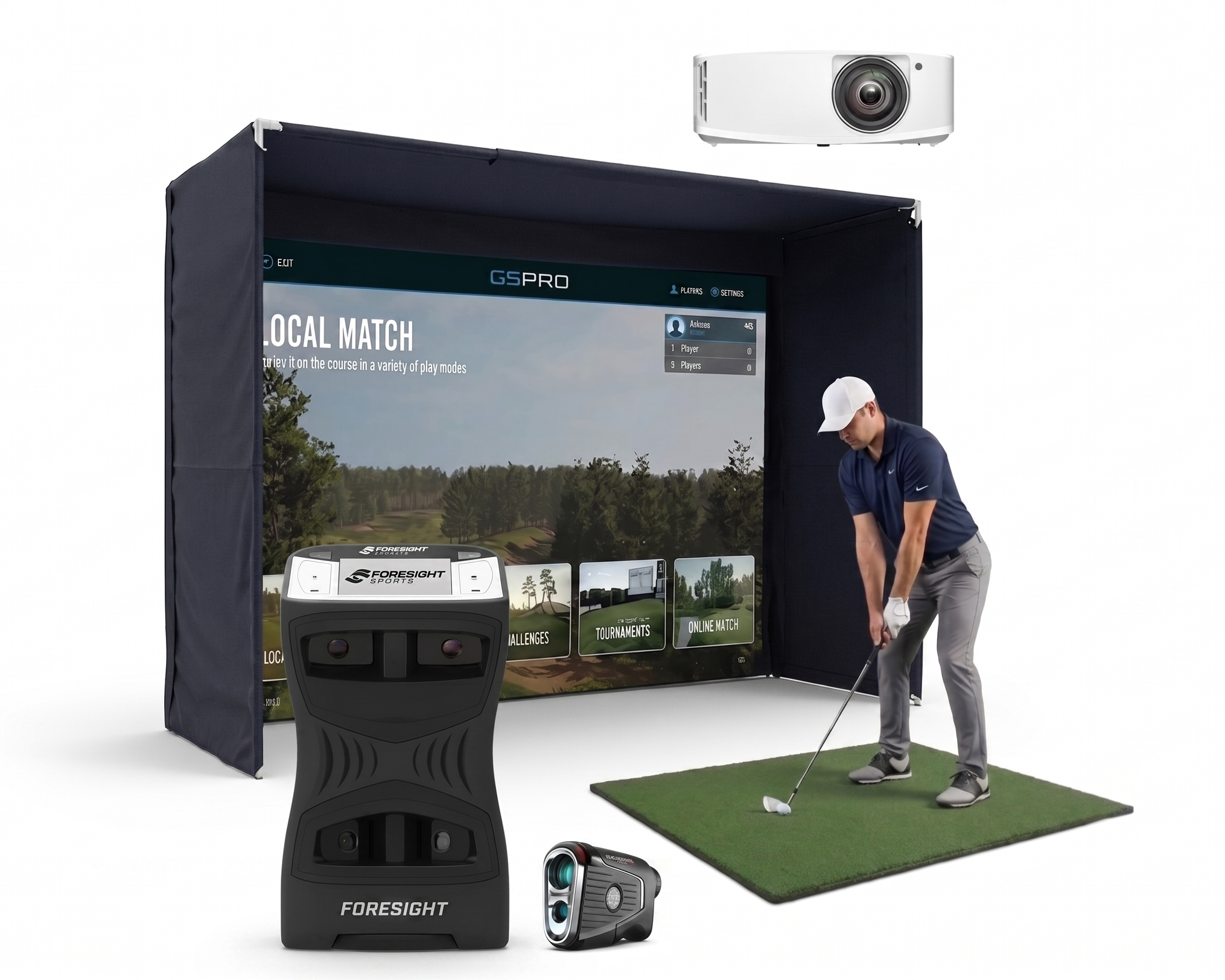
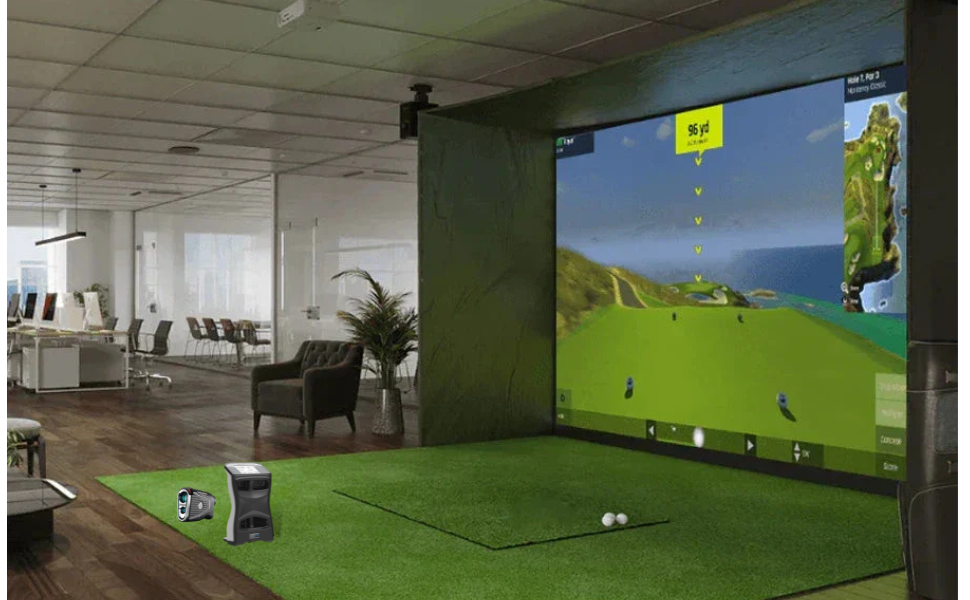
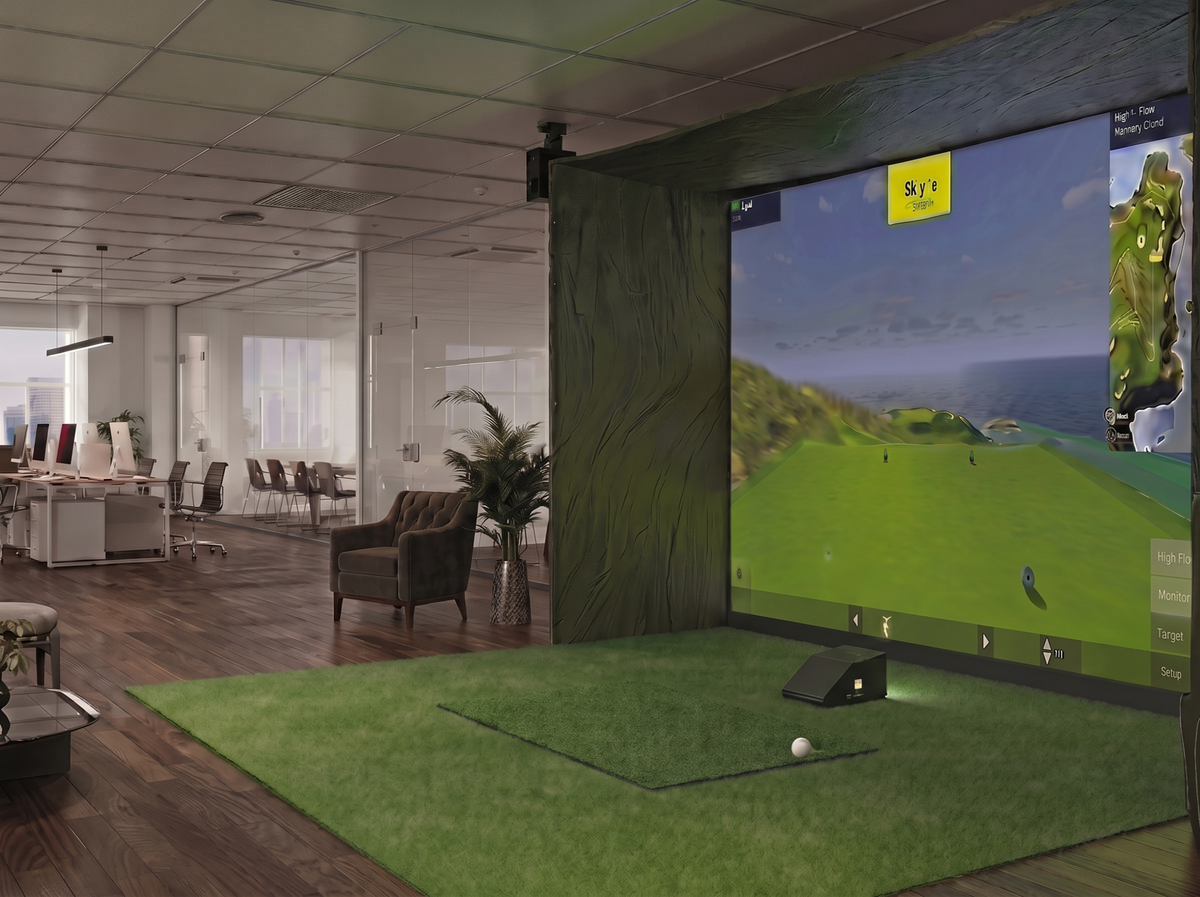
The QuadMAX™ + Guardian Bay™ Kit combines elite quadrascopic tracking with a 360° blackout safety enclosure. Perfect for premium homes, garages, or commercial venues, this package delivers tour-level accuracy, cinematic visuals, and total peace of mind.

General Description
Build the ultimate professional-grade indoor golf simulator. This premium bundle combines tour-trusted tracking with a commercial-grade enclosure for a sharp, immersive experience:
-
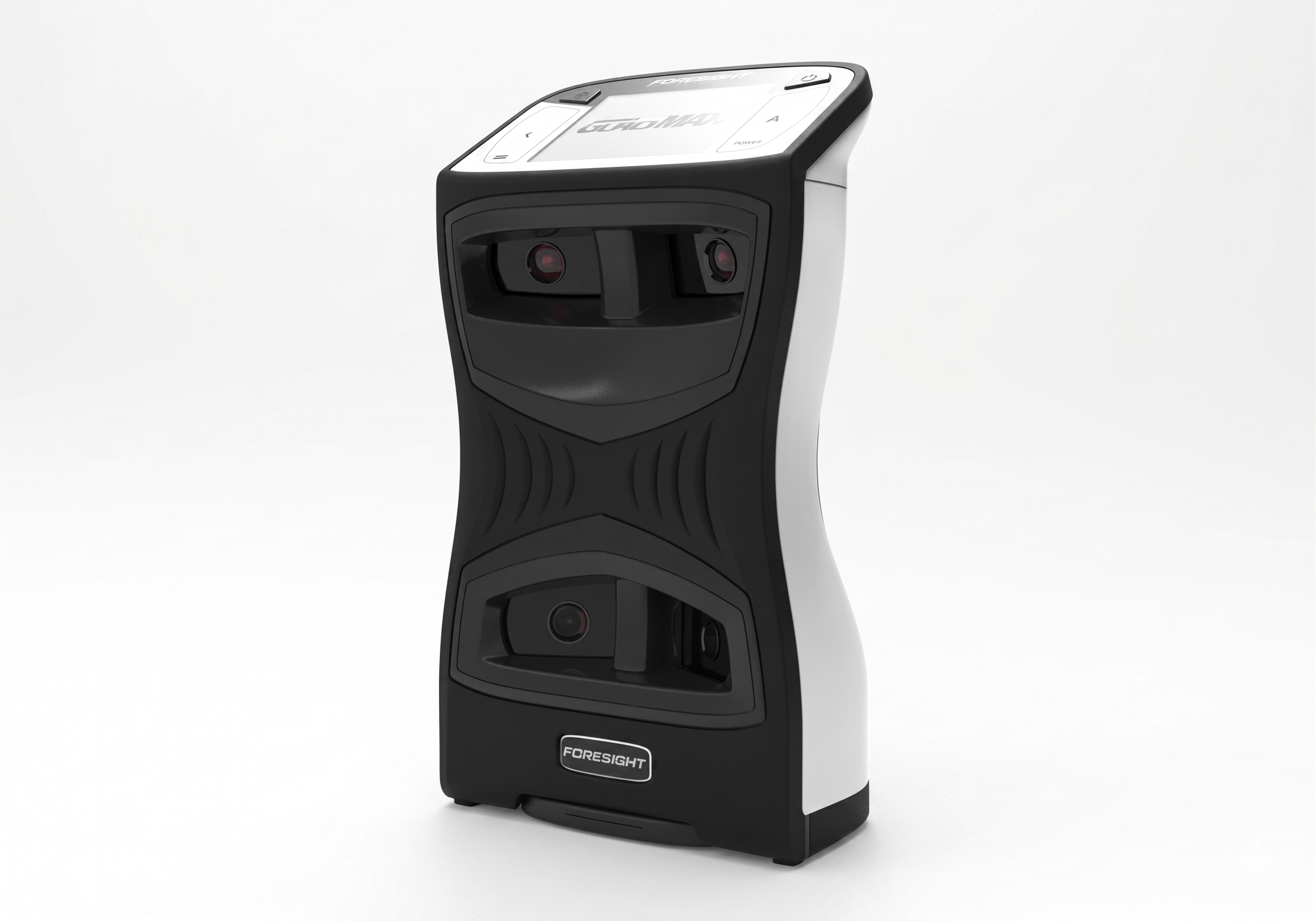
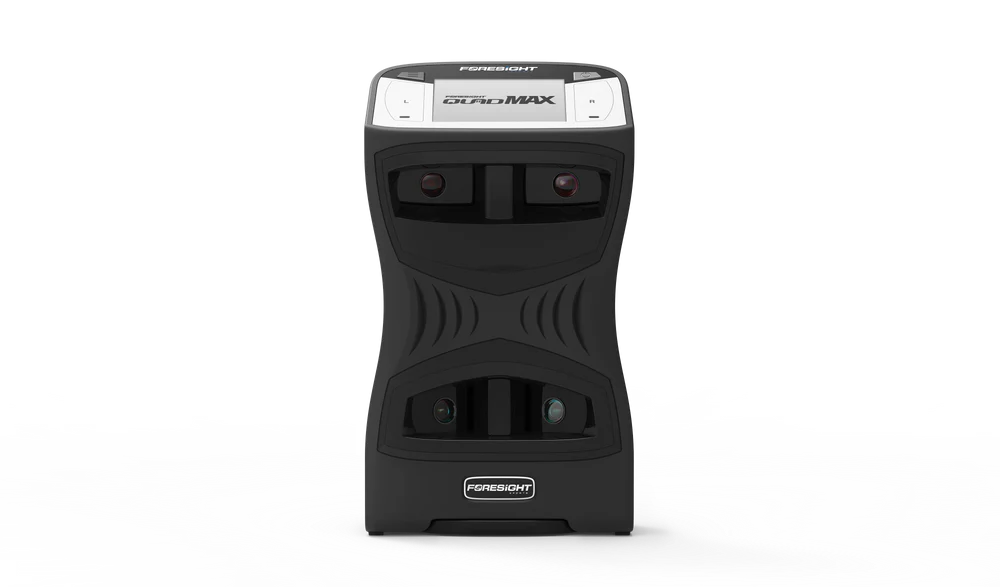
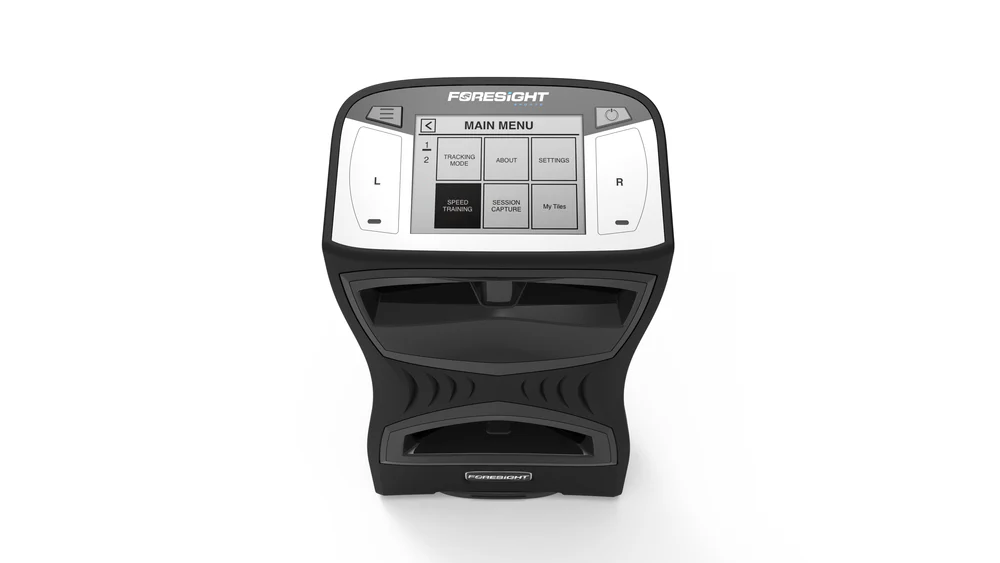
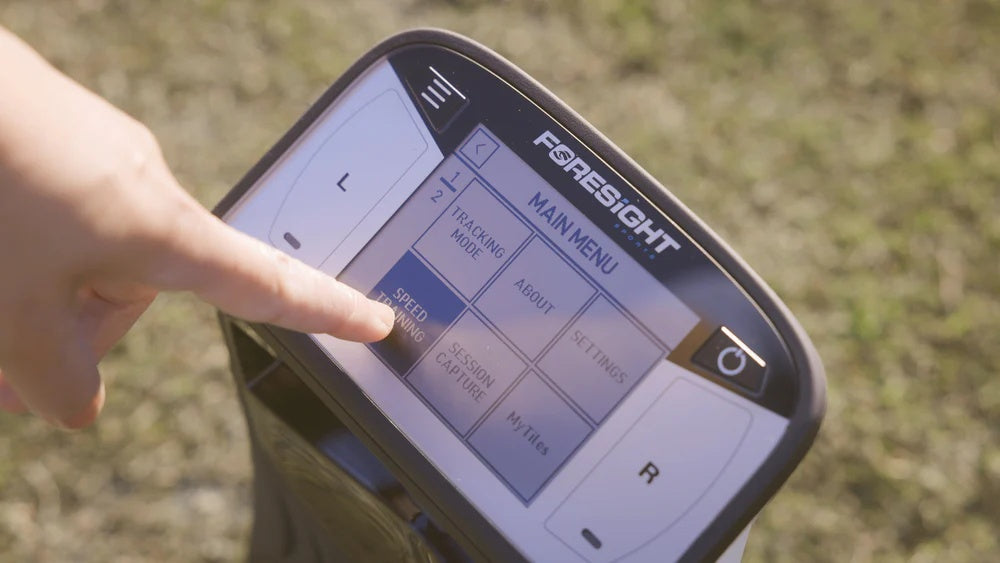
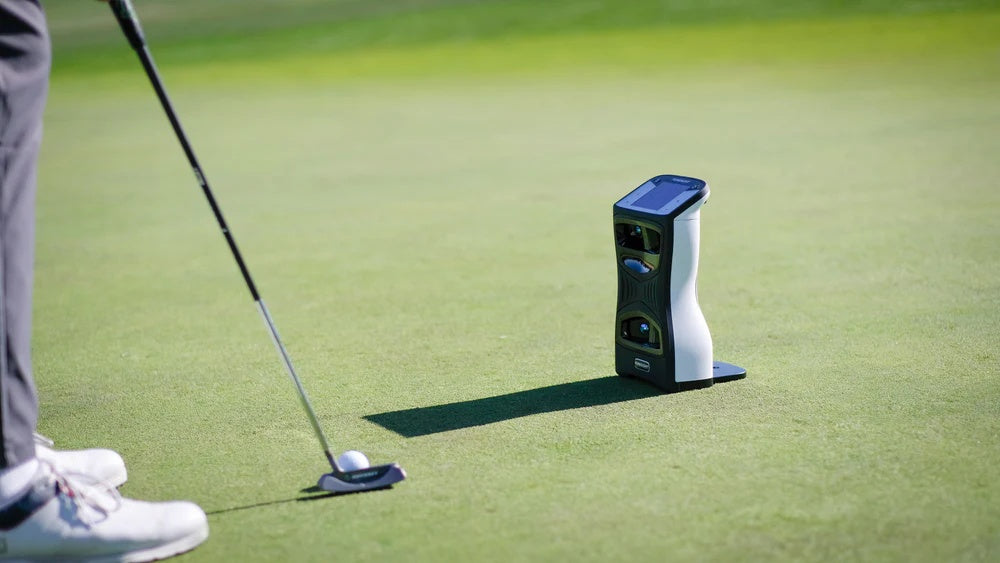
QuadMAX™ Launch Monitor: Next-gen quadrascopic technology tracking precise ball and club metrics. Features a fast touchscreen, customizable MyTiles, massive shot memory, and built-in speed training.
-
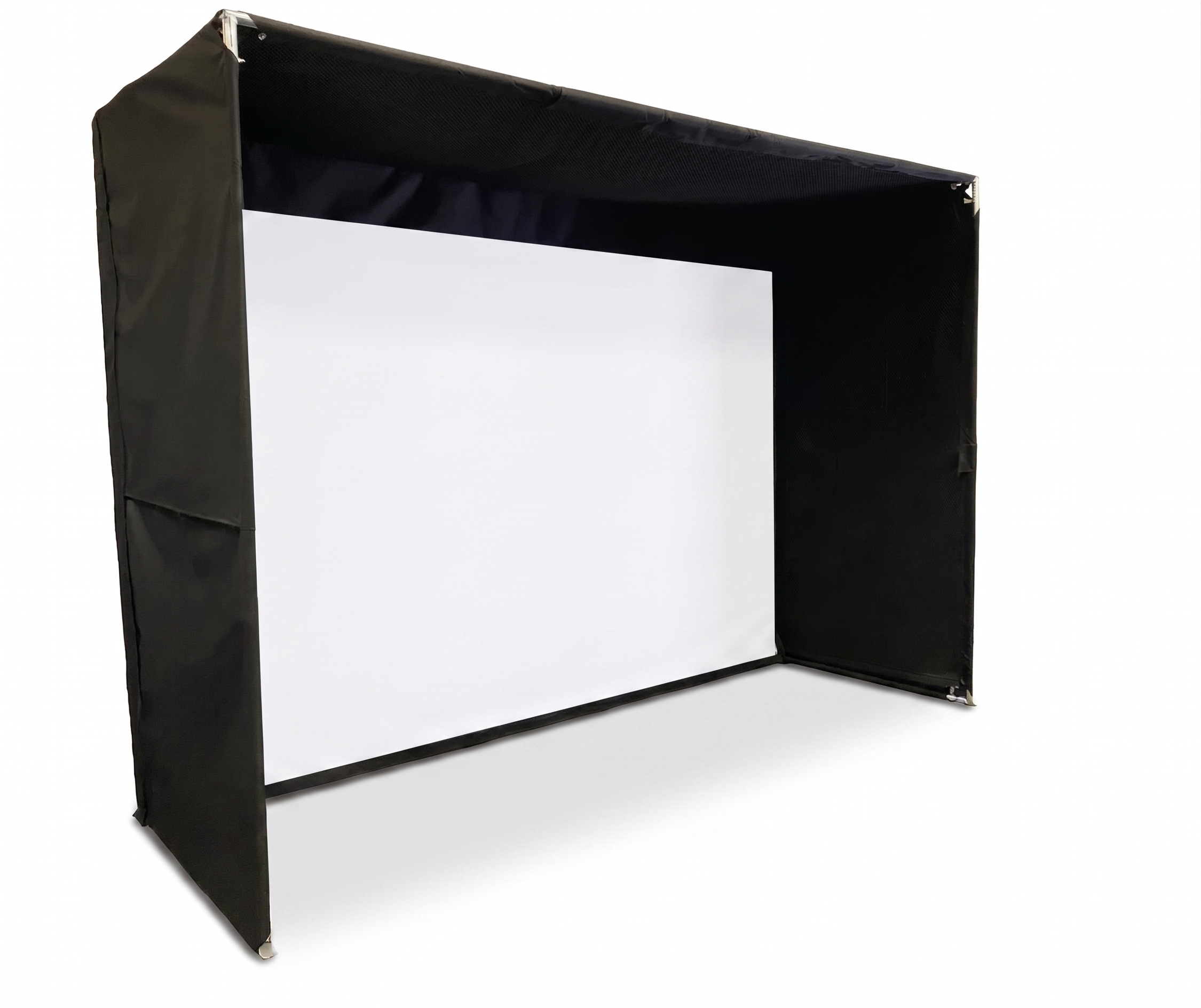
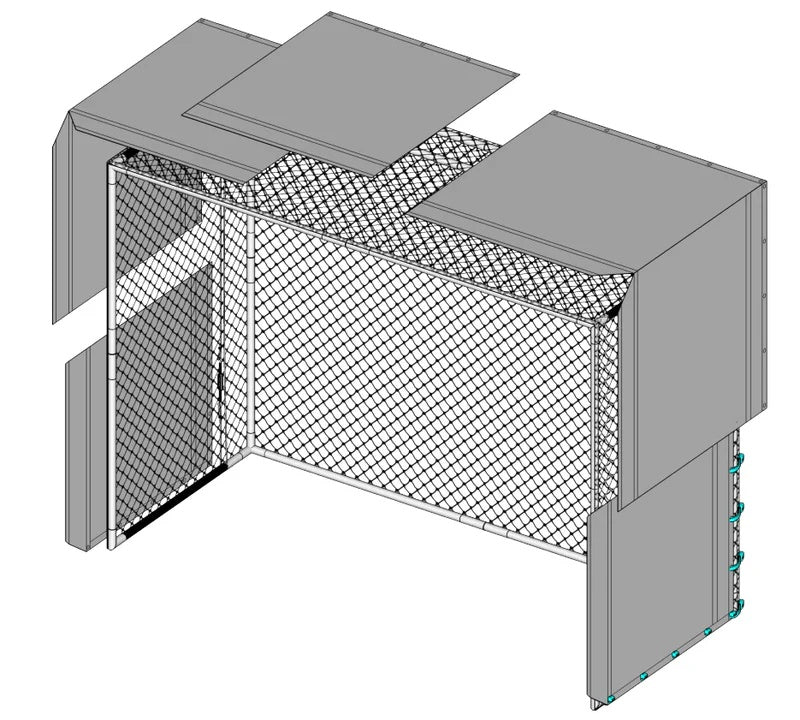
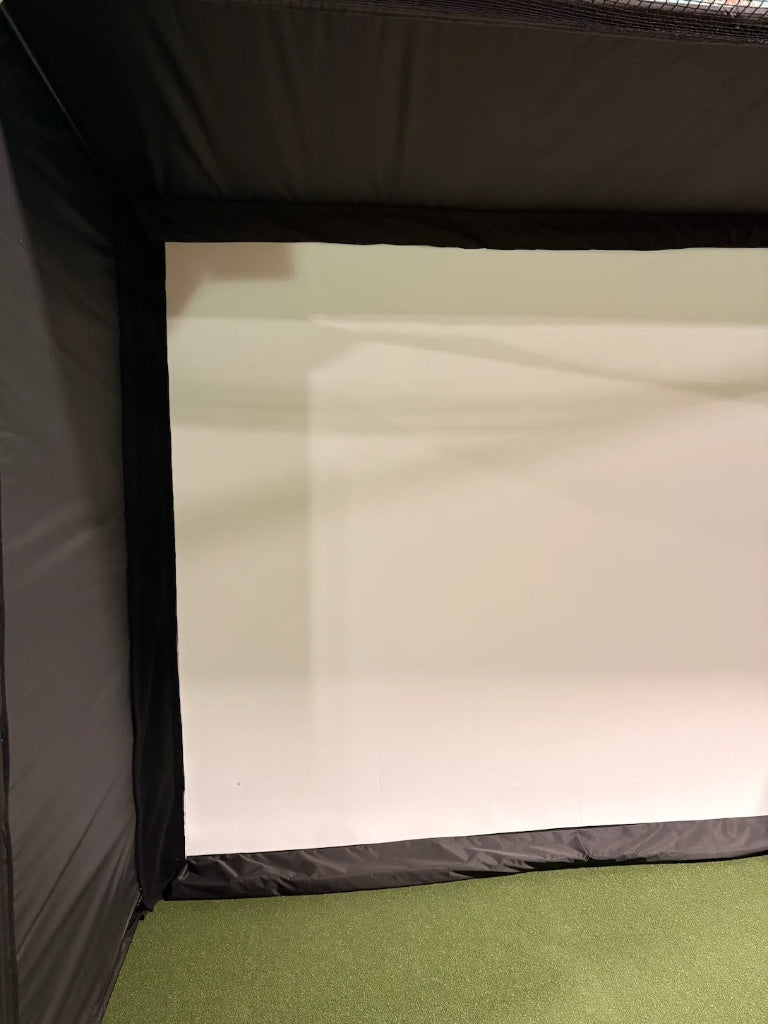
Guardian Bay™ Enclosure: Features light-blocking Eclipse™ panel technology for maximum projector contrast, paired with an internal netting system to safely eliminate bounce-backs.
-
Software Suite: Includes advanced performance analysis software and 25 world-class virtual golf courses.

What’s Included:
1. Tech & Tracking (QuadMAX™ Suite)
-
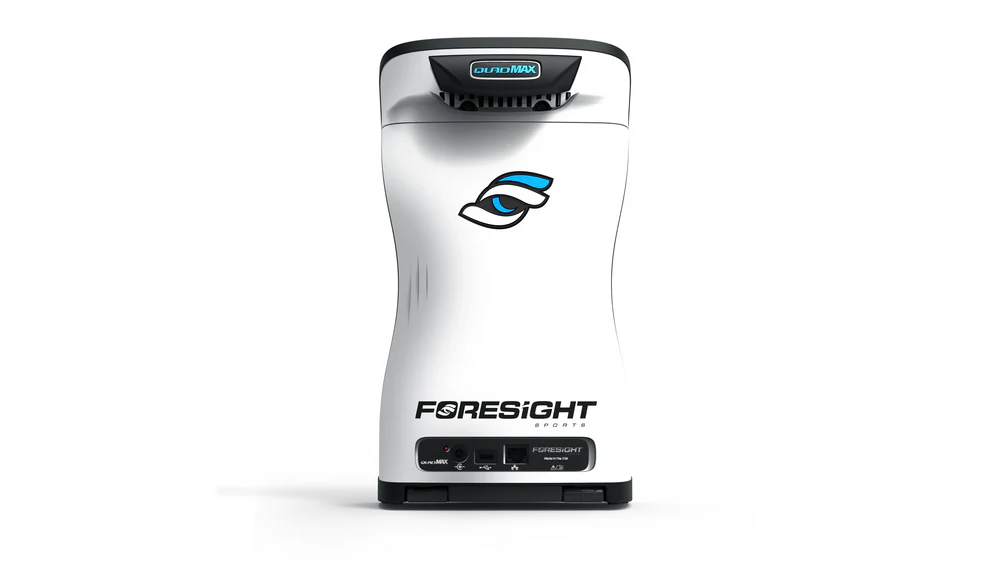
QuadMAX™ Launch Monitor: Next-gen tracking featuring an intuitive touchscreen, extended battery life, lightweight build, and convenient carry handle.
-
🎁 FREE Bushnell Pro X3+LINK Rangefinder: Premium laser rangefinder that syncs with your profile for personalized yardages (shipped separately via email redemption).
-
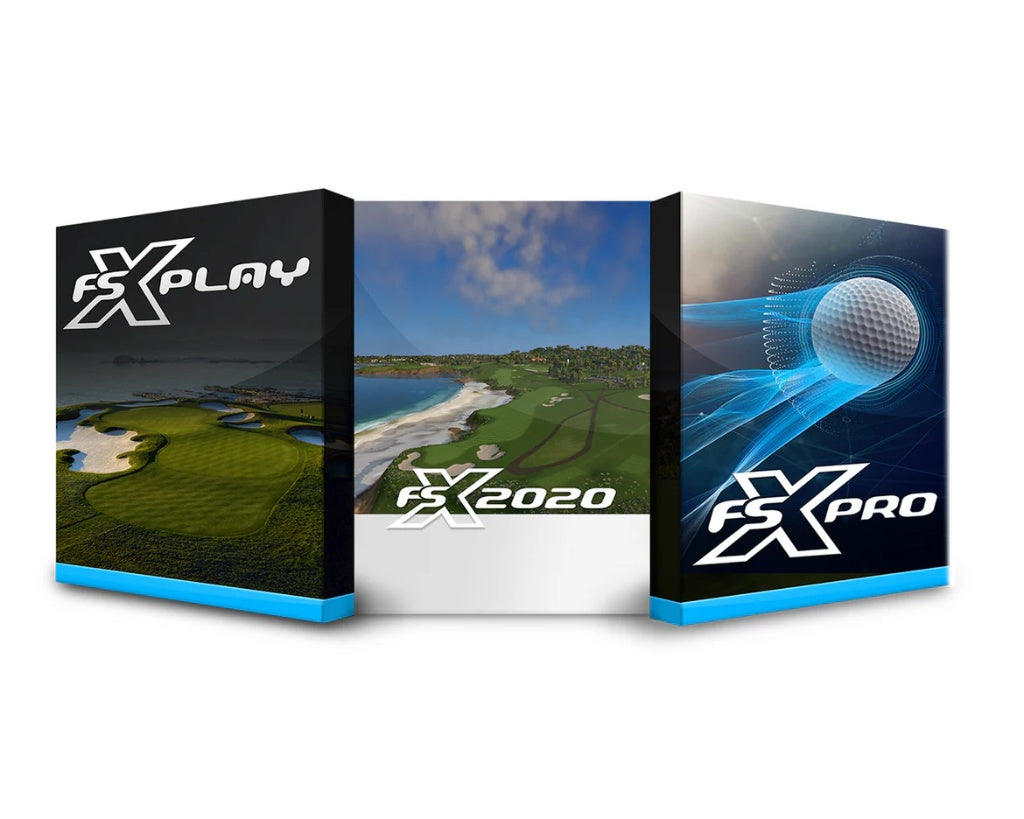
Full Software Suite: Pre-loaded with FSX Play, FSX 2020, FSX Pro, Foresight Fairgrounds, and 25 premium virtual courses.
-
Essentials & 2-Year Warranty: Includes carry bag, charging cables, alignment stick, club markers, and full 2-year warranty protection.
2. The Enclosure & Display System
The Guardian Bay™ Shell & Interior Netting:
-
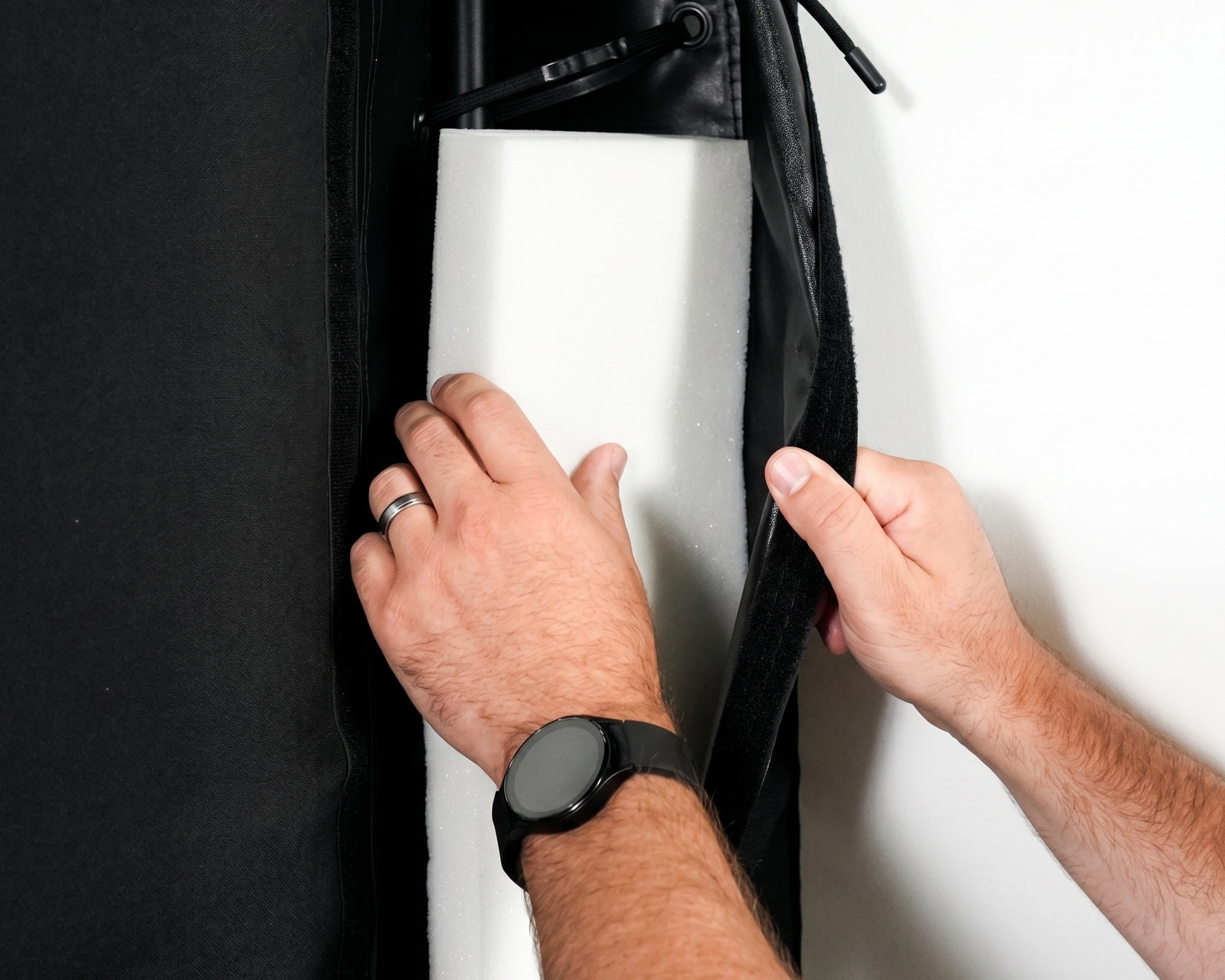
Outer Shell: Heavy-duty, luggage-grade blackout Eclipse™ fabric with recessed safety poles.
-
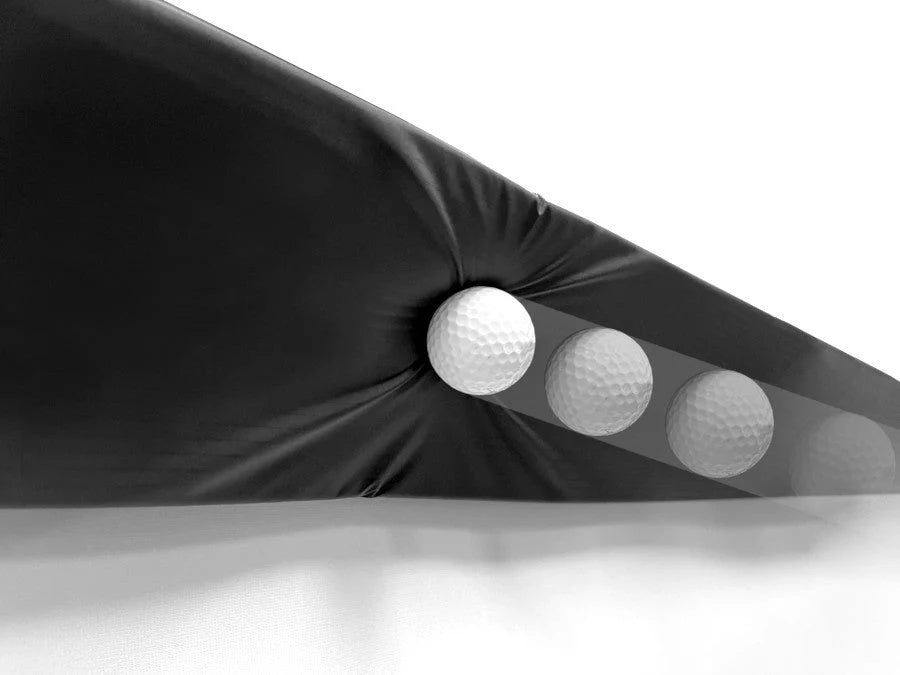
Ballistic Netting: Primary screen, secondary safety net with a 12” air gap, and internal baffle nets.
-
Hardware Kit: Complete setup of zip ties, nylon-coated cable wire, turnbuckle assembly, and pole connectors.
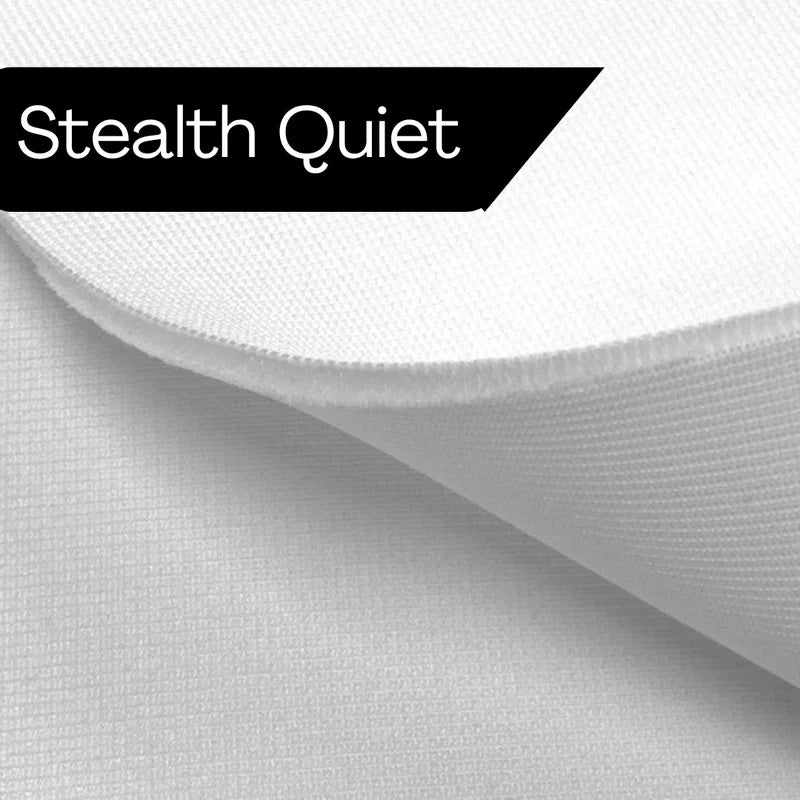
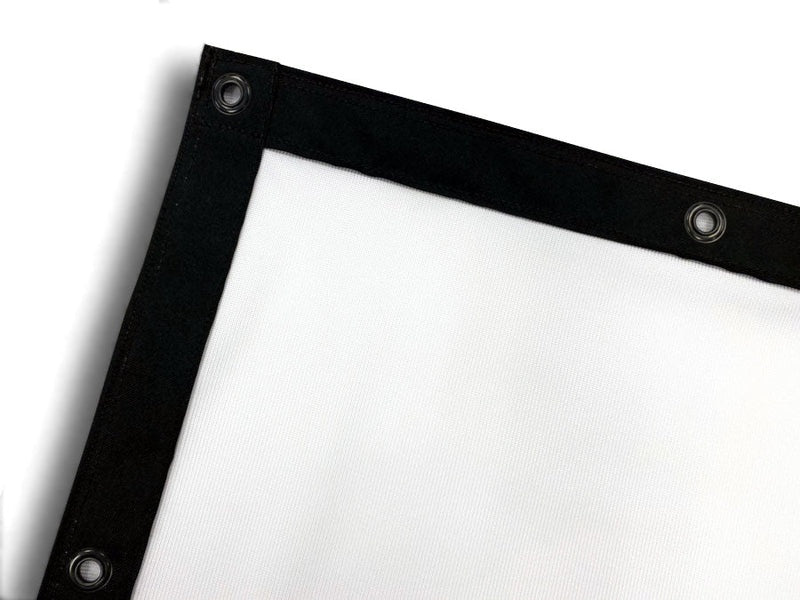
Stealth-Quiet™ Elite 3-Layer Impact Screen:
-
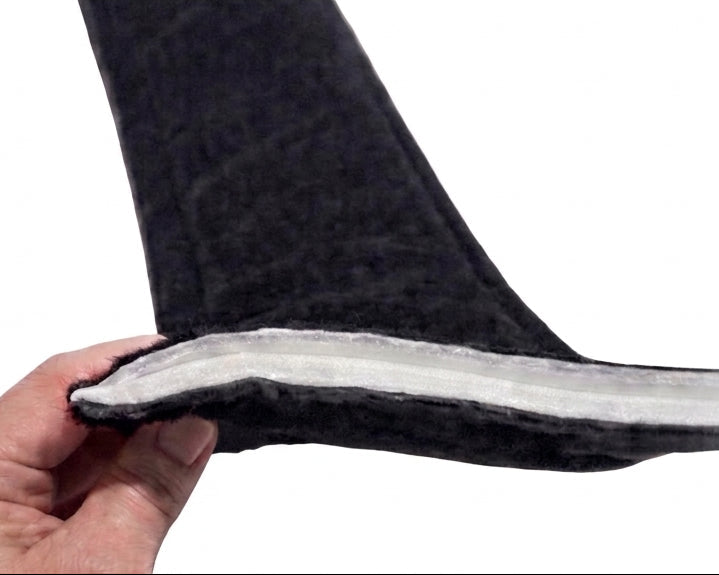
A premium triple-layer screen engineered to deliver the flattest, sharpest image possible with virtually zero noise and maximum energy dampening.
Projector Selection:
-
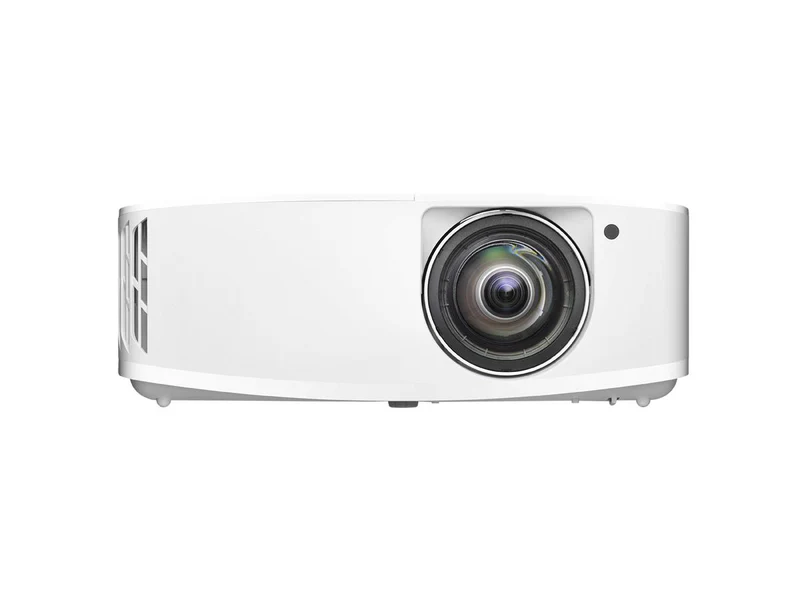
Customize the visual engine resolution of your build using the options below:
-
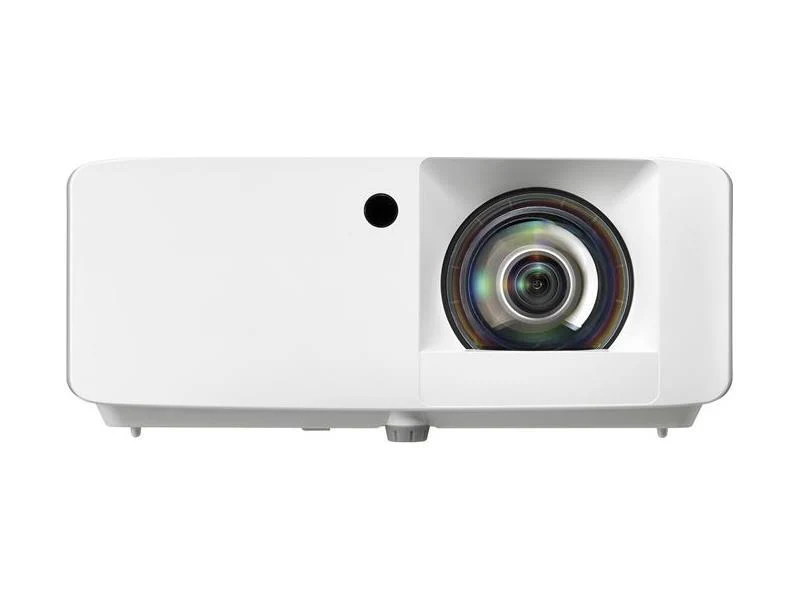
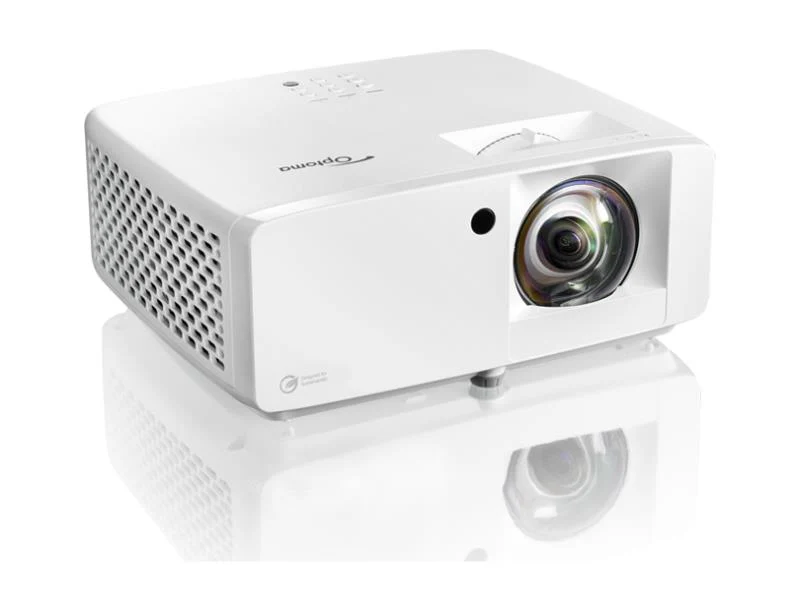
HD: (Optoma WXGA)
-
Full HD: (Optoma ZH451ST)
-
4K UHD: (Optoma 4K400STx)
-
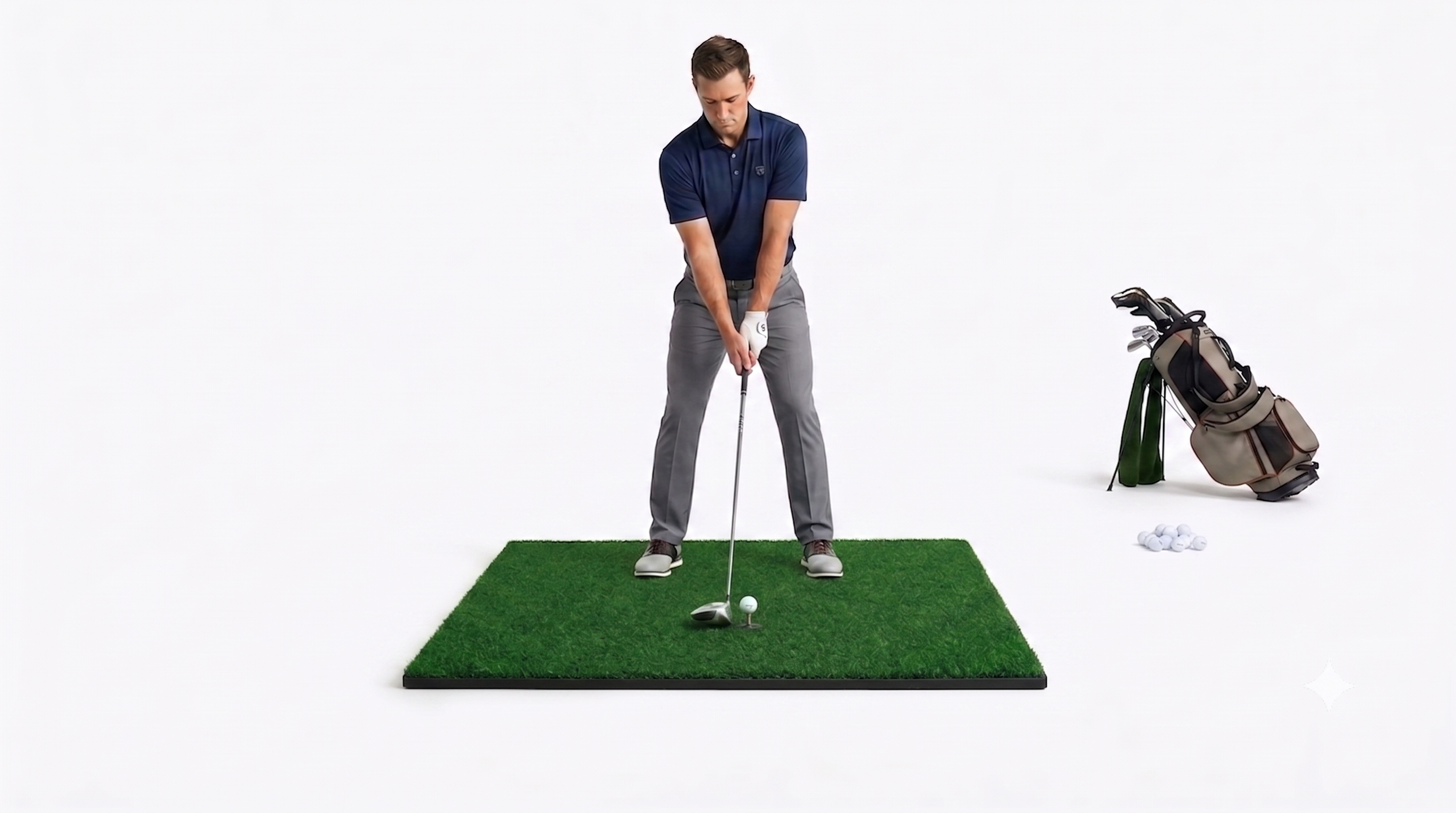
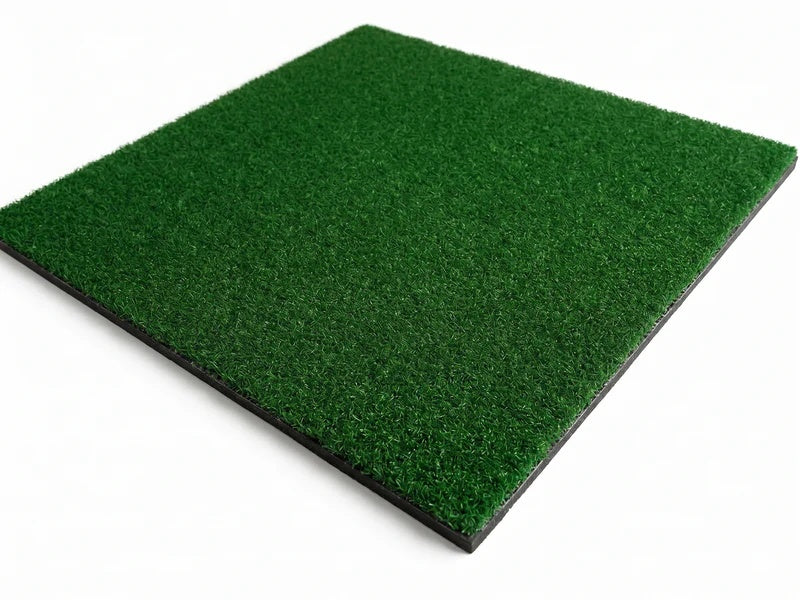
Premium Hitting Mat (4' x 5'):
-
Designed for realistic clubhead turf interaction and lasting durability through prolonged play sessions.
What’s Not Included
-
SurfThing PC gaming computer (required to run simulator software)
-
Turf Roll (you can view our high-end MoneyPutt™ Turf Flooring)
-
Projector mount (We offer floor projector shields, ceiling mounts, or enclosure-attached options for a turnkey setup)
-
Frame poles for the enclosure
Will It Fit My Space? Find Your Setup
-
Garage Setup (9' x 10' x 5'): Ideal for compact spaces and converting standard garage bays.
-
Standard Home (9' x 12' x 5'): The residential sweet spot for a comfortable, centered swing.
-
Commercial & Luxury (9' x 14' x 5'): Massive cinematic view built for lounges, bars, and seamless left/right-handed play.

Unmatched Ball & Club Data
More Data Parameters for a Game-Changing Experience
Powered by four cameras, the QuadMAX is also loaded with performance data to get the utmost accuracy in every play:
| Ball Data | Club Data |
| Launch Angle | Club Head Speed |
| Side Angle | Smash Factor |
| Ball Speed | Club Path |
| Total Spin | Angle of Attack |
| Carry | Loft / Lie |
| Side Spin / Spin Axis | Face Angle |
| Apex | Impact Location |
| Descent Angle | Closure Rate |
| Offline From Target |

QuadMAX™ Power, Software & Upgrades
Intuitive Touchscreen & MyTiles™
-
Instant Control: Ditch the clunky buttons. Effortlessly swipe through menus and use MyTiles to display the exact ball and club data you want to see right after your swing.
Ultimate Software Flexibility
Play on native Foresight software or seamlessly connect to the industry's most popular third-party platforms:
-
Compatible Platforms: GSPro, E6 Connect, Awesome Golf, Creative Golf, and Swing Catalyst.
-
Peace of Mind: Protected by a 2-Year Manufacturer's Warranty.
Need a Custom Fit?
We can customize the enclosure to fit your exact room layout. Send us your dimensions (Height, Width, Depth) and a few photos of your space:
-
Email: sales@turnkeyprostudios.com
-
Text: 402-577-0167 (We respond within 24 hours)
Premium Upgrades (Sold Separately)
-
MoneyPutt™ Premium Turf Roll: USA-made, high-traffic nylon flooring that lays completely flat without tape or glue for a true country club feel.
-
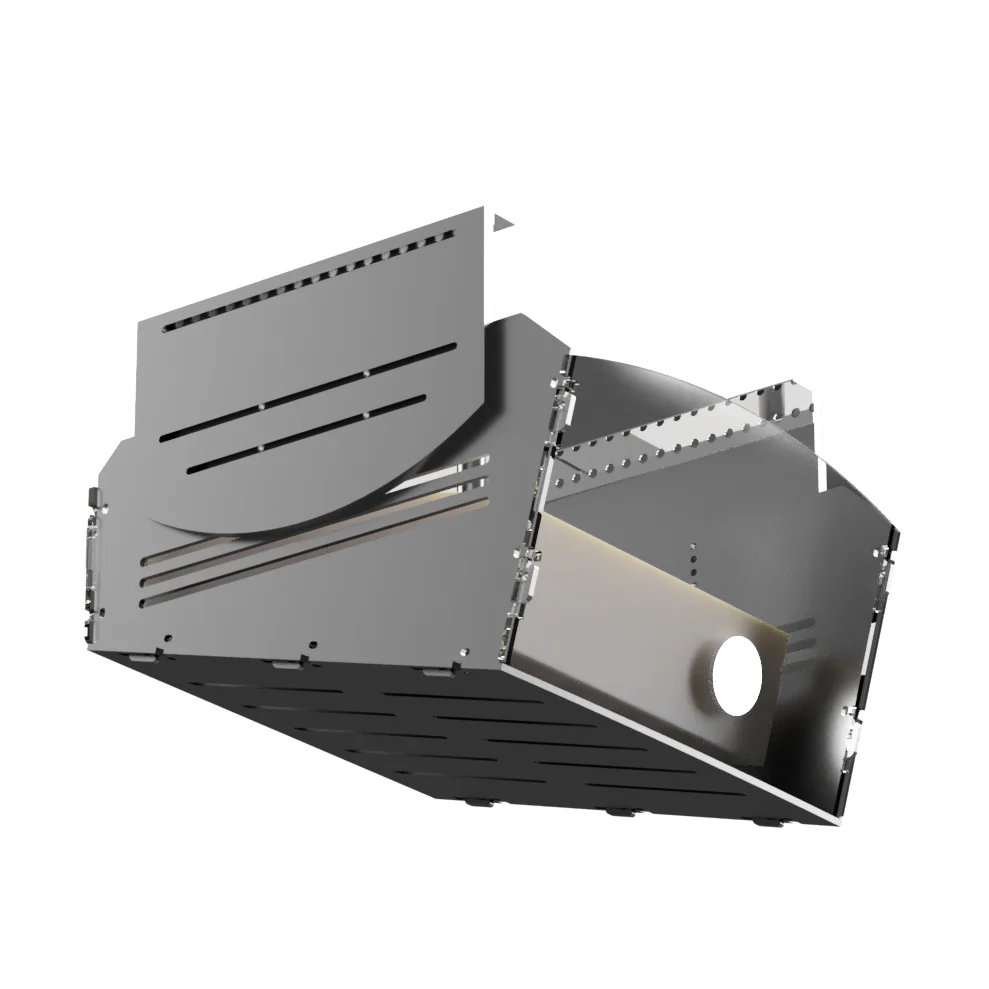
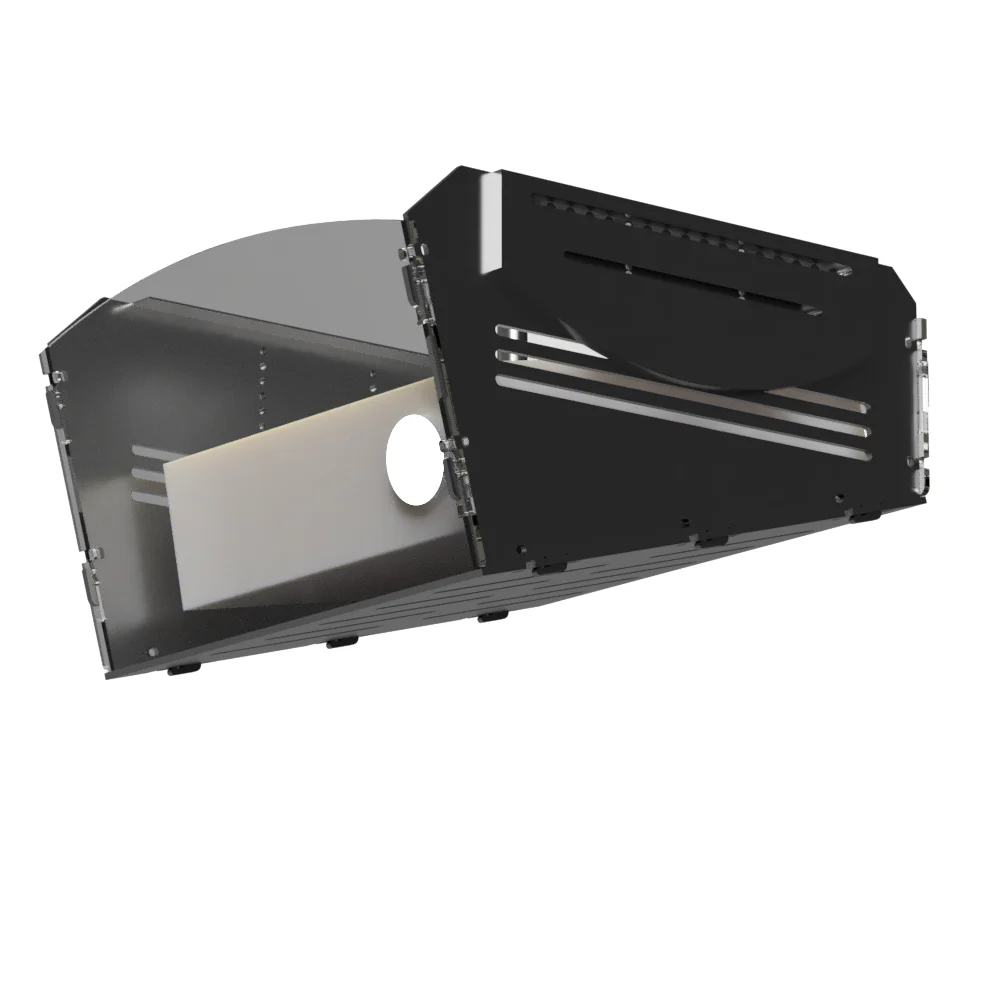
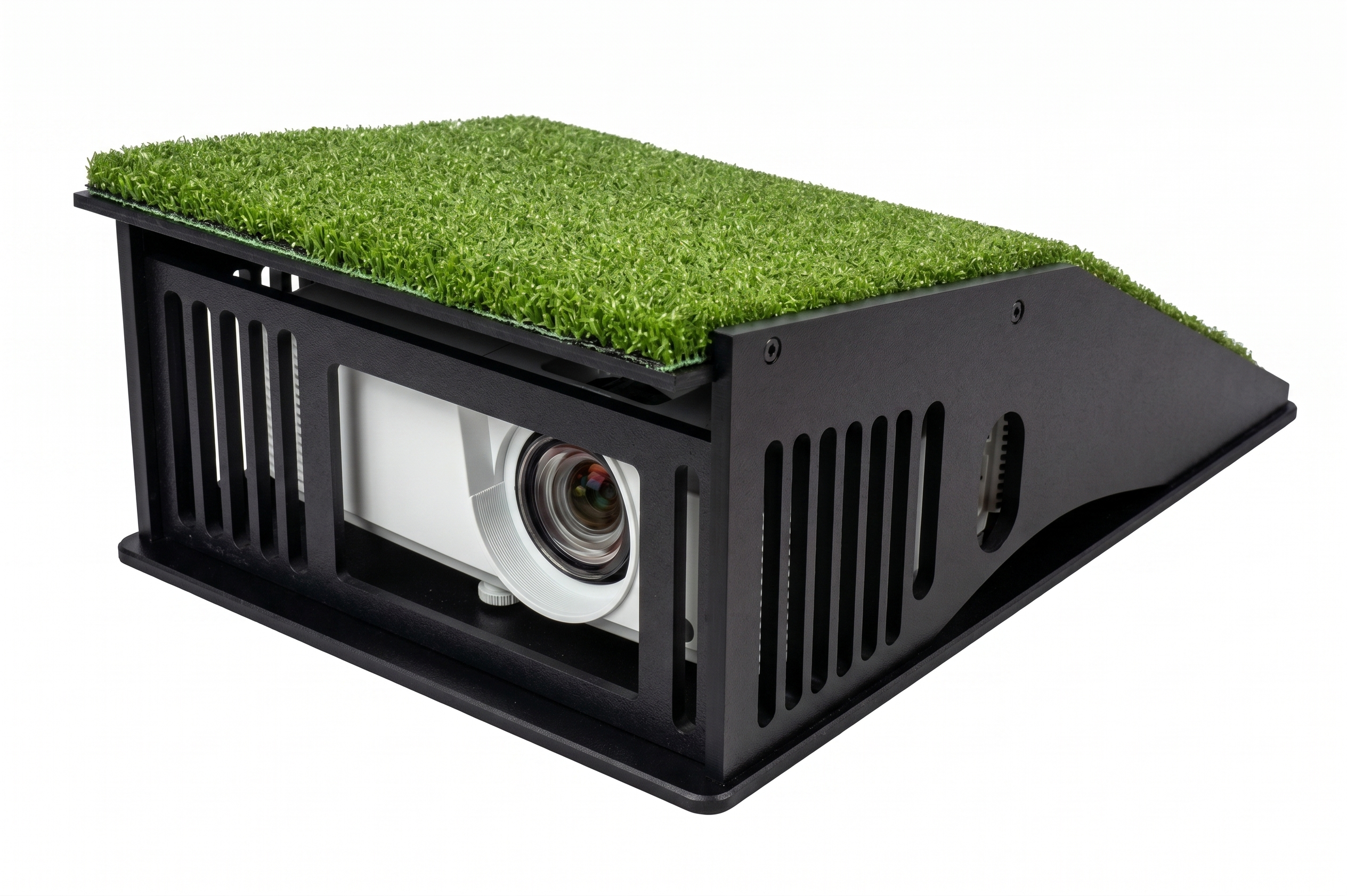
Optic Cage Ceiling Mount Shield: A heavy-duty, ballistic shell that fully protects hanging projectors from high-velocity overhead stray shots.
-
Optic Cage Projector Floor Mount: A low-profile ramp enclosure designed to safely deflect low-launching ball strikes right over the lens.
Finish Your Setup
Frecuently bought together
Foresight QuadMAX & Guardian Bay Standard Bundle Further Information
Processing: 3-5 Business Days (Quality check & packaging).
Shipping: 3-5 Business Days via FedEx.
Total Delivery: Expect your whole package within 6-10 Business Days.
Signature Required: For security, an adult signature is required upon delivery.
Fees: Free Standard Shipping
Multiple Shipments: Please note that products or boxes may arrive at different times, as items are sourced through exclusive agreements with multiple suppliers.
Space & Sizing
Q: Will the Guardian Bay™ fit my space?
A: Yes. It requires 0 inches of rear wall clearance (sits flush) and we offer ideal configurations for every setup:
- 9'H x 10'W x 5'D: Perfect for garages and small rooms.
- 9'H x 12'W x 5'D: Great for standard-sized simulator rooms.
- 9'H x 14'W x 5'D: Best for commercial venues and high-end residential spaces.
- Custom Sizes: We offer full customization if you need unique dimensions. Email: sales@turnkeyprostudios.com | Phone: 402-577-0167.
Q: Are the frame poles included?
A: No, poles are sold separately. We provide a free local cut-guide, or you can purchase our pre-cut Full-Frame Kit directly from us to avoid hardware store headaches.
Safety & Construction
Q: Is this enclosure safe for kids and beginners?
A: Absolutely. The 360° Wrap Protection completely encloses the top, sides, and back to contain missed shots safely inside the bay.
Q: How does it eliminate dangerous bounce-backs?
A: Our Dual-Net Ballistics (two rear nets with a 12" air gap) absorbs heavy impact, while Impact-Armor™ Technology keeps metal frame poles recessed and completely out of play.
Q: Why is this the best choice for homes and businesses?
A: It combines premium, luxury-grade Eclipse™ Fabric for a high-end look with rugged commercial durability built to withstand thousands of high-velocity shots.
Projector & Screen Setup
Q: How do I know which projector works with this system?
A: The projector choices on this bundle are predetermined to work flawlessly with this specific package. Our team can fully assist you with your golf simulator projector setup to ensure optimal alignment.
Q: Why does this enclosure offer the best environment for a projector?
A: The light-blocking Eclipse™ Fabric eliminates outside ambient light, maximizing your projector's brightness and contrast for a sharp 4K experience.
Q: Do I need to drill into my ceiling to mount my projector?
A: No, we offer multiple hassle-free options to fit your space:
- Rail-Glide™ Mount: Attaches to the frame so you can slide and align your projector without drilling into the ceiling.
- Optic Cage Floor Mount: Keeps your projector safely protected on the ground, eliminating overhead mounting entirely.
- Optic Cage Ceiling Shield: A heavy-duty ballistic cage to protect your projector if you choose a ceiling mount.
Upgrades & Support
Q: What is recommended for the wider 12' and 16' models?
A: We highly recommend the SkyHolder™ Span Brackets + Strut System to replace the top pole with a rigid rail, completely eliminating center screen sag.
Q: Do you offer premium turf options for the floor?
A: Yes. The USA-made MoneyPutt™ Turf Roll features premium texturized nylon with a heavy-duty backing that lays completely flat without messy tape or glue.
Q: Can I get a completely custom solution?
A: Yes!
Email us: sales@turnkeyprostudios.com
Text us: 1-402-577-0167
with your dimensions and a few pictures. We will respond within 24 hours.
- Clubhead Measurement
- Essential Putting Analysis
- FSX Play Software
- FSX 2020 Software
- 25 Golf Courses
- FSX Pro Performance Software
- Foresight Fairgrounds
- QuadMAX Carry Bag
- Power Adapter & Cable
- USB-C Cable
- Alignment Stick
- Club Markers
- 2-Year Warranty
Case Dimensions
Modern, Compact Case: 8.07" (W) x 14.29" (H) x 17.8" (D)
Computer Specifications
- Processor: Ultra 5 225F
- Cooling: Dual Fan 120MM Air Cooler
- Graphics Card: RTX 5070 Ti 16GB GDDR7
- Memory: 32GB DDR5 6000MHz
- Storage: 2TB NVMe Gen4 SSD
- Operating System: Windows 11 Home
- Wireless: Bluetooth 5.3, WiFi 6E
- Rear I/O: 1x USB-C (Thunderbolt), 6x USB 3.2 Gen 1, 6x USB 2.0, 1x 2.5G LAN, 2x WiFi Antennas, 1x Optical S/PDIF, 2x Audio Jacks
- Front I/O: 1x USB 3.2 Gen 1 Type-C, 1x USB 3.2 Gen 1 Type-A, 1x HD Audio
- Blue Bayou Golf and Fishing Club
- Broken Tree Golf Course
- Linfield National Golf Club
- Teton Pines Golf Course
- Willow Crest Golf Club
- The Farms Golf Club
- Beaver Hills Country Club
- Tall Pines
- Butterfield Country Club (Red/Blue)
- Kinsale Golf and Fitness Club
- Awbrey Glen Golf Course (FSX Play Only)
- Barren Boulders Executive (FSX Play Only)
- Black Rock Golf Course (FSX Play Only)
- Detroit Country Club (FSX Play Only)
- Glen Flora Country Club (FSX Play Only)
- Greencastle Golf Club (FSX Play Only)
- Meadowbrook Country Club (FSX Play Only)
- Mill Creek Golf Club (FSX Play Only)
- Potter's Park Golf Course (FSX Play Only)
- Prairie Bluff Golf Club (FSX Play Only)
- Sunnyside Golf & Country Club (FSX Play Only)
- The Bedens Brook Club (FSX Play Only)
- Twin Run Golf Course (FSX Play Only)
- Wellington National Golf Club (FSX Play Only)
- Tropical Paradise Executive (FSX Play Only)
Cancellations
- Standard Orders: You can cancel your order within 24 hours of placement for a full refund. After 24 hours, a $250 fee will be charged.
- Customized Orders: Customized orders have no cancellations and no returns due to the custom nature of these orders.
Warranty Coverage Guidelines
- Eligible Items (Warrantied): We offer full warranty backing for hardware and electronics, including Launch Monitors, Projectors, and Computer Electronics, which are fully covered under their respective manufacturer's factory warranties.
- Exempt Items (No Warranty): We do not offer a warranty on high-wear physical items, including impact screens, enclosures, fabrics, netting, wall panels, and hitting mats. Because these products are designed to absorb repeated high-velocity ball impacts, damage to these items is classified as CID (Customer Induced Damage) and standard wear-and-tear.
Enclosures, Screens, and Accessories (Returns)
Returns of golf simulator products and accessories manufactured by TurnKey Pro Studios (including Guardian, Wedge, and InstaBay series) must be pre-approved and received by our fulfillment center within 14 days of delivery. Please contact us for an RMA (Return Merchandise Authorization) before initiating a return.
- Our Guarantee: We accept full responsibility for production or manufacturing errors. However, due to the wide variety of installation methods, physical environments, and user skill levels, we do not offer an extended warranty on soft goods or wear items.
- Condition of Returns: All returned items must be in 100% like-new condition and include all original factory shipping boxes, packaging materials, and accessories, or the return will not be accepted.
- Restocking & Shipping Fees: A 25% restocking fee applies to all returned items. Outbound shipping costs are non-refundable. For products listed with "Free Shipping," the actual cost of our outbound shipping will be deducted from your total refund amount. There are no exceptions.
Electronic Products (Returns)
We fully insure every shipment, but we only accept returns on electronic items if they are damaged during shipping. There are no exceptions to this policy.
- Reporting Damage: Shipping damage must be documented with photographic evidence and reported within 24 hours of delivery. We highly encourage you to reject any deliveries that show clear structural damage to the boxes.
- Warranty Support: TurnKey Pro Studios will happily assist you in securing replacement or repair services directly from the original manufacturer if a technical issue arises post-delivery.
Golf Simulation Software
Returns and refunds are not accepted under any circumstances for digital golf simulation software products, including Game Improvement Plans, The Golf Club Software, and Creative Golf 3D Software. All software sales are final.
Reach Out to Us And We Will Respond Within 24 Hr.
Call/Text Us: 402-577-0167
Email Us Directly: sales@turnkeyprostudios.com
Certified Systems Integrator
As a specialized systems integrator, we do more than just resell products. We vet, test, and authorize only market-proven hardware from elite manufacturers. By sourcing through TurnKey Pro Studios, you are guaranteed authentic, high-performance gear backed by professional-grade technical certification.
Stealth-Quiet™ Impact Technology
Our triple-layer screens are engineered for industry-leading noise reduction. They are the premier choice for residential garages, luxury hotels, and commercial lounges where acoustic control is a priority.
Smart Installation Frameworks
Skip the complexity. We offer Smart Frameworks designed for rapid deployment, reducing setup time from hours to minutes. Our modular systems ensure professional stability with intuitive, tool-efficient assembly.
"Build Your Own" Studio Tools
Eliminate the guesswork with our interactive Build Your Own Simulator page. You select the specific components, from launch monitors to enclosures, giving you total control over your configuration while ensuring every part is technically compatible.
Expert Consultations in <24 Hours
Get recommendations from specialists who understand the technical nuances of golf simulation. Reach out today, and our experts will provide a tailored response to assist your journey within 24 hours.
Tier-Level Technical Support
We are your dedicated partner for the life of your studio. From initial configuration to long-term maintenance, we provide expert, Tier-Level support to ensure your system operates at peak efficiency from day one. We take pride in providing the fastest technical customer support in the industry to keep you up and running.