




BenQ
BenQ LK830ST Short Throw 4K Golf Simulator Projector - 4000 Lumens Laser (Garage)
Add Package Options
Choose options
Add Package Options
Add Package Options

LK830ST 4K Short Throw Laser Projector – 4000 Lumens for Garage Golf Simulators & Compact Spaces
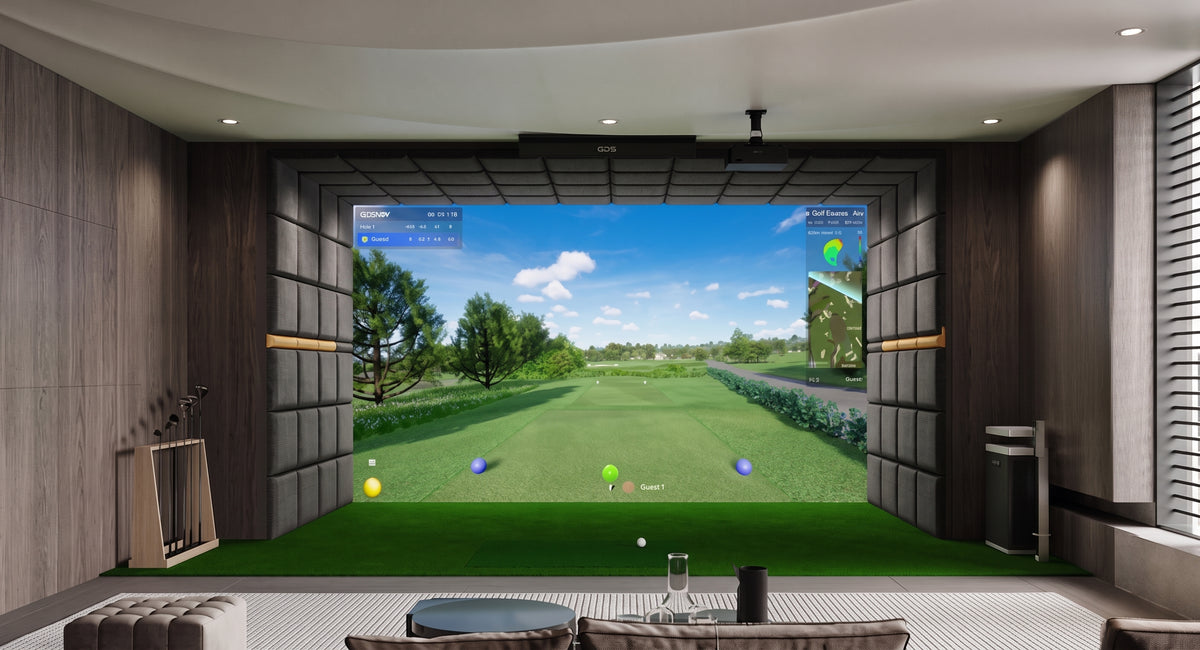
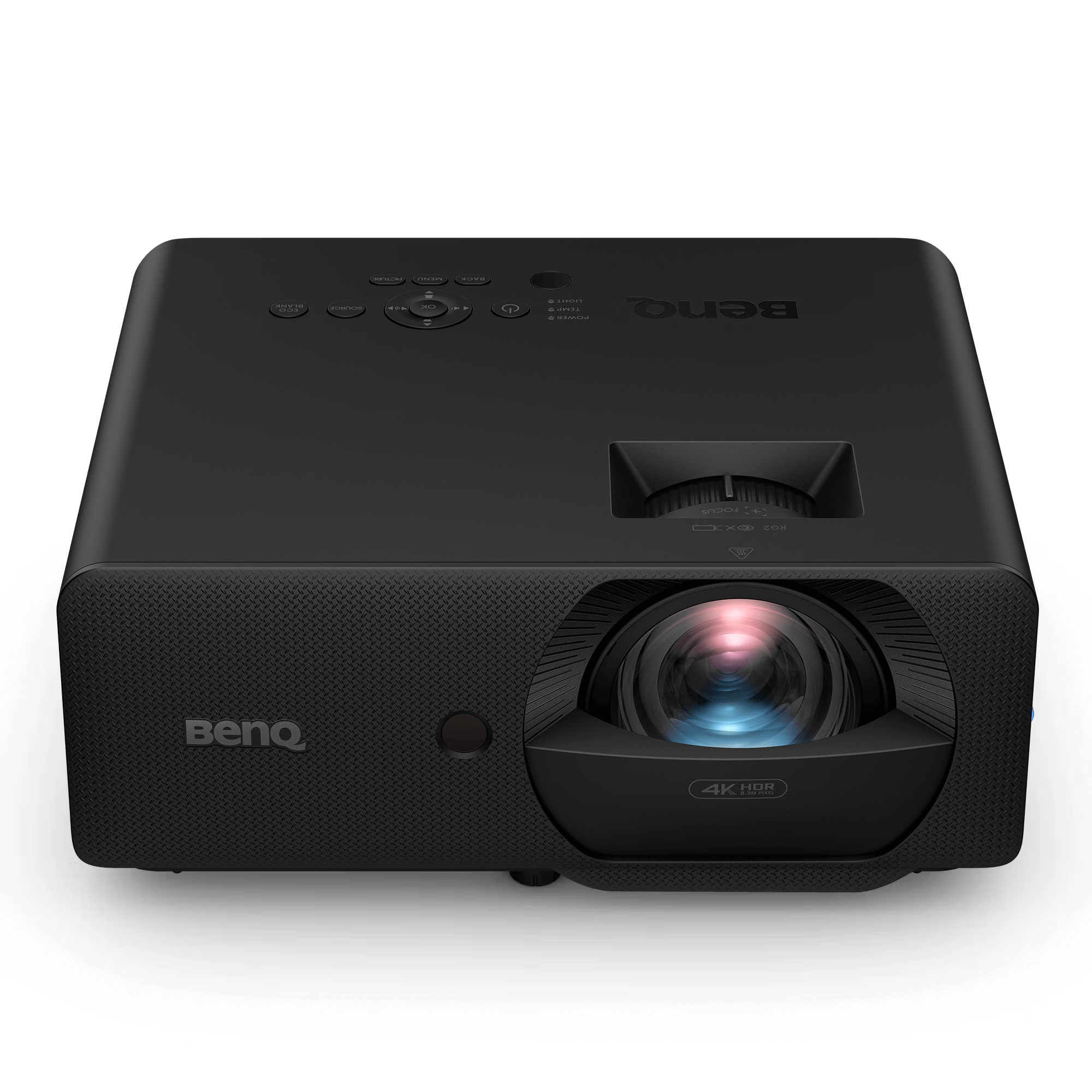
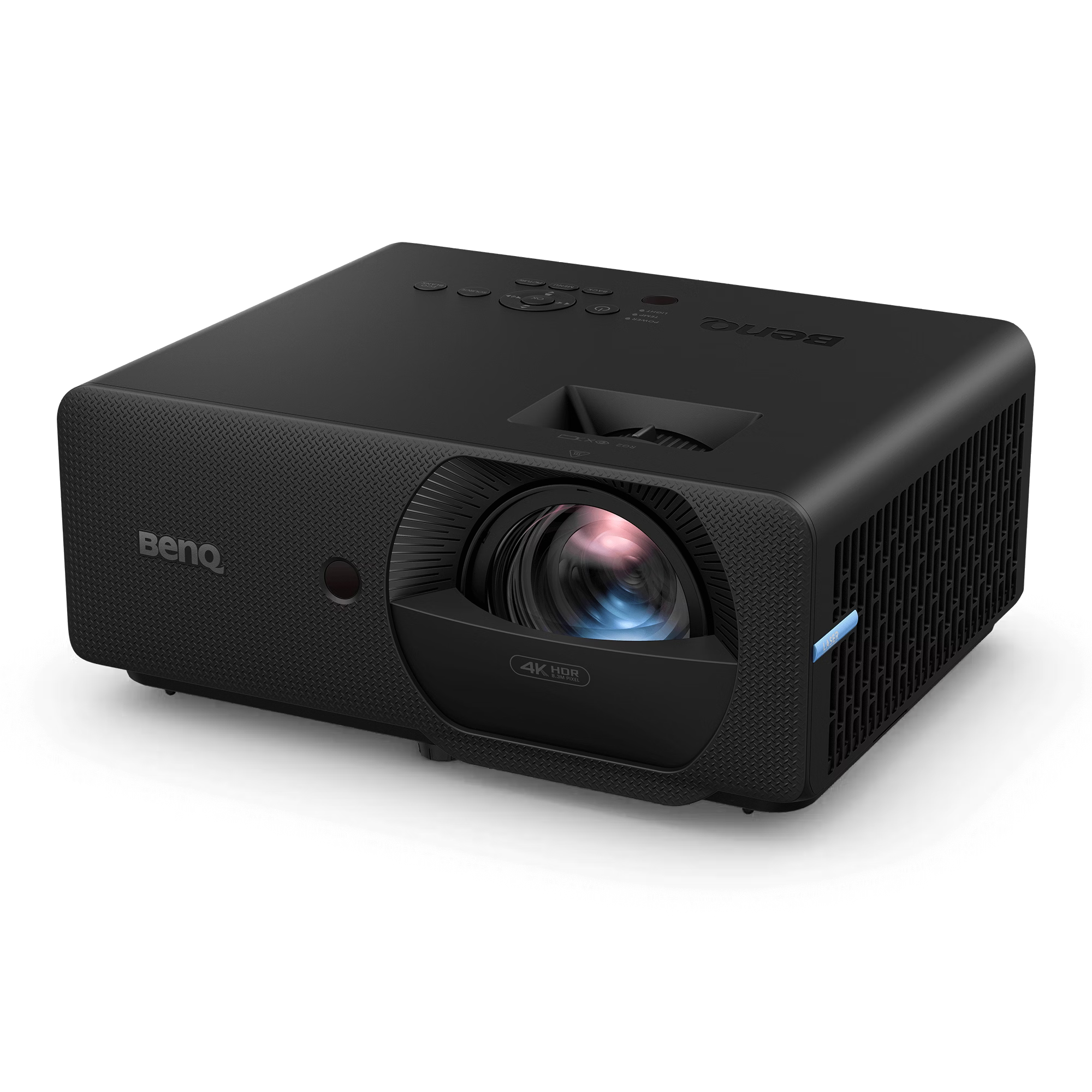
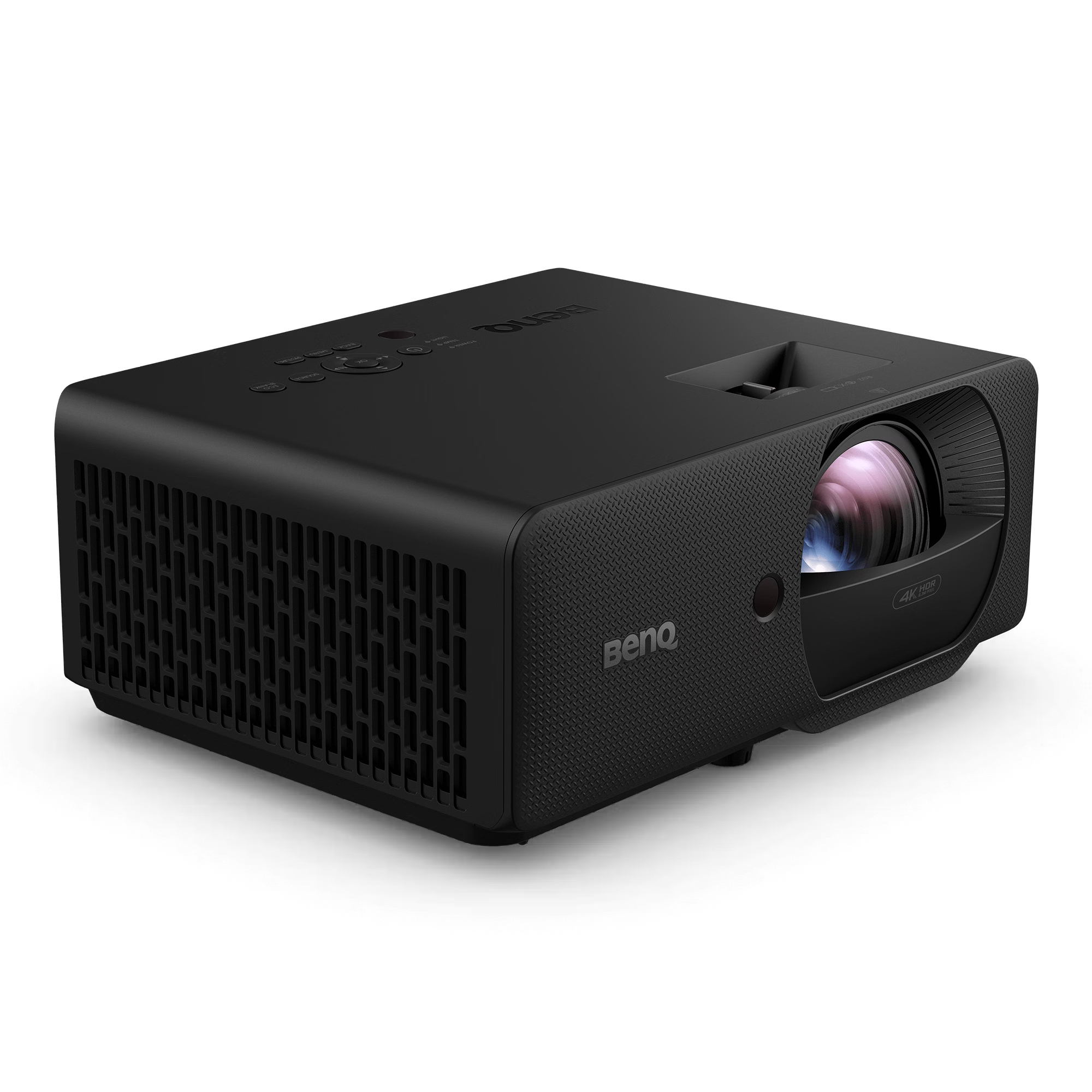
The BenQ LK830ST is a premier, high-brightness golf simulation projector offering cinematic-grade True 4K resolution tailored specifically for garages and compact spaces. Featuring an ultra-short 0.5 throw lens, it eliminates the need for massive room depth, allowing you to easily enjoy a hyper-realistic, immersive 4K golf and entertainment experience even in the tightest setups.

BenQ LK830ST Highlights for Garage Setups
-
0.5 Ultra-Short Throw: Project a massive, immersive image from just feet away. This maximizes small garage footprints and allows for full-scale simulation in shallow spaces.
-
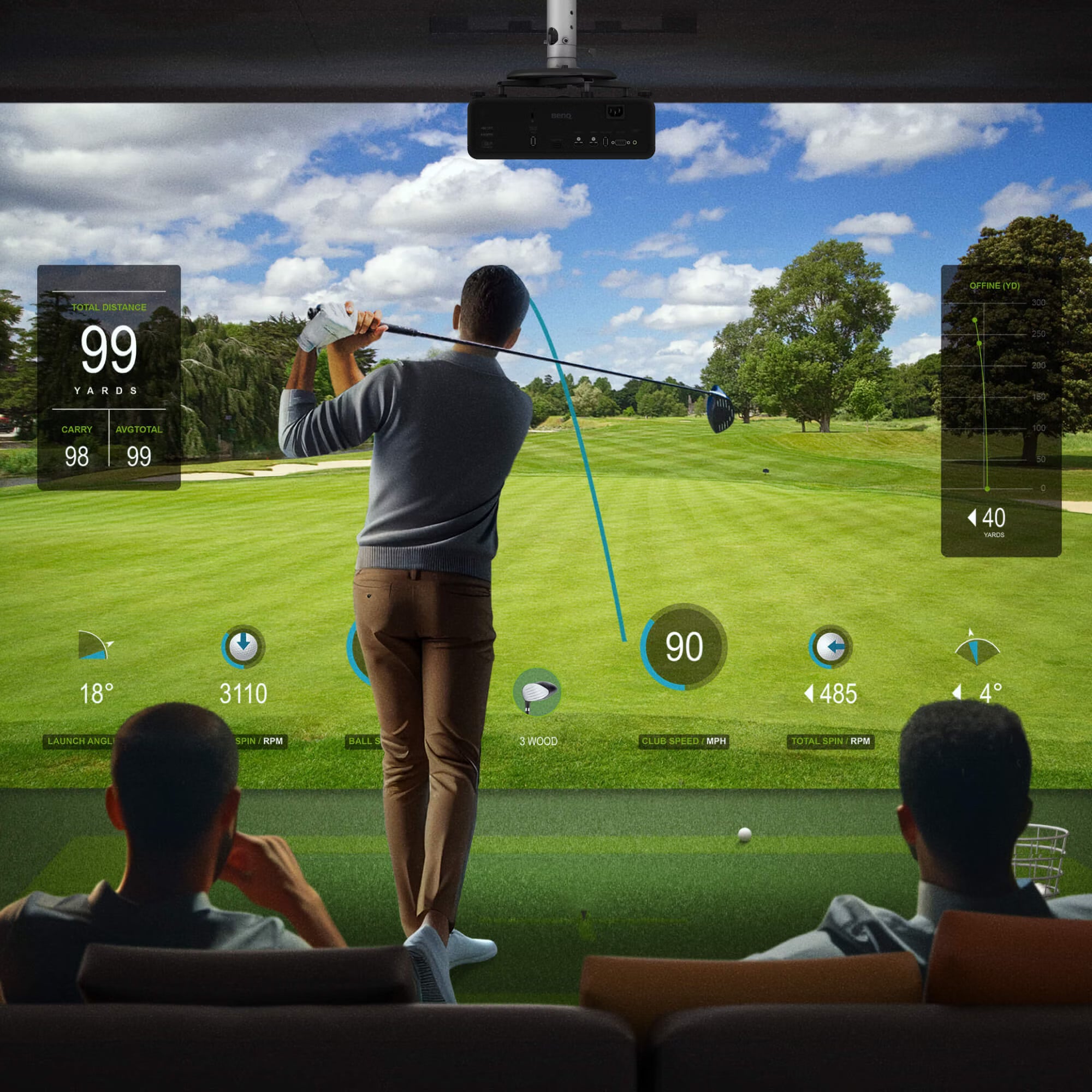
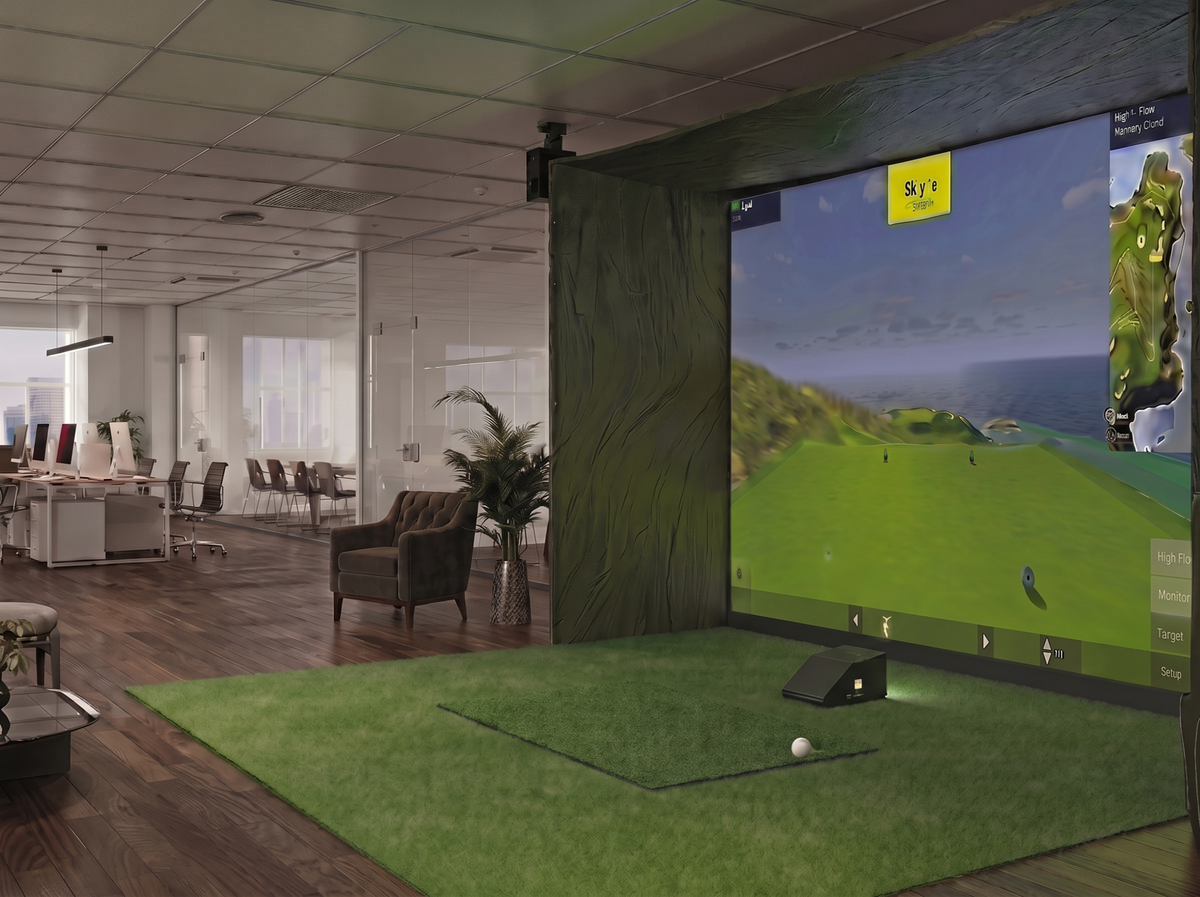
Shadow-Free Swings: By placing the projector safely in front of the golfer, you completely eliminate annoying player shadows on the screen and keep the unit clear of your swing path.
-
4,000 Lumens Laser Brightness: Engineered to crush ambient garage light. Enjoy crisp, vivid, lights-on play without needing a pitch-black room, powered by a maintenance-free laser engine.
-
True 4K & Golf Color Tuning: Ultra-sharp 4K UHD resolution paired with dedicated color calibration makes elite simulation software like GSPro, E6 Connect, and TGC 2019 look hyper-realistic.
-
Hassle-Free Auto Keystone: Instantly squares and aligns the image to your impact screen, eliminating tedious manual leveling in tight or awkward mounting positions.
Product Features & Specs
| Feature | Specification |
| Resolution & Lumens | True 4K UHD (3840×2160) – 4,000 ANSI Lumens |
| Display Type | DLP Projector (1.07 Billion Colors) |
| Contrast Ratio | 3,000,000:1 |
| Native Aspect Ratio | 16:9 |
| Throw Ratio | 0.5 (Fixed Focal Length Optimized for Compact Spaces) |
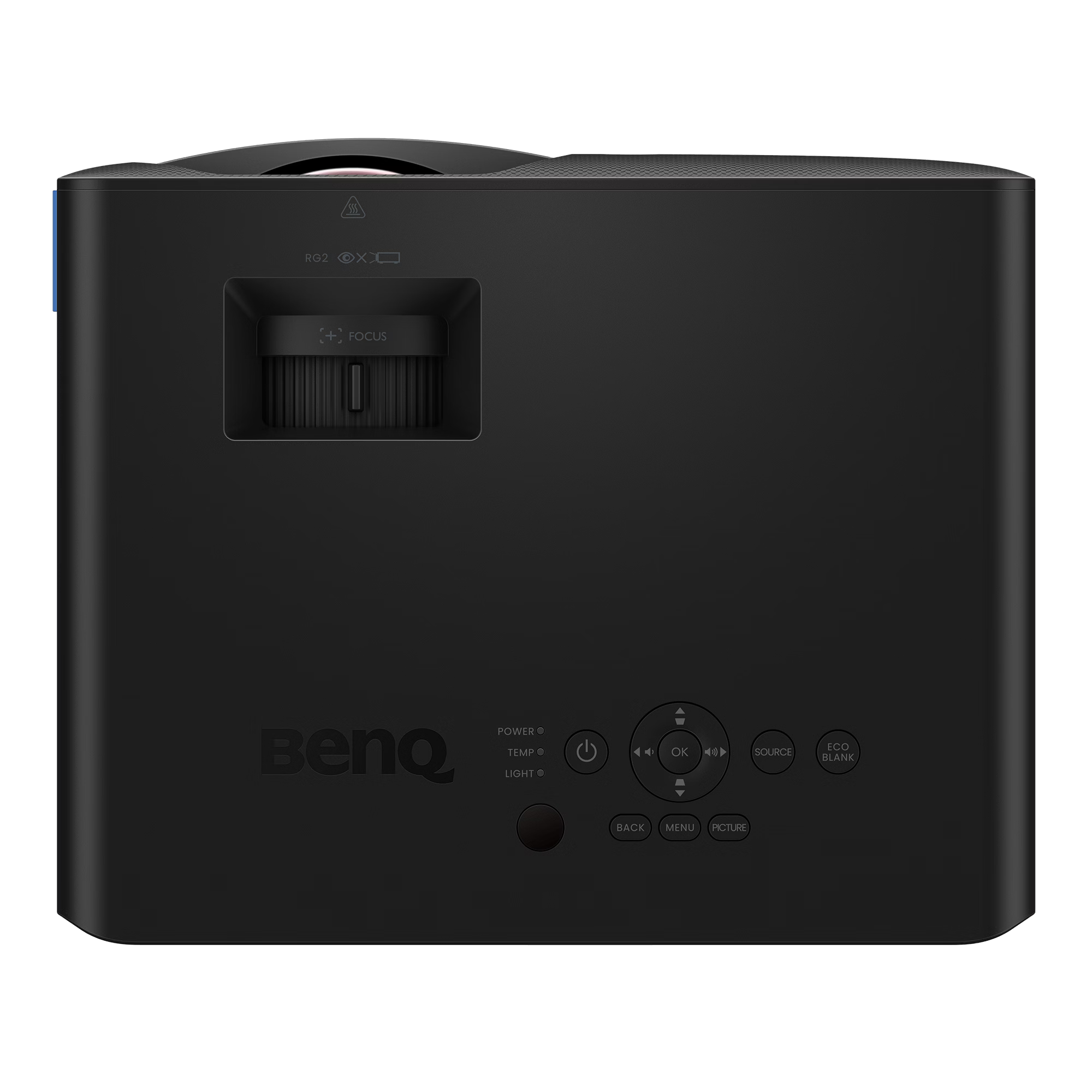
| Keystone Adjustment | Auto Alignment; Vertical ± 30°; Horizontal ± 30° |
| Light Source | Maintenance-free Laser (20,000 to 30,000-hour lifespan) |
| Audio / Speaker | 1 x 15W Powerful Built-in Speaker |
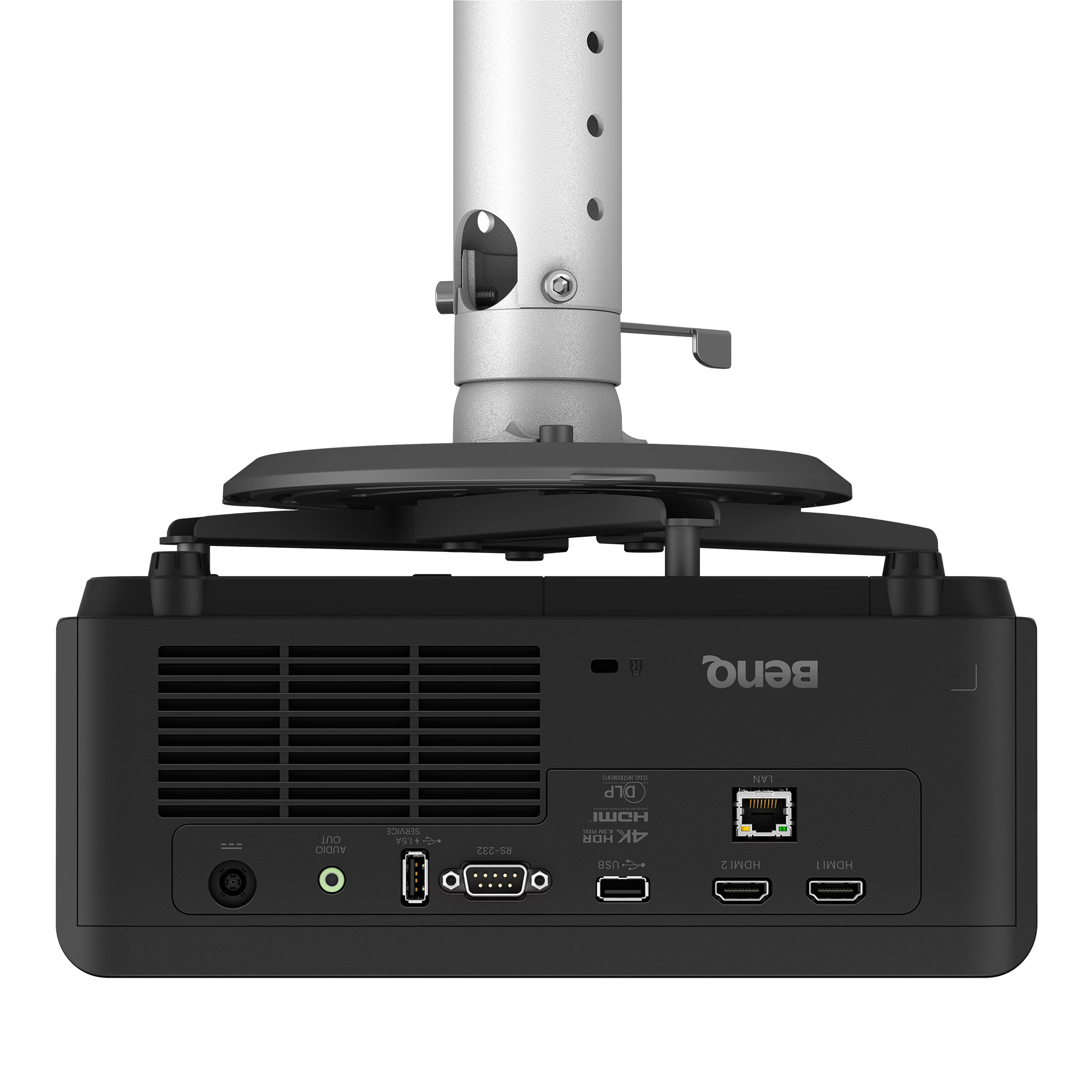
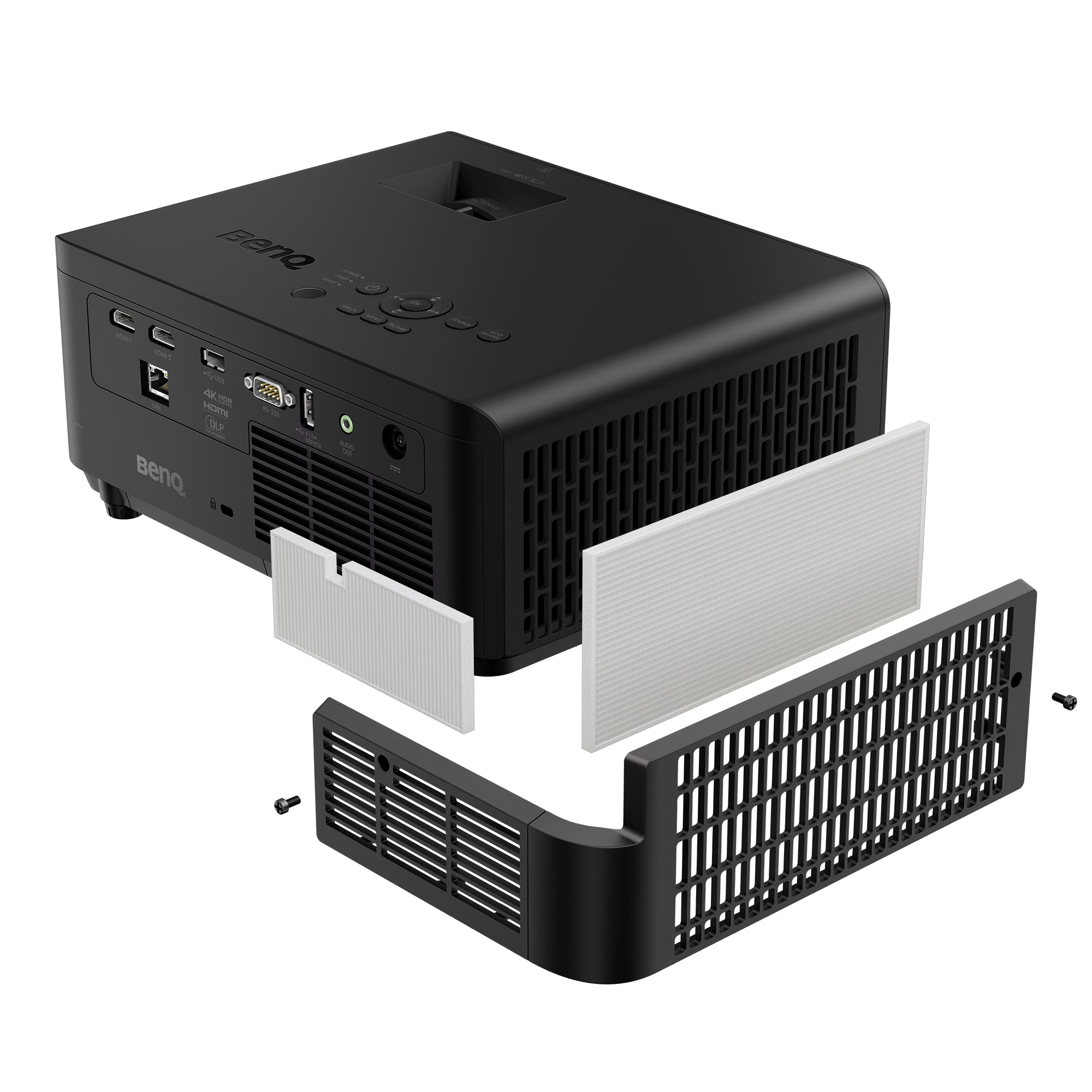
| Connectivity/Interfaces | HDMI 2.0b/HDCP2.2 (x2); LAN RJ45 (x1); USB Type-A (x2); RS232 (x1); 3.5mm Audio Out |
Product Dimensions & Weight
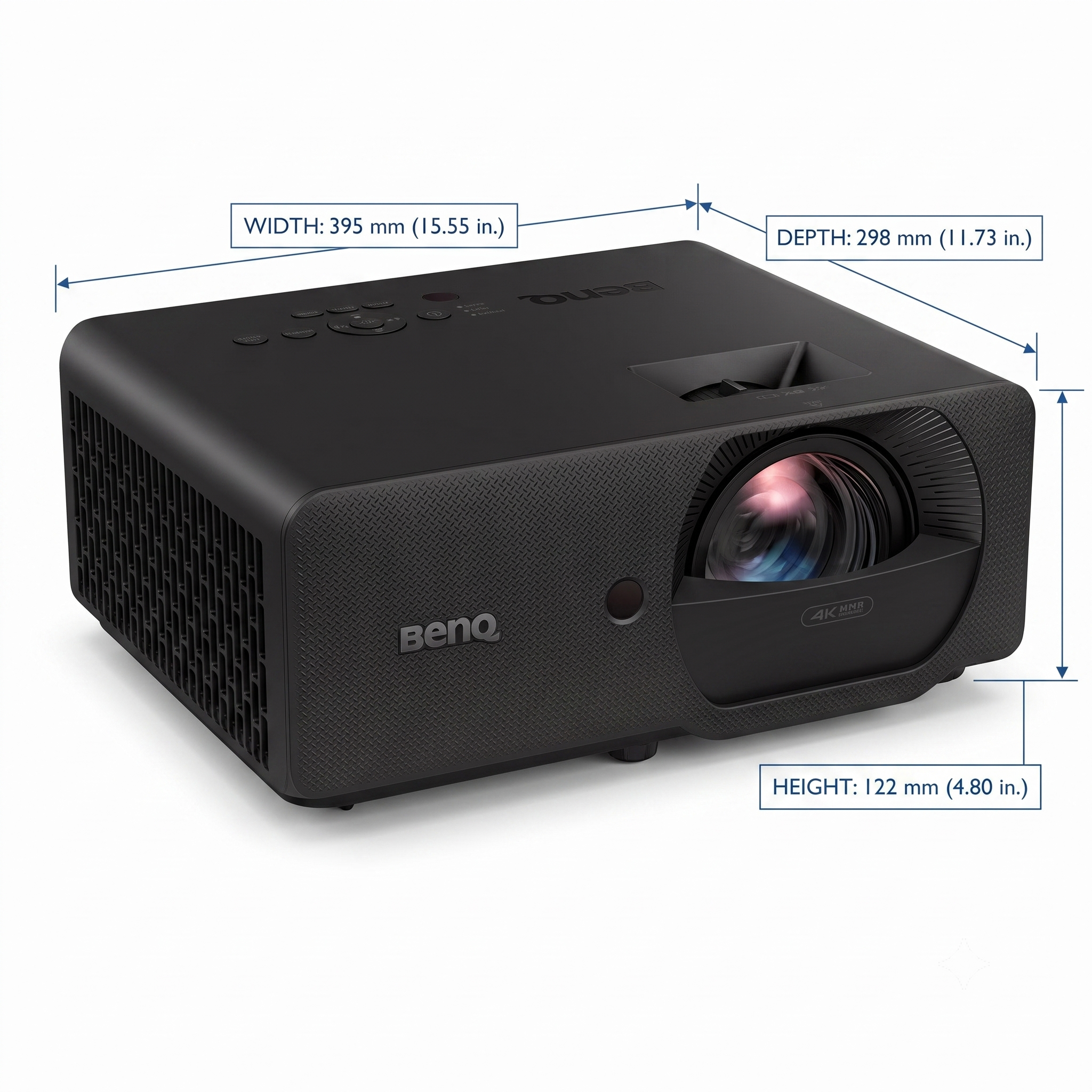
Engineered with a highly compact footprint to easily fit into floor enclosures, tight ceiling mounts, or small spaces without cluttering your room:
-
Dimensions (W x H x D): 11.00" × 4.74" × 9.03" (279.2 mm x 120.5 mm x 229.3 mm)
-
Weight: 11.46 lbs (5.19 kg)
What’s Included in the Package
Everything you need to get your system positioned, connected, and calibrated right out of the box:
-
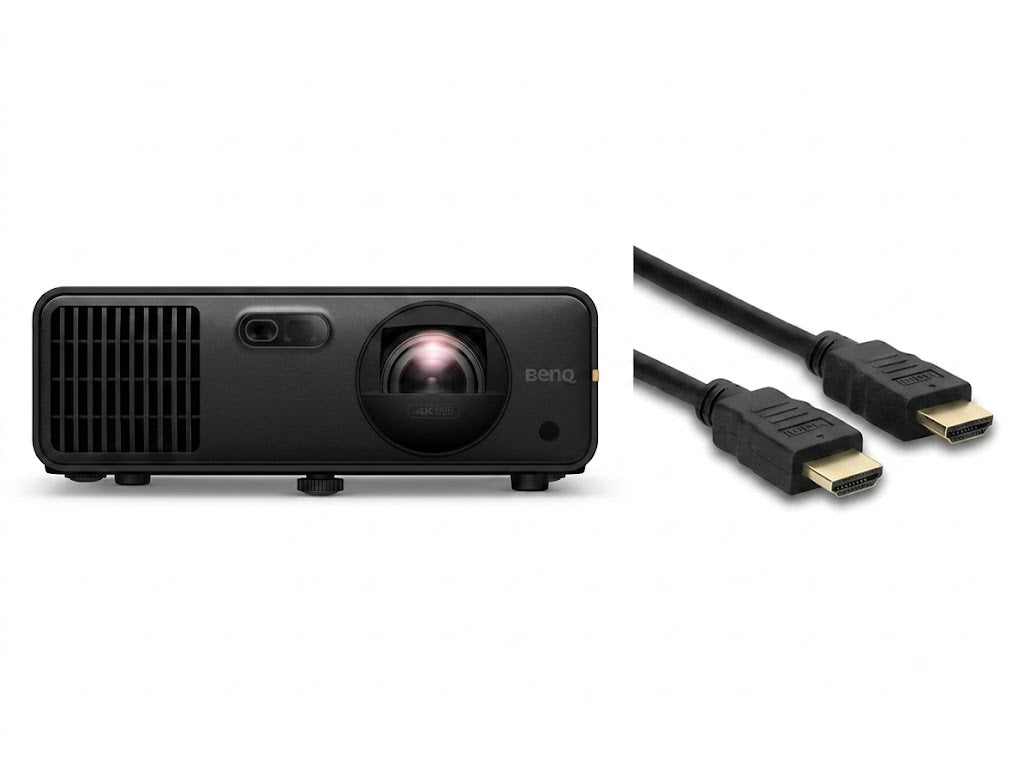
BenQ LK830ST 4K Laser Projector (Black Enclosure)
-
Remote Control (with batteries)
-
Power Cord
-
Quick Start Guide
The Ultimate 4K Simulator Experience: Who It’s For
-
The Premium Home Golfer: Transform garages, basements, or tight spare rooms into world-class personal practice bays.
-
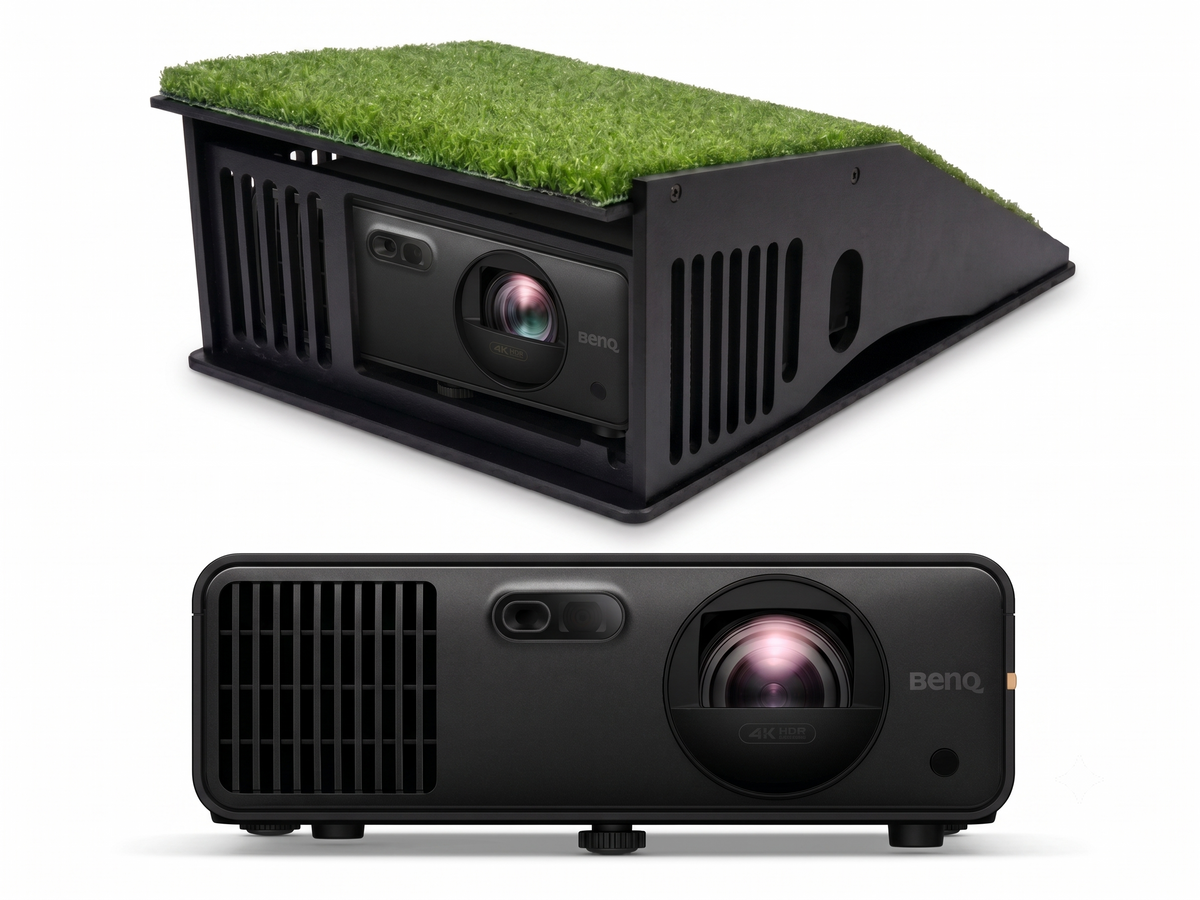
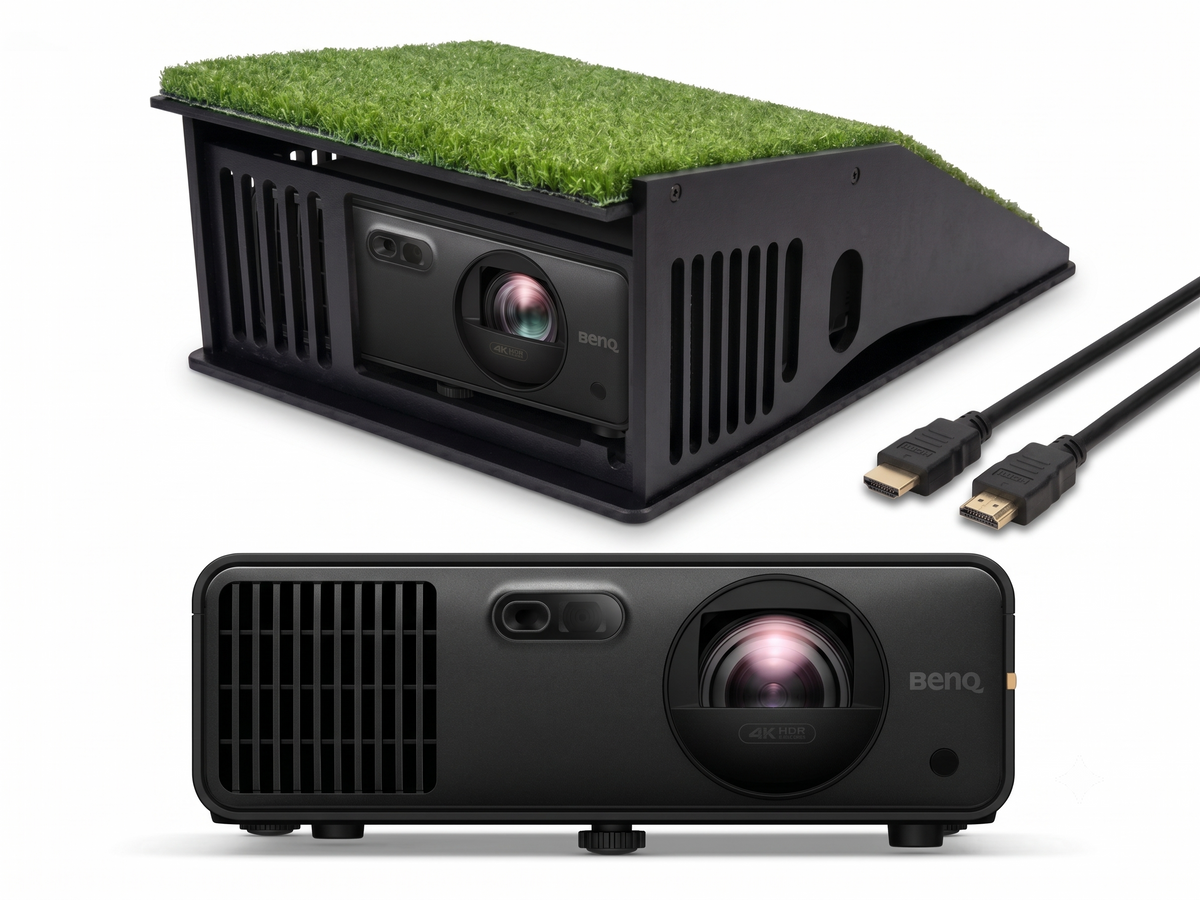
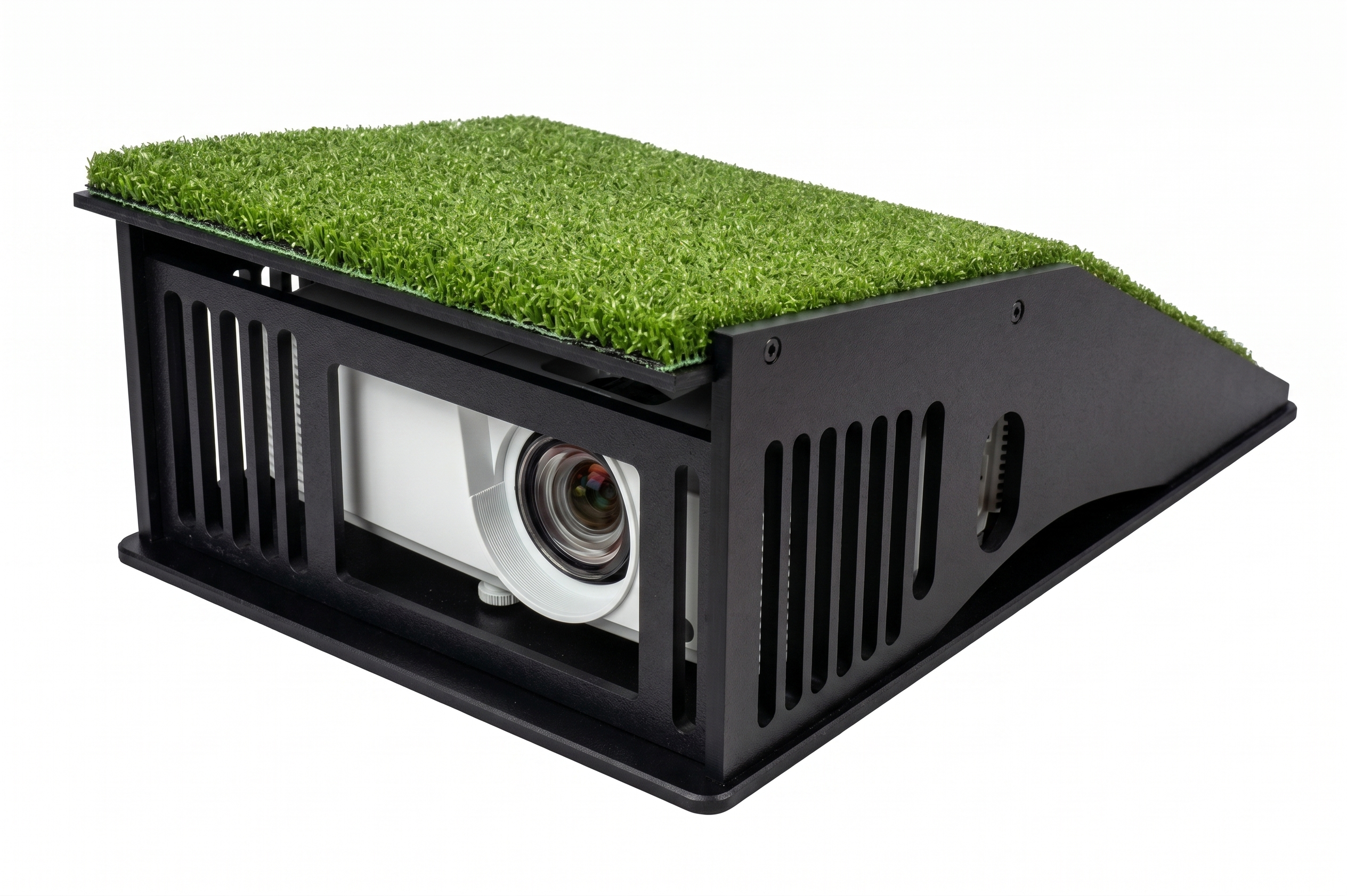
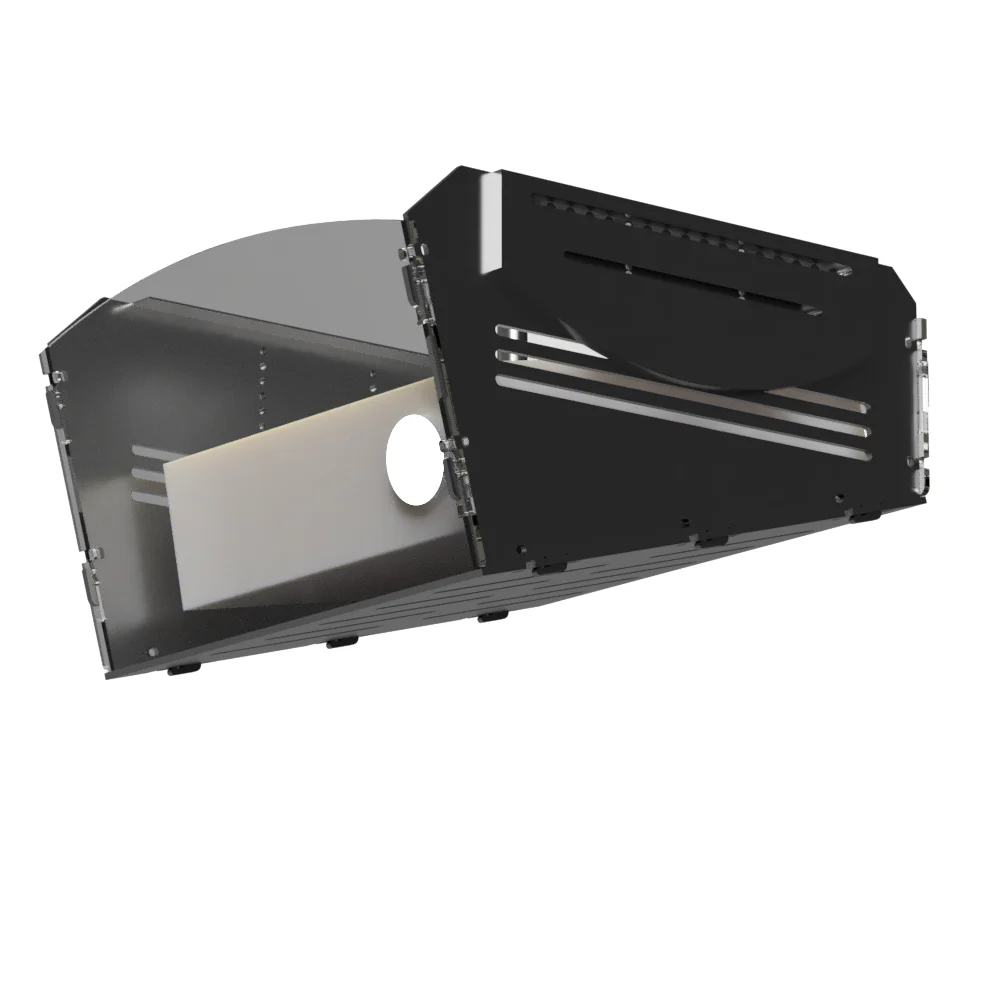
Easy No-Ceiling Floor Setups: The absolute best choice for players who want to avoid drilling into the ceiling. Its ultra-short 0.5 throw ratio makes a turnkey floor setup a breeze, fitting perfectly and safely inside our protective optic cage floor mount forward of your tee with zero shadow interference.
-
Pro Studios & Fitting Bays: A durable, high-performance workhorse with total versatility—mount it flush overhead or anchor it safely at floor level for academies and commercial spaces.
-
Multi-Purpose Media Rooms: Seamlessly shifts from a tour-level golf studio to an immersive 4K cinema or gaming hub.
Throw Ratio & Setup
Optimized 0.5 Short Throw for Shadow-Free Play
Create a massive, breathtaking simulator setup even in tight, shallow environments. Because the LK830ST utilizes an ultra-short 0.5 throw ratio, it sits safely in front of the hitting area rather than behind it. This means you can swing with absolute confidence knowing your body will never block the light beam or cast distracting shadows over your hitting zone.

Perfect Alignment in Seconds
No more struggling with crooked or distorted images. Use the versatile horizontal/vertical lens shift and 3D keystone correction to easily align and square the picture perfectly to your simulator screen.

Protect your investment - Premium Projector Mount and Shields.
-
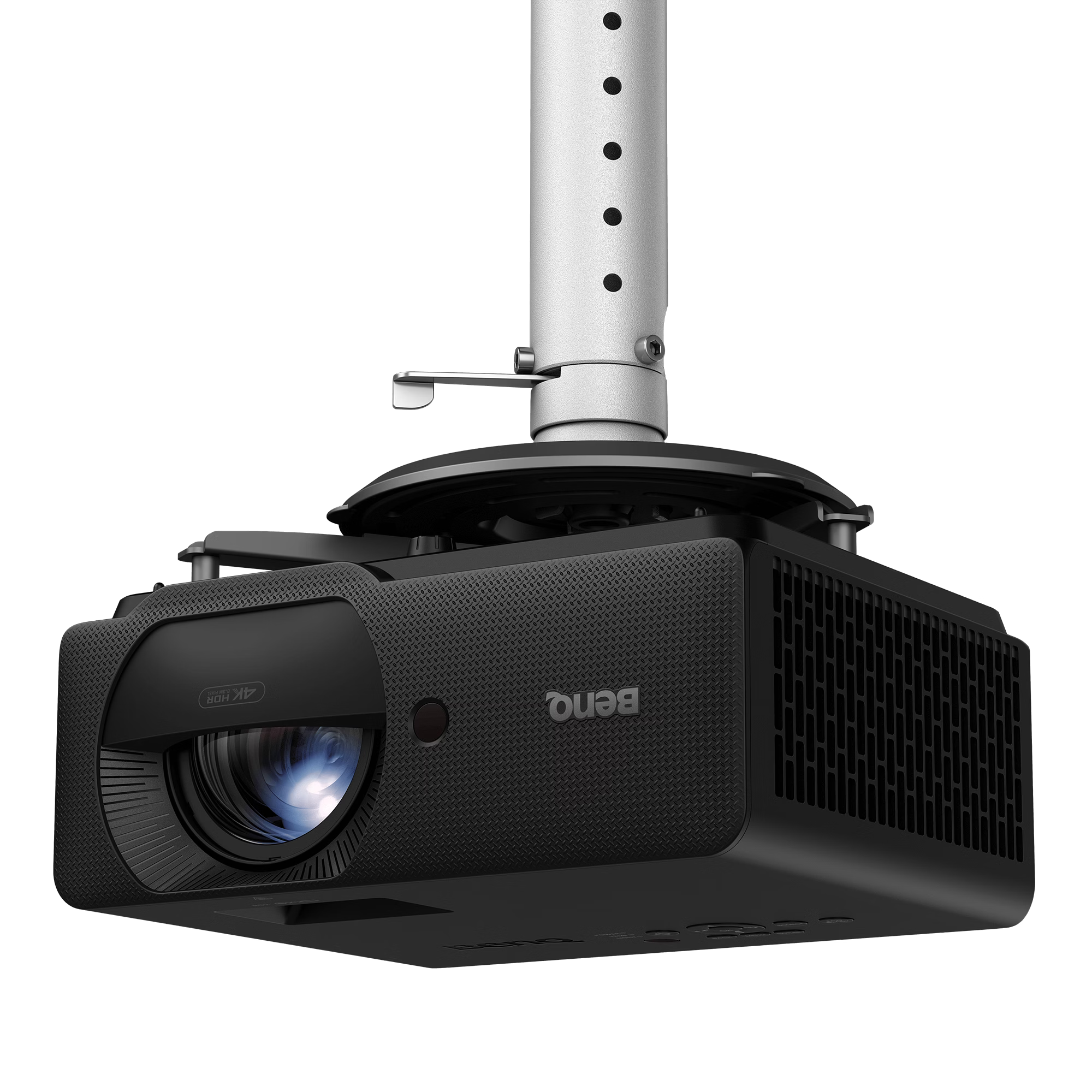
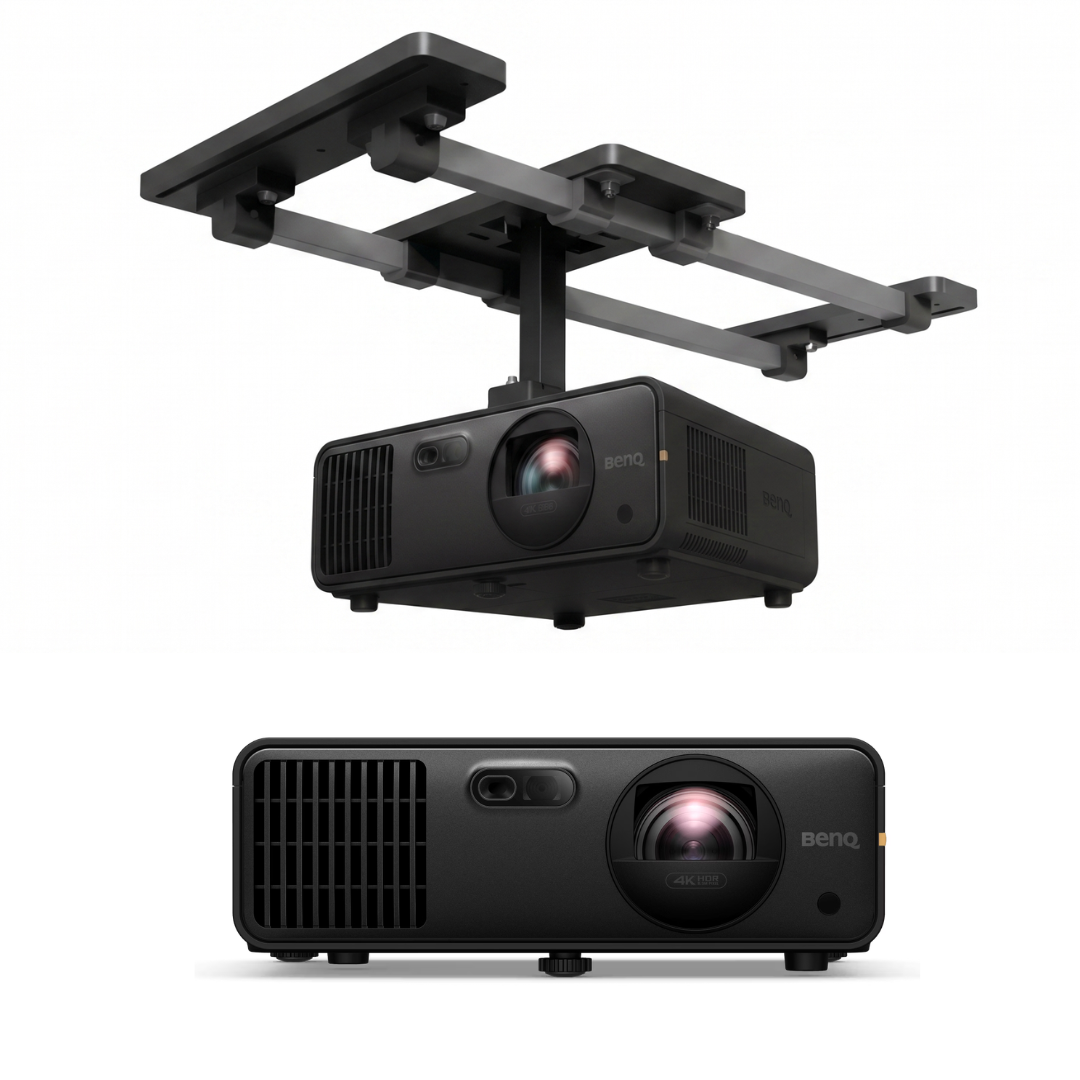
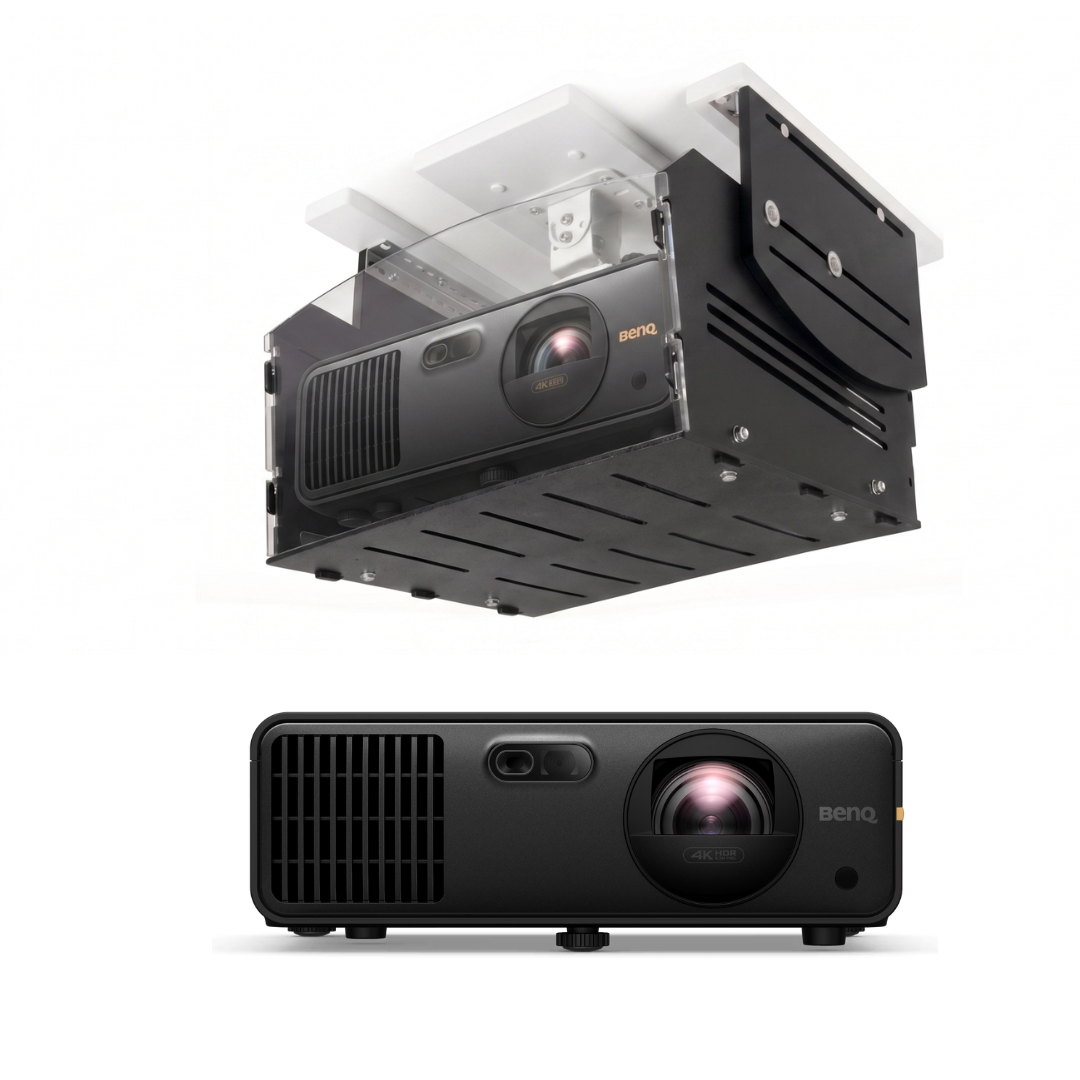
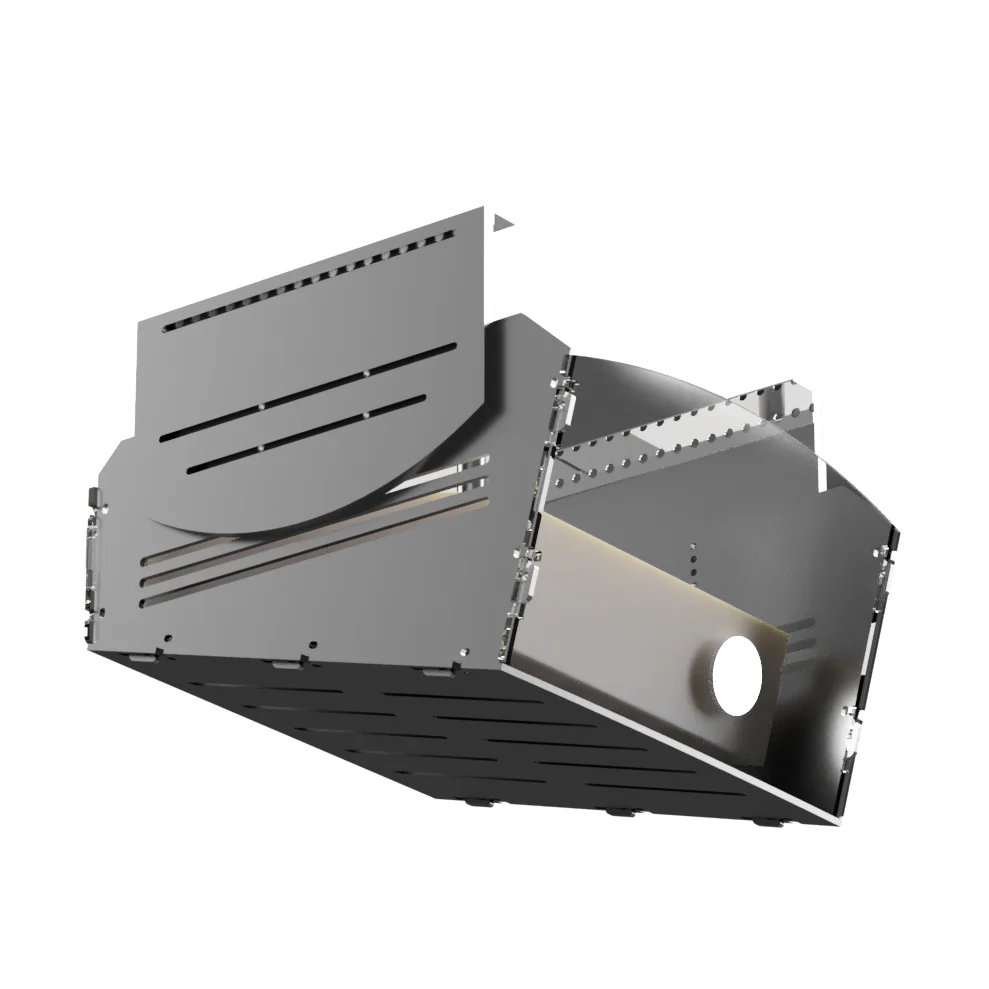
Optic Cage Ceiling Mount Shield Enclosure: A heavy-duty, vibration-isolated ballistic shell that completely encases and protects your hanging projector from stray shots.
-
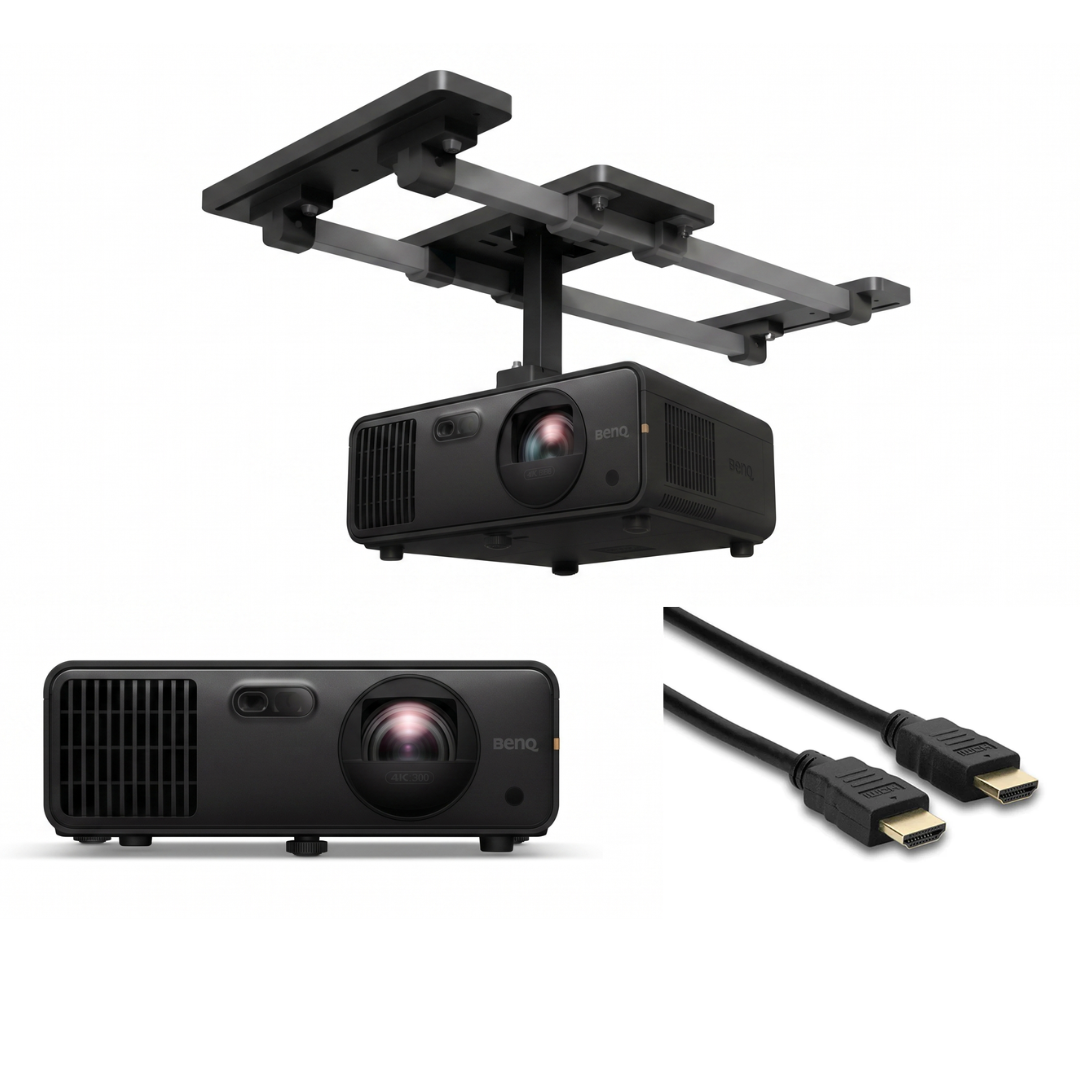
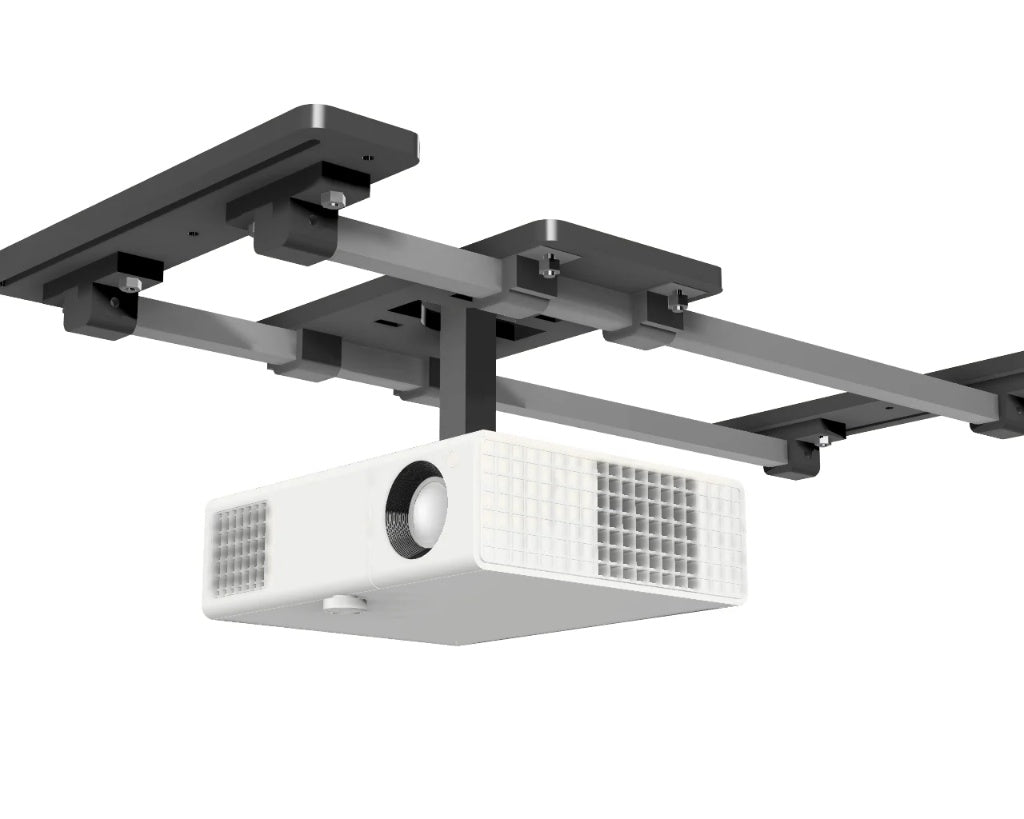
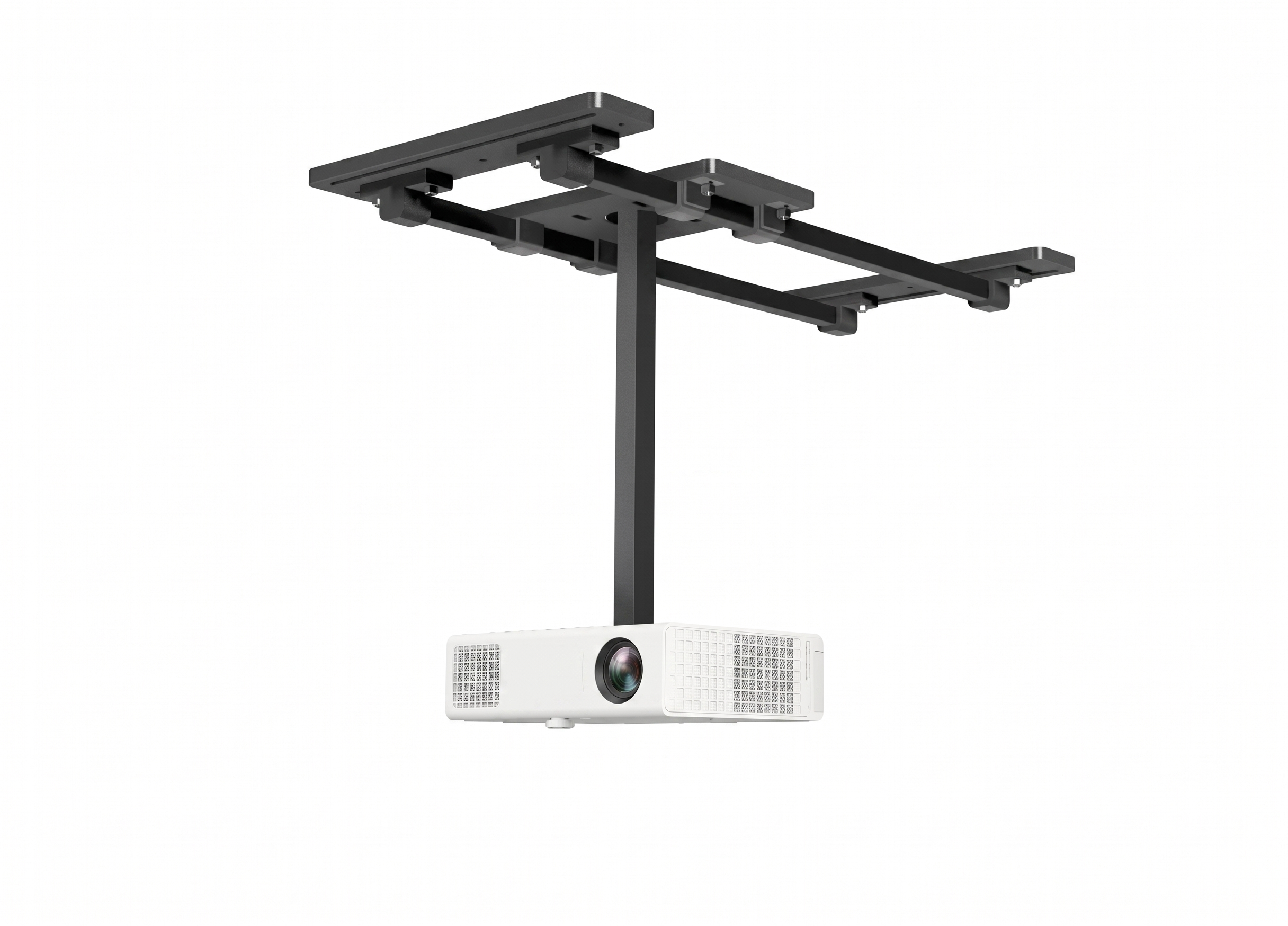
SkyRail Projector Mount: A premium ceiling-mounted track system for smooth adjustments and clean alignment.
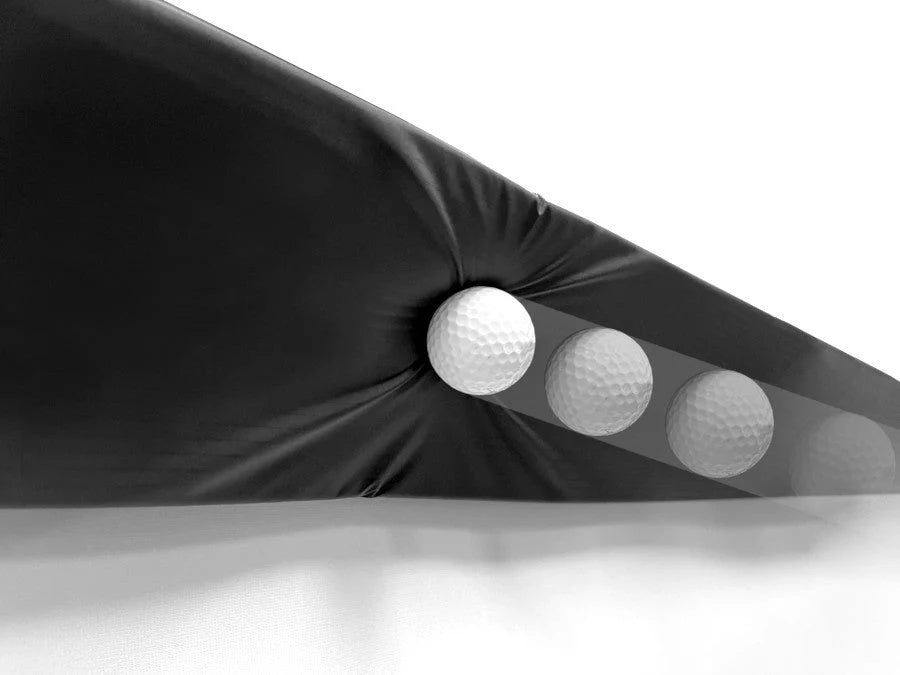
- Optic Cage Projector Floor Mount: A low-profile floor ramp enclosure engineered to deflect low-launching ball strikes safely over the lens.

Protect Your Investment: Heavy-Duty Projector Enclosures
Safeguard your BenQ LK830ST with the heavy-duty Optic Cage Floor Shield—the ultimate combo for your simulator. Tailored perfectly for the LK830ST’s 0.5 ultra-short throw, this premium enclosure completely shields your high-end optics from stray balls and errant swings. Choose between clean floor setups or secure ceiling mounts for effortless alignment and total peace of mind.
Golf Simulator Customization
Turnkey Pro Studios specializes in custom studio design and projector setup. Contact us directly for expert assistance with room dimensions, throw distance calculations, and tailored hardware configurations for your space.
-
Email: sales@turnkeyprostudios.com
-
Phone: 402-577-0167
Finish Your Setup
Frecuently bought together
Shadow Free Location for Every Swing
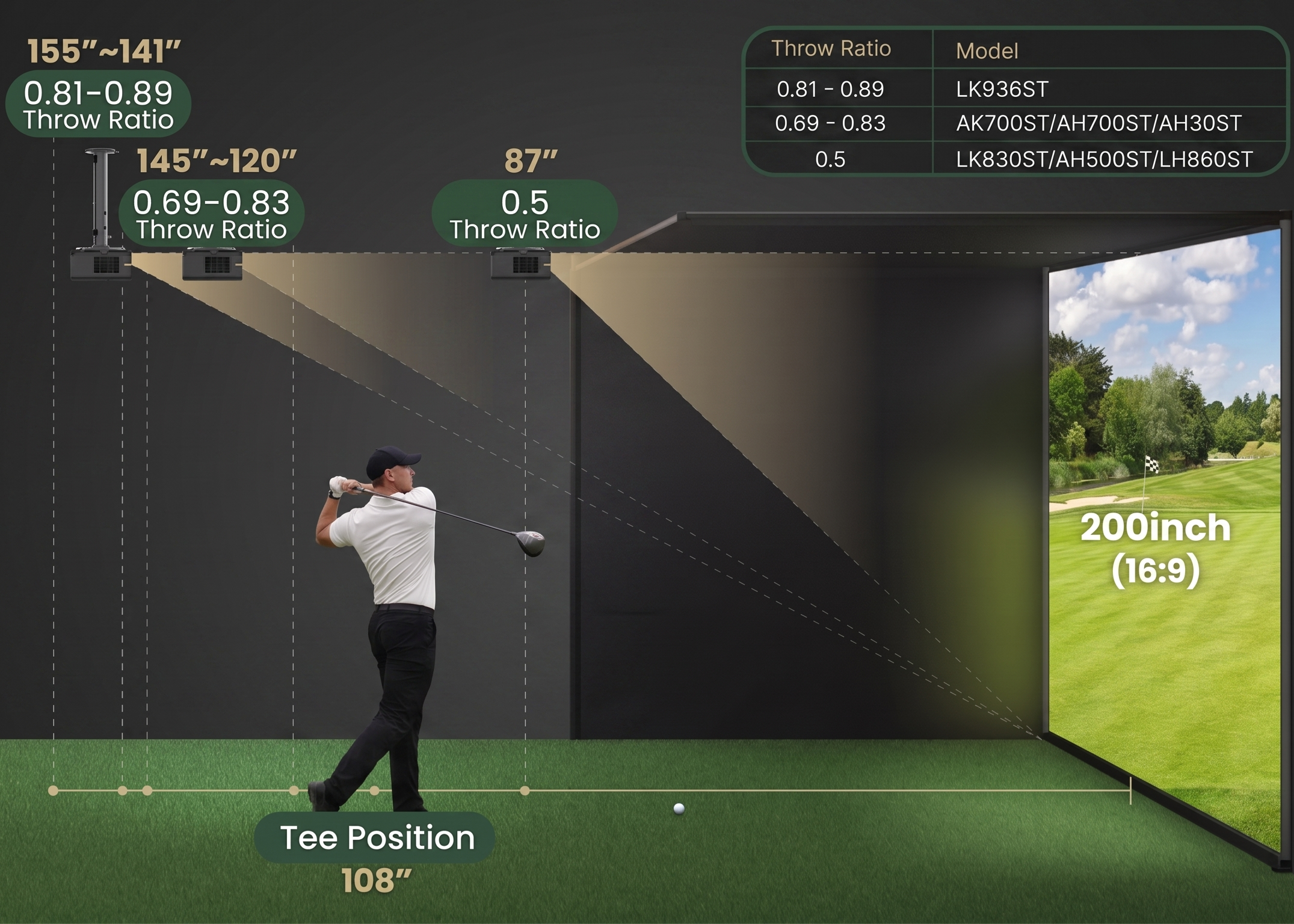
The LK839ST’s short-throw ratio lens and low offset let you place the projector safely behind the golfer for a clear, shadow-free hitting zone, keeping it out of the swing path and away from pop-up shots.
LK830ST 4K Short Throw Laser Projector Further Information
- Free Standard Shipping: We are proud to offer free standard shipping on our systems.
- Processing Time: 1-2 Business Days (This includes thorough quality checks and secure packaging).
- Transit Time: 3-5 Business Days via trusted carriers (UPS or FedEx).
- Total Delivery Timeline: You can expect your order to arrive within 4-7 Business Days.
- Multiple Packages / Split Shipments: If you purchased accessory packages, your items may arrive in different boxes and at slightly different times. Because we partner with specialized, top-tier suppliers to bring you the best components, different parts of your order may ship from separate warehouses.
BenQ LK830ST Technical Specifications
Display & Image Quality
- Display Type: DLP Projector
- Native Resolution: True 4K UHD (3840 x 2160)
- Image Brightness: 4,000 ANSI Lumens
- Contrast Ratio: 3,000,000:1
- Native Aspect Ratio: 16:9
- Color Support: 1.07 Billion Colors
- 3D Compatibility: Yes
Optics & Positioning
- Throw Ratio: 0.496 (Ultra-Short Throw)
- Focus Adjustment: Fixed Lens
- Keystone Correction: Automatic (Vertical & Horizontal)
- Vertical Keystone: +/- 30 degrees
- Horizontal Keystone: +/- 30 degrees
Light Source & Longevity
- Light Source: Maintenance-Free Laser Engine
- Laser Life (Normal/Eco): 20,000 / 30,000 Hours
Connectivity & Control
- HDMI Inputs: 2x HDMI 2.0b (HDCP 2.2)
- USB Ports: 2x USB Type-A
- Network & Control: 1x LAN (RJ45), 1x RS232 (DB-9pin)
- Audio Output: 1x 3.5mm Mini Jack
Hardware & Audio
- Built-in Speaker: 1x 15W
- Audible Noise: 30 dB (Quiet operational fan speed)
- Enclosure Color: Premium Black
Power & Environment
- Power Consumption (Operational): 230 Watts
- Power Consumption (Standby): < 0.5 Watts
- Voltage Required: AC 100 to 240 V (50/60 Hz)
- Operating Temperature: 0°C to 40°C (32°F to 104°F)
Physical Dimensions
- Weight: 11.46 lbs.
- Dimensions (W x D x H): 11.0" x 9.0" x 4.7" (279.2 mm x 229.3 mm x 120.5 mm)
Garage & Tight-Space FAQs
Q: I have a standard garage. Will I have enough room to get a big image?
A: Yes. Thanks to the 0.5 ultra-short throw ratio, the LK830ST projects a massive 200-inch (16:9) screen from just 87 inches (7.25 feet) away. It easily fits standard garage layouts.
Q: Will I block the light or hit the projector with my club?
A: No. Because it only needs to sit 7.25 feet from the screen, the projector mounts nearly 2 feet in front of your hitting zone (standard tee position is around 9 feet). This eliminates player shadows and keeps the unit safe from high wedge shots or backswings.
Q: My garage ceiling or floor isn't straight. Is image alignment difficult?
A: Not at all. The LK830ST features Automatic Horizontal and Vertical Keystone correction (+/- 30 degrees). It automatically squares the image to your impact screen, fixing any alignment issues caused by uneven surfaces or off-center mounting without tedious manual adjustments.
Q: Why is a Laser engine better than a traditional bulb/lamp?
A: Laser engines offer instant on/off (no warm-up time), better resistance to garage dust, and require zero bulb replacements. While bulbs lose brightness quickly, this laser stays at peak 4,000 lumens for up to 30,000 hours of play.
Q: Do I need to turn off all my garage lights to see the screen?
A: No. The 4,000 ANSI lumens are specifically chosen to cut through ambient overhead garage lighting and daylight. You can keep the lights on so you can safely see your stance, ball contact, and swing-analysis cameras.
TurnKey Pro Studios Warranty & Return Policy
At TurnKey Pro Studios, we stand behind the quality of your simulator equipment. Every electronic product we sell—including Golf Launch Monitors, Projectors, and Computer Systems—is shipped factory-new, pre-tested, and in original packaging. To maintain our professional-tier pricing and provide premium, dedicated lifetime support, we adhere to the following comprehensive policies.
1. Delivery Protection & Shipping Insurance
To guarantee your investment arrives in flawless condition, every shipment is 100% fully insured against transit damage.
- The 7-Day Shipping Damage Rule: Because our premium electronics are fully calibrated and verified before leaving our facility, sales are final once safely accepted from the carrier. However, if your package is damaged during transit, we will immediately facilitate a return or replacement under the following conditions:Report Promptly: Notify us within 7 days of delivery.Provide Evidence: Send clear photos of both the damaged external packaging and the product itself.
- Pro-Tip (Refusal of Delivery): We strongly encourage you to reject any delivery on the spot if the exterior boxes show obvious signs of severe damage (torn, crushed, or badly dented).
2. Premium Projector Limited Warranty (BenQ 3-Year Coverage)
All BenQ projectors sold by TurnKey Pro Studios include BenQ's official 3-Year Limited Warranty against defects in materials or workmanship under normal use.
- 3-Year Hardware Coverage: Fully covered for three (3) years from the original purchase date for both parts and labor.
- Laser Light Source Engine: Covered under the 3-Year / 10,000-Hour factory warranty (whichever comes first) for laser models like the TK710STi.
- Lamp-Based Models (Legacy): Pre-installed lamps are covered for 2,000 hours or one (1) year (whichever comes first). Replacement lamps carry a 90-day or 500-hour warranty.
- 30-Day Dead On Arrival (DOA) Protection: If your projector has a defect straight out of the box, report it to us within 30 days of purchase. We will issue an RMA, replace the unit with a brand-new projector, and cover all shipping charges both ways.
- RMA Shipping Costs: TurnKey Pro Studios covers all shipping costs for in-warranty repairs within the US and Canada. For out-of-warranty units, the customer handles inbound shipping and repair costs, while we cover return shipping back to you.
3. How to Obtain Projector Warranty Service
If your projector requires technical attention, follow these simple steps for a smooth resolution:
- Initiate a Claim: Contact our team using the support details listed at the bottom of this policy. Please do not send any items back without prior authorization.
- Phone Troubleshooting: Our tech team will first walk you through quick diagnostics over the phone to see if a simple settings adjustment solves the issue.
- RMA Issuance: If a repair is required, we will issue a Return Merchandise Authorization (RMA) number (valid for 30 days).
- Secure Return: Pack the product in its original shipping materials. Include a note describing the symptoms, your original proof of purchase, and print the RMA number clearly on the packing slip and exterior box.
- Fast Turnaround: We make every effort to service and ship your product back to you within 30 days of receipt.
4. Non-Electronic Hardware (Enclosures & Mats)
For non-electronic items such as our Guardian™ Enclosures, Impact Screens, and Hitting Mats:
- Return Window: Unopened, unused items may be returned within 15 days of delivery.
- Restocking Fee: Approved non-electronic returns are subject to a 25% restocking fee.
- Shipping Costs: Original and return shipping costs are the sole responsibility of the customer and are non-refundable.
5. Warranty Exclusions & Limitations
Our limited warranty ensures product integrity but does not cover damages resulting from:
- Normal wear and tear.
- Misuse, negligence, accidental impacts (such as direct golf ball strikes to unshielded electronics), or operating outside of intended use.
- Use of unauthorized, third-party replacement parts or hardware modifications.
- Improper environments (extreme heat/cold outside 0°C–40°C, heavy airborne dust without proper enclosure, high humidity).
- Power fluctuations, electrical surges, lightning strikes, or acts of God.
- Loss of custom software settings or calibration data.
Have Questions, Need Technical Support, or Filing a Claim?
Our dedicated support and engineering teams are here to help you maximize your bay's performance. Please reach out directly through any of the channels below:
- General Support Email: sales@turnkeyprostudios.com
- Main Support Line: 402-577-0167
Certified Systems Integrator
As a specialized systems integrator, we do more than just resell products. We vet, test, and authorize only market-proven hardware from elite manufacturers. By sourcing through TurnKey Pro Studios, you are guaranteed authentic, high-performance gear backed by professional-grade technical certification.
Stealth-Quiet™ Impact Technology
Our triple-layer screens are engineered for industry-leading noise reduction. They are the premier choice for residential garages, luxury hotels, and commercial lounges where acoustic control is a priority.
Smart Installation Frameworks
Skip the complexity. We offer Smart Frameworks designed for rapid deployment, reducing setup time from hours to minutes. Our modular systems ensure professional stability with intuitive, tool-efficient assembly.
"Build Your Own" Studio Tools
Eliminate the guesswork with our interactive Build Your Own Simulator page. You select the specific components, from launch monitors to enclosures, giving you total control over your configuration while ensuring every part is technically compatible.
Expert Consultations in <24 Hours
Get recommendations from specialists who understand the technical nuances of golf simulation. Reach out today, and our experts will provide a tailored response to assist your journey within 24 hours.
Tier-Level Technical Support
We are your dedicated partner for the life of your studio. From initial configuration to long-term maintenance, we provide expert, Tier-Level support to ensure your system operates at peak efficiency from day one. We take pride in providing the fastest technical customer support in the industry to keep you up and running.