
Professional Overhead Launch Monitor
The New Industry Standard in Overhead Simulation.
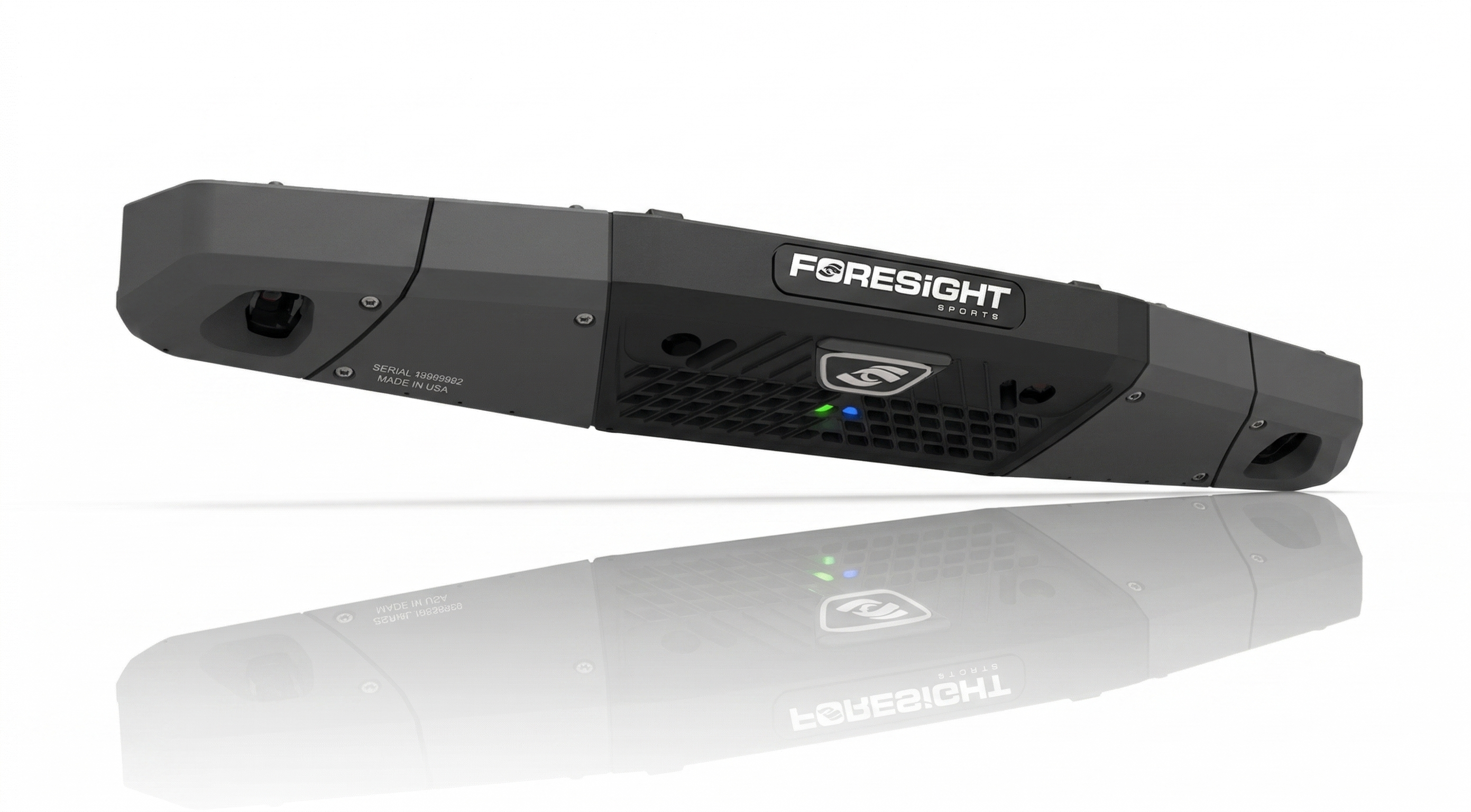
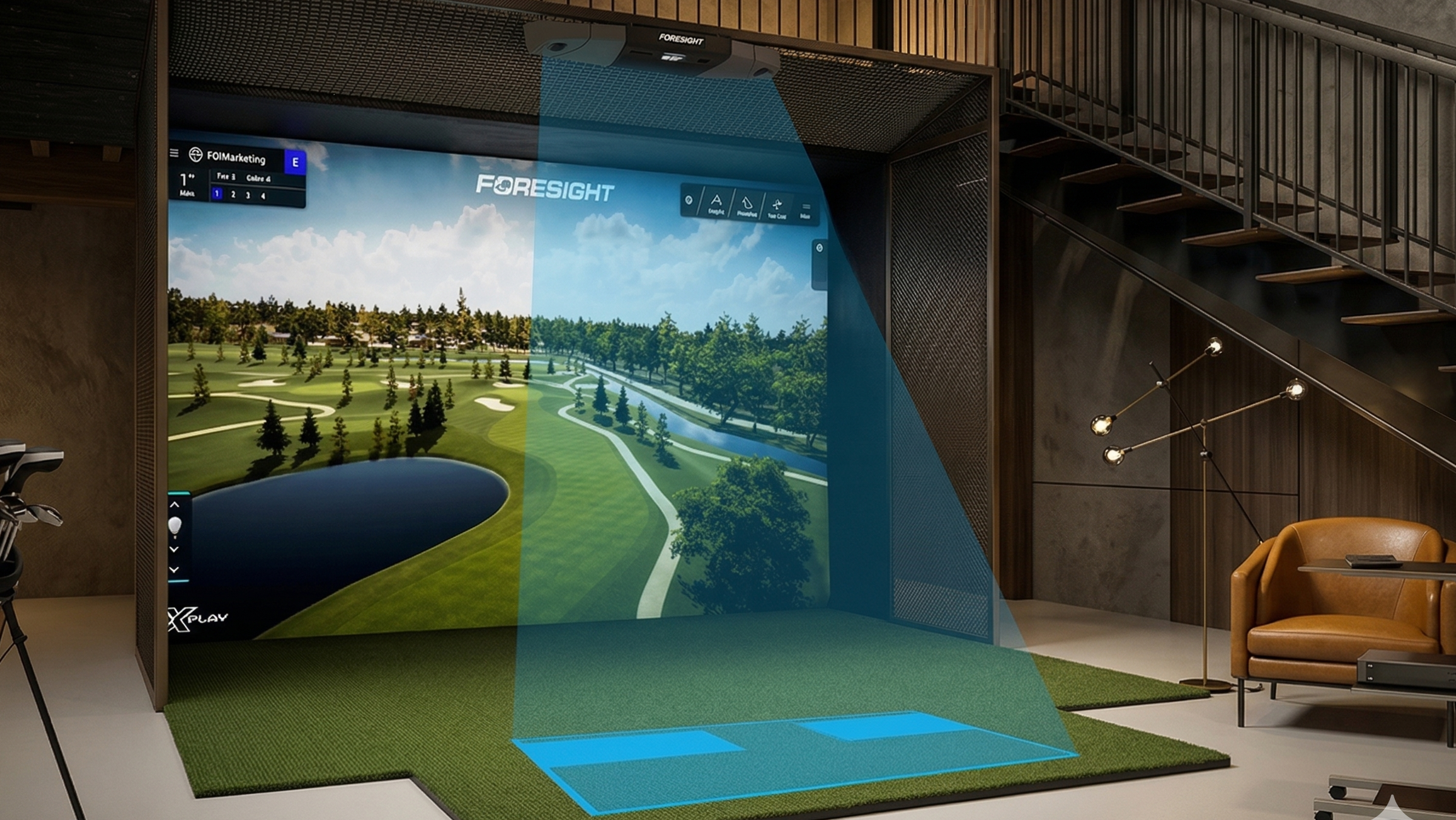
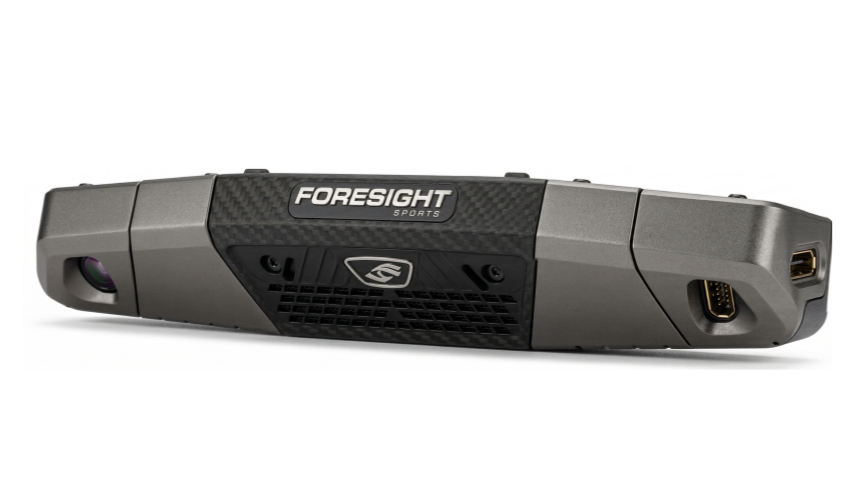
The GCFalcon™ is the latest pinnacle of overhead launch monitor technology from Foresight Sports. Chosen by the world’s top equipment manufacturers and professional golfers, the Falcon delivers vertically integrated, tour-level performance measurement in a sleek, ceiling-mounted design.
Special Features
-
Massive Hitting Zone: At 59" wide by 28" deep, the hitting area is nearly twice the size of competing overhead units, allowing for seamless left-and-right-handed play.
-
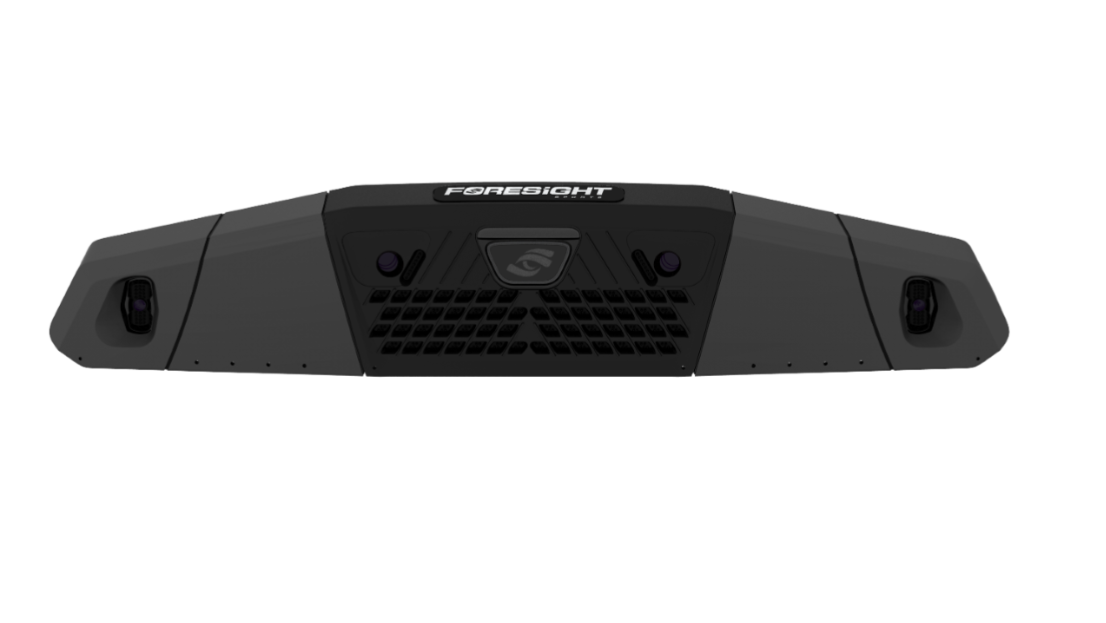
Quadrascopic High-Speed Cameras: Unlike radar systems, the Falcon uses high-speed imaging to lock onto ball dimples. It captures every shot type with perfect accuracy, from high-loft wedges and soft chips to 200+ mph drives.

-
No Ball Marking Required: Simply drop the ball and play. No reflective stickers or special marked balls are needed.
-
Comprehensive Club Analysis: Includes QClub technology for direct measurement of clubhead delivery, path, and impact data.
-
Zero Annual Fees: Enjoy industry-leading performance without the burden of annual subscription costs for software or firmware updates.
Technical Specifications
| Feature | Specification |
| Mounting | Overhead / Ceiling Mount |
| Dimensions | 43” Length |
| Weight | 26 lbs |
| Hitting Zone | 59” W x 28” D |
| Technology | Quadrascopic High-Speed Cameras |
| Data Points | Full Ball & Club Analysis (QClub Included) |
What’s Included
-
Foresight Sports Falcon Launch Monitor
-
FSX Play / FSX Pro / FSX 2020 Software Suite
-
Fairgrounds (All-ages gaming suite)
-
QClub Club Analysis (Standard, not an add-on)
-
Ceiling Mount & Calibration Kit
Launch Monitor Comparation Table
| Features | GCQuad | Falcon | QuadMax |
| Ball Data | |||
| Launch Angle | ✔ | ✔ | ✔ |
| Side Angle | ✔ | ✔ | ✔ |
| Ball Speed | ✔ | ✔ | ✔ |
| Total Spin | ✔ | ✔ | ✔ |
| Carry | ✔ | ✔ | ✔ |
| Side Spin/Spin Axis | ✔ | ✔ | ✔ |
| Club Data | |||
| Club Head Speed | ✔ | ✔ | ✔ |
| Smash Factor | ✔ | ✔ | ✔ |
| Club Path | ✔ | ✔ | ✔ |
| Angle of Attack | ✔ | ✔ | ✔ |
| Loft / Lie | ✔ | ✔ | ✔ |
| Face Angle | ✔ | ✔ | ✔ |
| Impact Location | ✔ | ✔ | ✔ |
| Closure Rate | ✔ | ✔ | ✔ |
| Technology / Specs | |||
| Monitor Type | Ground | Overhead | Ground |
| Indoor / Outdoor | Yes | If Fully Covered | Yes |
| Cameras | 4 (Quad) | 4 (Quad) | 4 (Quad) |
| Light Source | Infrared | Infrared | Infrared |
| Hitting Zone | 18" x 14" | 59" x 28" | 18" x 14" |
| Putting Analysis | Optional | — | Optional |
| Barometric Sensor | ✔ | ✔ | ✔ |
| Battery | Field Swappable | No | Field Swappable |
| Battery Life | 6-8 Hours | N/A | 7-9 Hours |
| WiFi / BT / Ethernet | ✔ | ✔ | ✔ |
| Connection Port | — | USB-C | USB-C |
| Warranty | 2-Year | 2-Year | 2-Year |
Exlusive Bonus
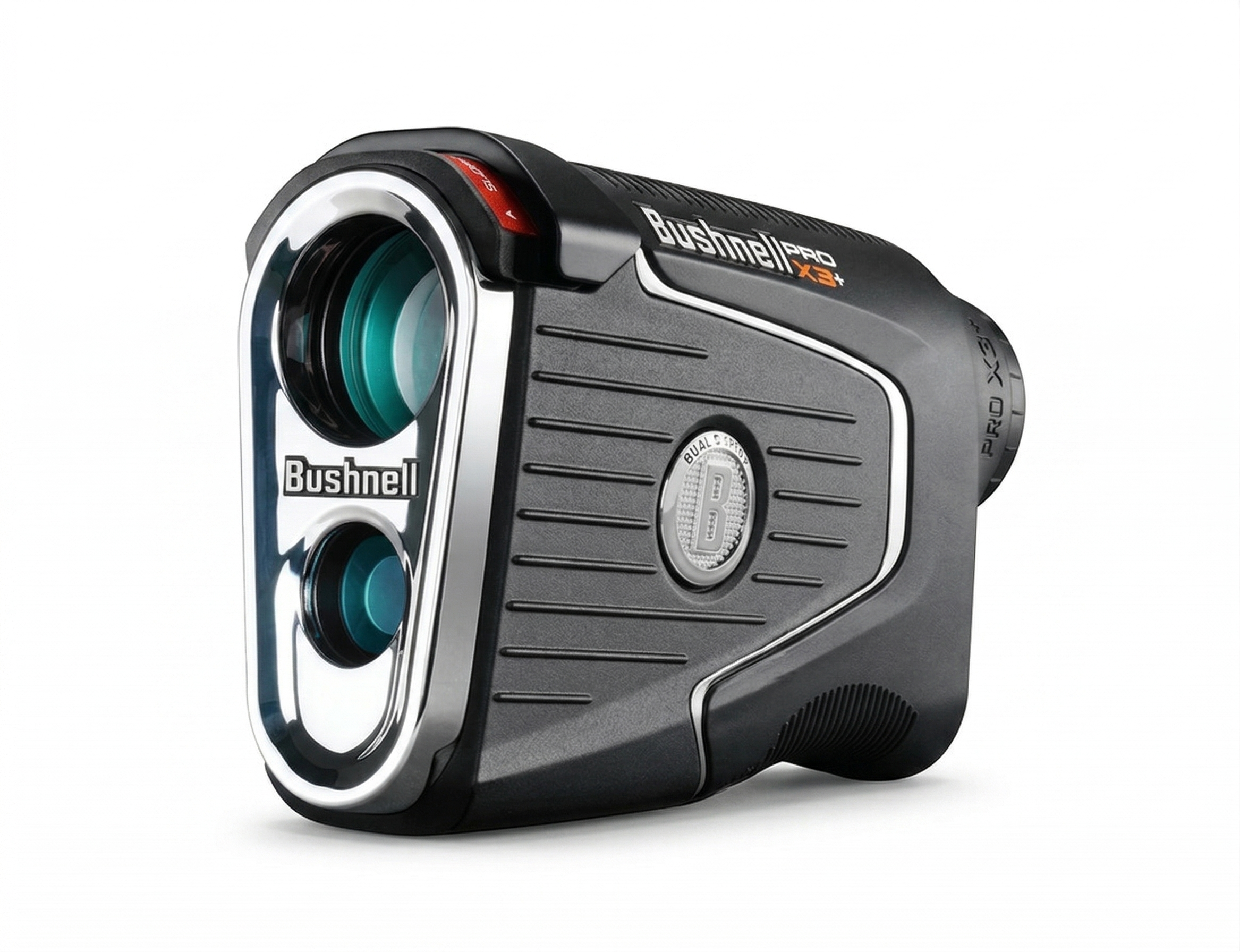
Bushnell Pro X3+LINK
Included with your Falcon purchase is a Pro X3+LINK laser rangefinder from Bushnell Golf, shipped separately to elevate your game on and off the course.
- LINK-Enabled Sync: Real-time, customized club recommendations based on your Foresight data.
- Smart Management: "Plays Like" distances synced with your MyBag™ profile and environment.
- Precision Insights: Overlays your personal dispersion patterns for better accuracy.
Note: Redemption instructions sent via email after purchase.

Foresight Falcon - Bundles
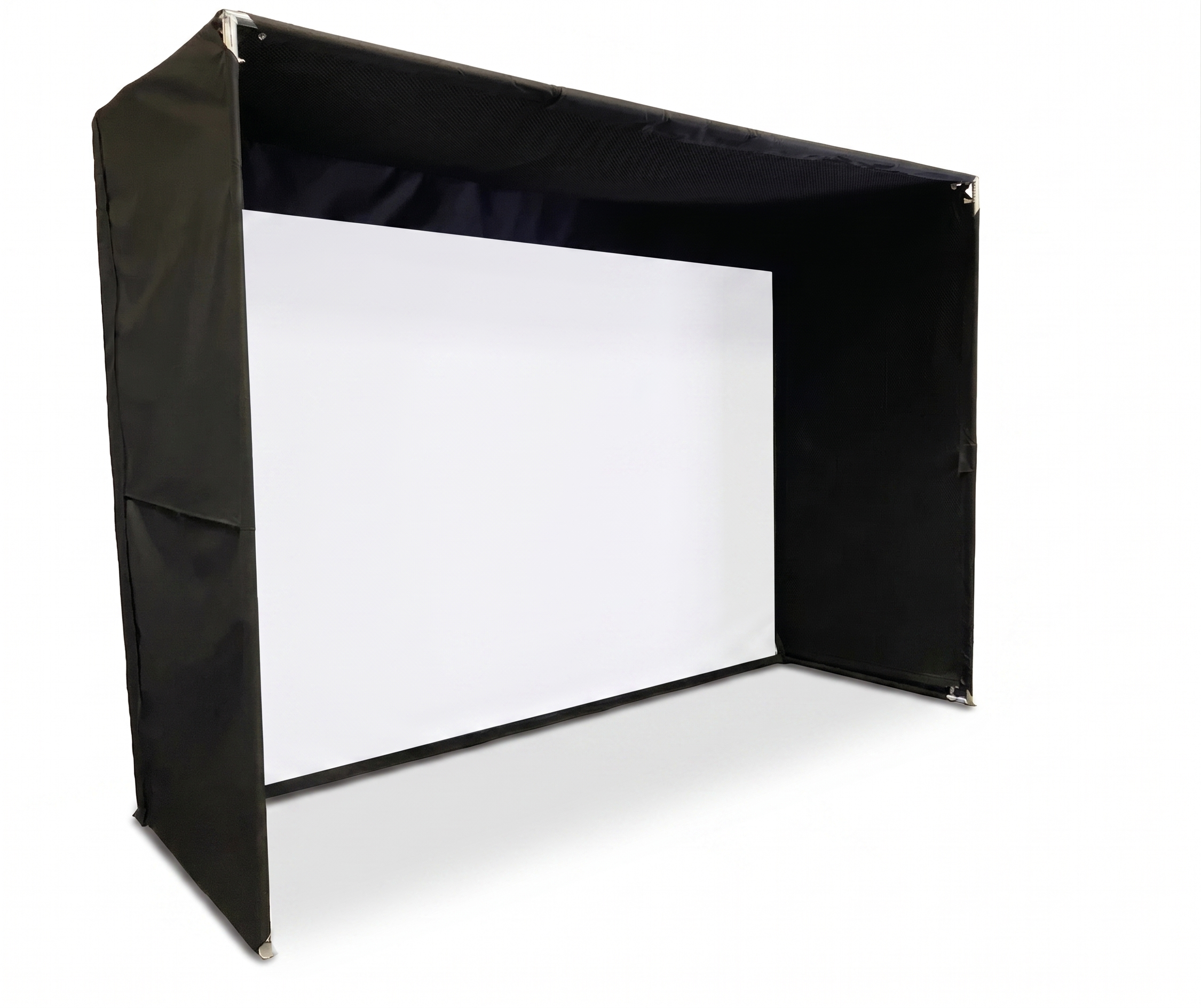
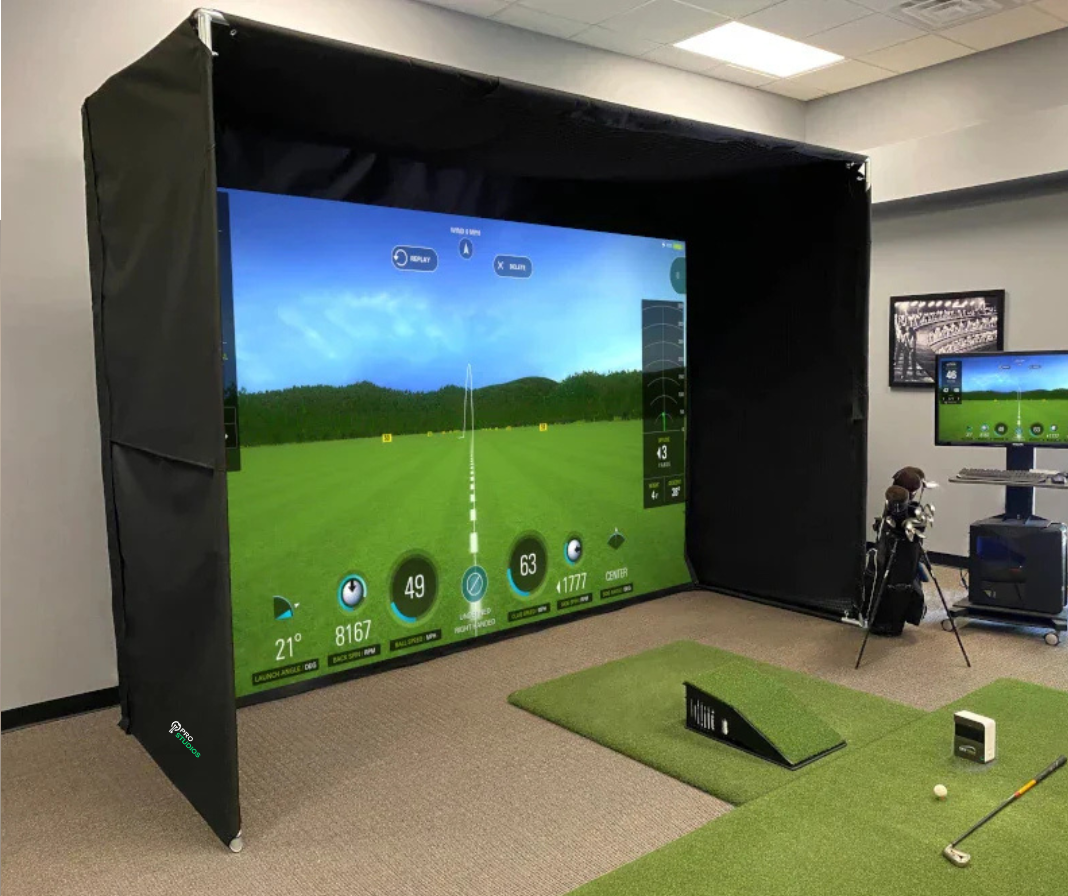
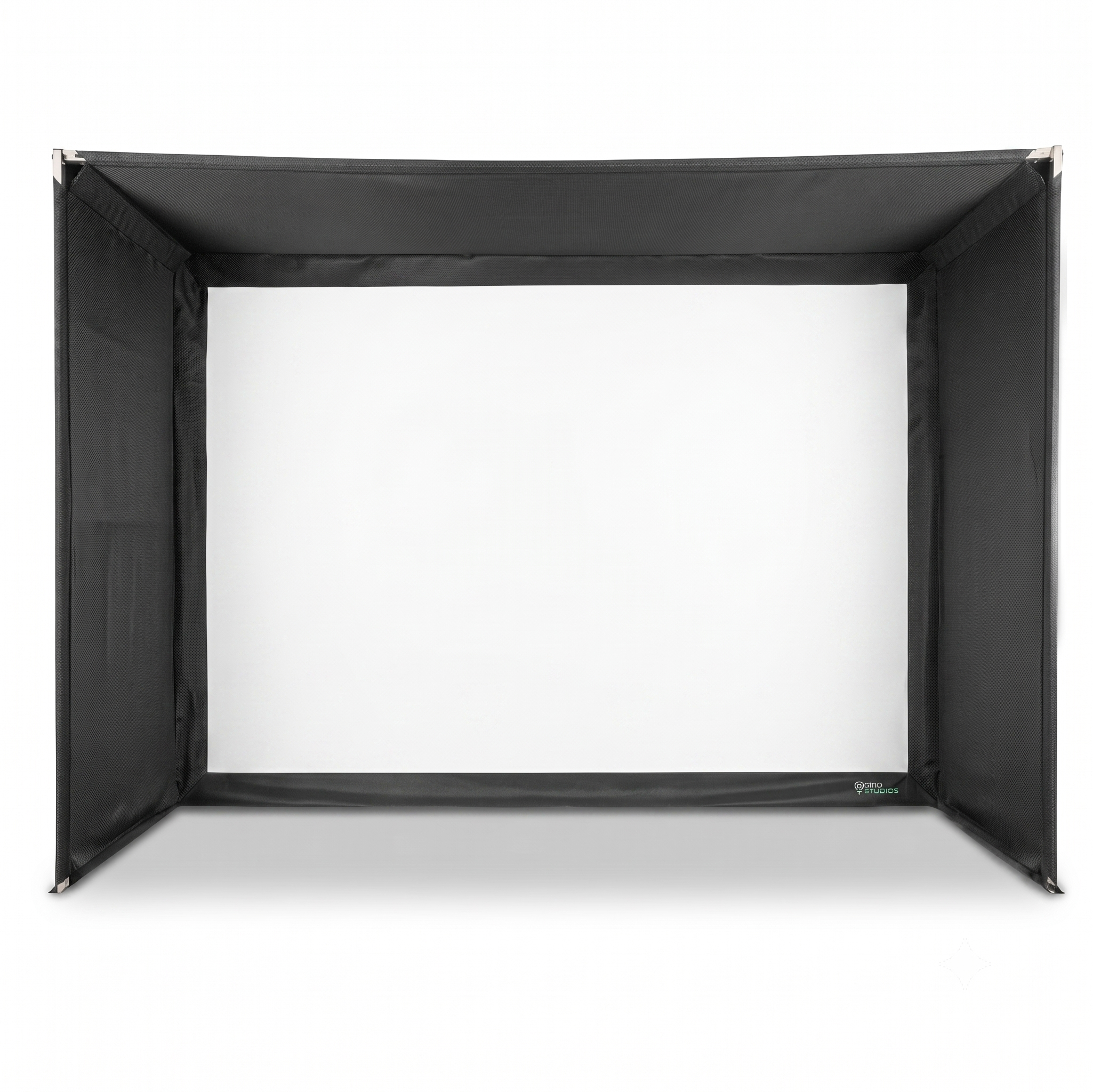
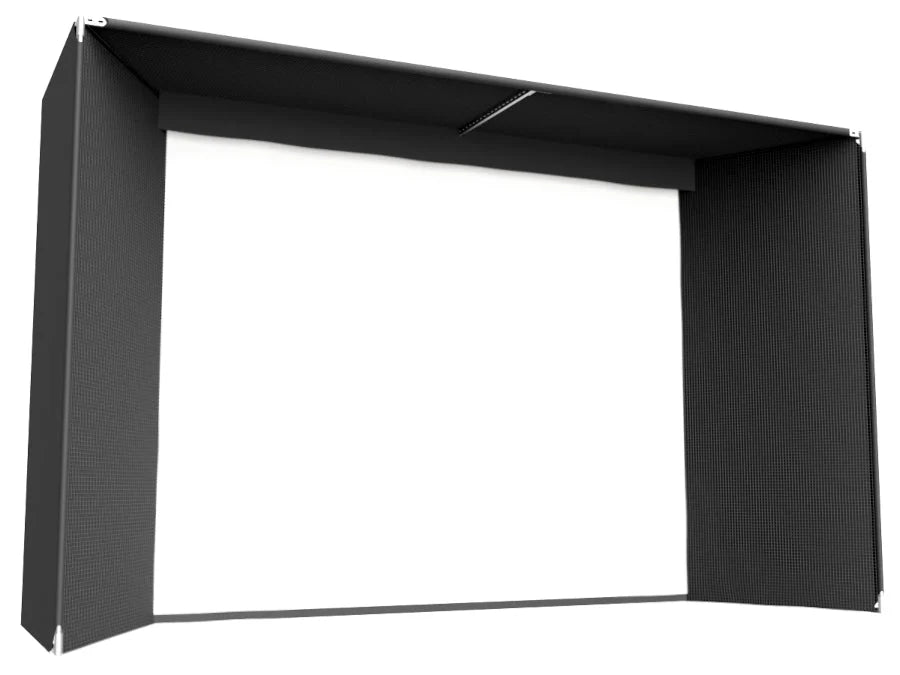
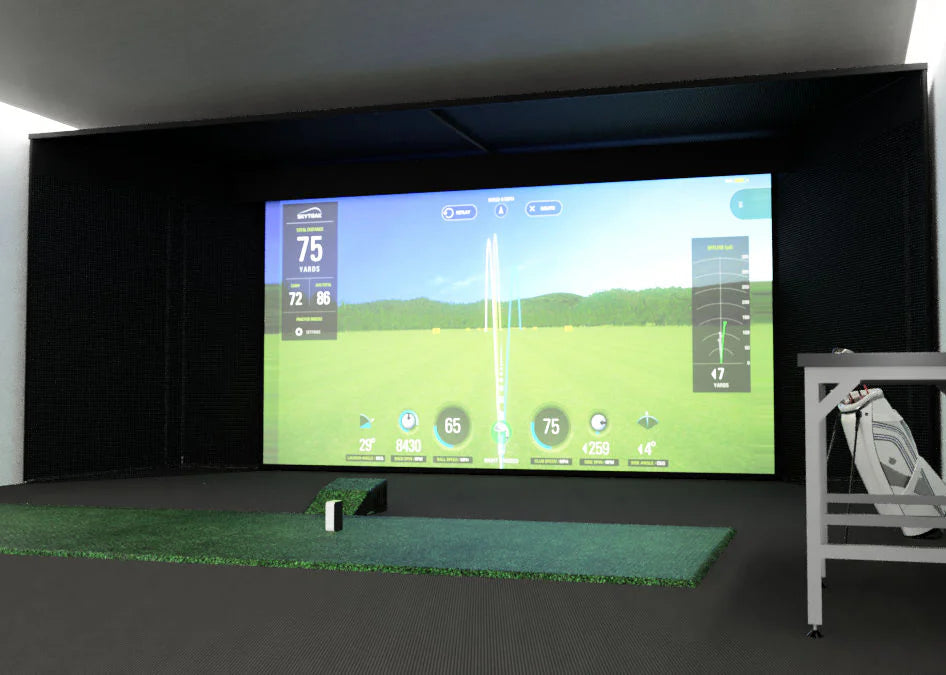
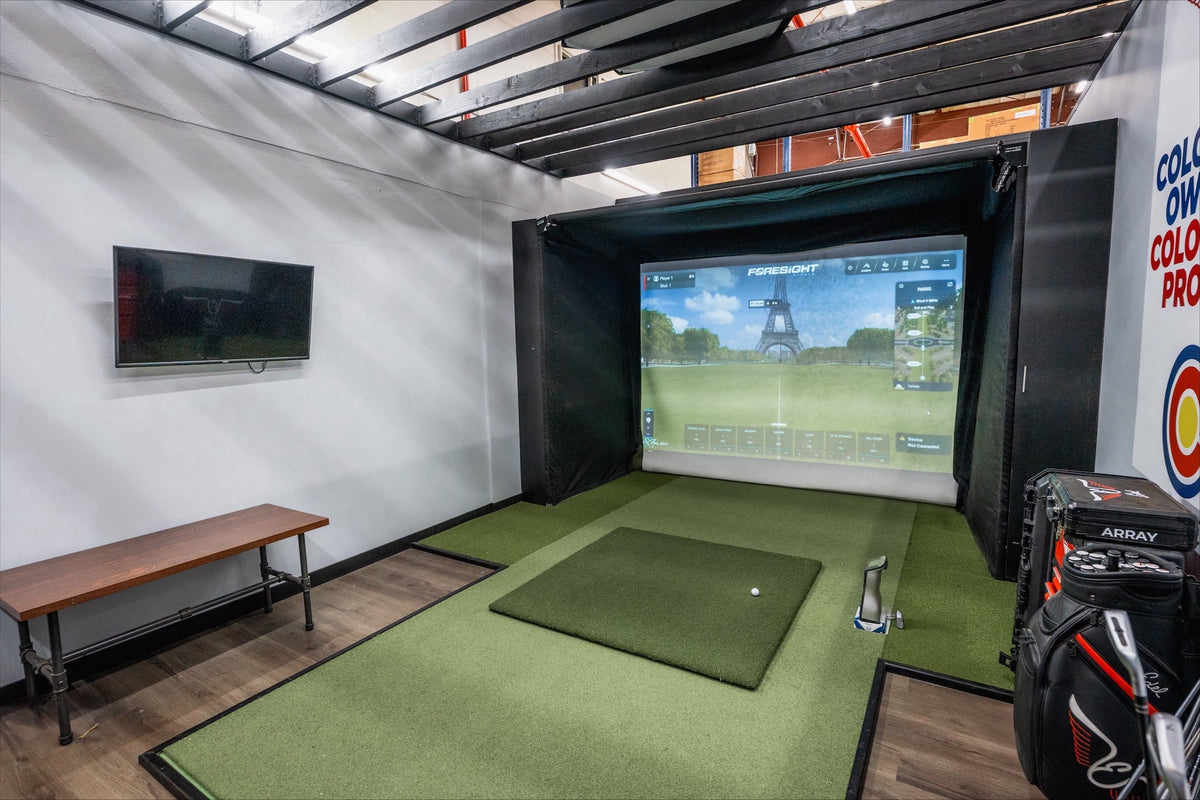
The Ultimate Commercial MegaStudio Bay
The industry’s most exclusive Turnkey solution. Built for high-traffic elite venues and the most discerning golfers, this bundle pairs world-leading overhead precision with a massive, cinematic footprint.
Unrivaled accuracy. Unmatched scale. Your competitive secret.
Falcon Further Specifications
Processing: 3-5 Business Days (Quality check & packaging).
Shipping: 3-5 Business Days via UPS/FedEx.
Total Delivery: Expect your order within 6-10 Business Days.
Signature Required: For security, an adult signature is required upon delivery.
Free Standard Shipping
Tracking: You will receive a tracking number as soon as your order leaves our warehouse so you can monitor its
- FSX Play Software
- FSX 2020 Software
- Clubhead Measurement
- 25 Golf Courses
- FSX Pro Performance Software
- Foresight Fairgrounds
- 2-Year Warranty
- Automatic Latching Ceiling Mount (mounting screws not included)
- Calibration Wand
- Power Cord
- Ethernet Cable
- Fiducial Dispenser
- USB to USB-C Cord
- Rubberized Tees (2)
- Technology: Quadrascopic High-Speed Camera System
- Size: 43'' Long
- Hitting Zone: 59" x 28"
- Weight: 26lbs
- Power Supply: Integrated
- Data Interface: USB Type C / WiFi / Ethernet
- Mount: Automatic Latching Ceiling Mount
- Ethernet Data Rate: Gigabit/Second
- Impact Protection: Rubberized Impact Protection (replaceable)
- Frame: Reinforced Aluminum
- Warranty: 2-Year Limited
- Multi-Sport Capable: No
FSX Courses Included:
Your purchase includes a premier selection of world-class venues:
- La Jolla Pines
- Blue Bayou Golf and Fishing Club
- Broken Tree Golf Course
- Linfield National Golf Club
- Teton Pines Golf Course
- Willow Crest Golf Club
- The Farms Golf Club
- Beaver Hills Country Club
- Tall Pines
- Butterfield Country Club (Red/Blue)
- Kinsale Golf and Fitness Club
Which of these are specifically optimized for FSX Play?
Currently, the following courses in the bundle are fully FSX Play Compatible:
- La Jolla Pines
- Blue Bayou Golf and Fishing Club
- Butterfield Country Club (Red/Blue)
- Linfield National Golf Club
- Willow Crest Golf Club
Ball Data (Launch Conditions)
The Falcon tracks the ball immediately after impact to determine exactly how it is launching into the air.
- Ball Speed: The velocity of the ball at the moment it leaves the clubface.
- Vertical Launch Angle: The initial upward angle of the ball relative to the ground.
- Horizontal Launch Angle (Azimuth): The initial side-to-side angle relative to the target line.
- Total Spin: The overall revolutions per minute (RPM) of the ball.
- Spin Axis: The tilt of the ball's rotation, which determines if the ball will draw, fade, hook, or slice.
Club Data (Requires Club Markers)
By using small reflective "dots" on the clubface, the Falcon can track the moving clubhead with extreme precision.
- Club Head Speed: How fast the club is moving just before impact.
- Smash Factor (Efficiency): The ratio of ball speed to club speed, indicating how "solid" the contact was.
- Angle of Attack: Whether you are hitting down on the ball or sweeping up.
- Club Path: The horizontal direction the club is traveling (e.g., "In-to-Out" or "Out-to-In").
- Face Angle: Whether the clubface is open, closed, or square at impact.
- Impact Location: The exact point on the clubface where the ball made contact (heel, toe, or center).
- Lie & Loft at Impact: The dynamic angle of the club as it strikes the ball compared to its resting state.
- Closure Rate: How fast the clubhead is rotating closed during the hitting zone.
Calculated Flight Data
Using the measured launch conditions above, the software calculates the resulting flight path:
- Carry Distance: How far the ball travels in the air.
- Total Distance: Carry plus the expected roll.
- Peak Height (Apex): The highest point the ball reaches.
- Descent Angle: How steeply the ball is falling as it lands.
- Offline Distance: How far left or right of the target the ball finishes.
Pro Tip: One of the Falcon's biggest advantages is its massive hitting zone (59" \times 28"). Because it is ceiling-mounted and uses four cameras, it can track these measurements for both right-handed and left-handed golfers simultaneously without needing to move the device.
What are the ideal room dimensions for the Falcon?
For the best experience, your ceiling should be between 9.5 to 10.5 feet tall. The center of your hitting mat should be placed 10 to 12 feet from the screen and approximately 4 feet in front of the Falcon.
Can I install the Falcon myself?
Because the Falcon weighs 27 lbs and requires overhead mounting, we recommend at least two qualified installers. Ensure your ceiling structure can support a minimum of 75 lbs.
What hardware do I need for the mount?
The package includes the mount but not the lag screws. You will need screws with a maximum diameter of 6mm (0.25"). They must engage a ceiling joist by at least 1 inch. If using drywall anchors, you must use at least four, each rated for 50 lbs.
Setup & Calibration
How do I turn the Falcon on/off once it’s on the ceiling?
No ladder required! You can use the grip end of a golf club to reach and press the power button on the back of the unit.
- Yellow Light: Booting up.
- Blinking Blue: Ready to play.
- Solid Red: Calibration in progress (do not power off).
How does calibration work?
Calibration is handled through the Foresight Calibration App (included with FSX Play/Pro). You will need an active internet connection. You’ll place the calibration wand in the hitting zone and follow the on-screen prompts. The device will reset itself once the process is complete.
Do I need special balls or stickers?
No. The Falcon is designed to lock onto ball dimples automatically. You do not need reflective stickers or special marked balls for ball data. (Note: For advanced club data, fiducial stickers are used).
Connectivity & Software
What is the best way to connect the Falcon to my PC?
A direct Ethernet connection from the Falcon to your PC is highly recommended for the most stable and fastest data transfer.
How do I link the unit to the FSX software?
Once calibrated, open FSX Play or FSX Pro and navigate to the Devices menu. Your Falcon will appear by its Serial Number. Simply click "Connect," and you’re ready to tee off.
Quick Troubleshooting
- Falcon won't connect: Check your Ethernet cable. If using a hub, ensure it is a powered hub.
- Won't lock onto the ball: Ensure nothing is obstructing the cameras' view. If the light doesn't turn solid when a ball is placed, you may need to re-run the calibration.
- Falcon won't power on: Reset all connections. Unplug the power cable from the unit and the wall, wait 10 seconds, and plug back in. Ensure the outlet is a GFCI-protected source.
- Calibration Error: If the app fails, locate the log folder at C:\Users\[PC NAME]\AppData\LocalLow\ForesightSports and contact technical support.
Everything you need to know to master the peak of overhead simulation.
- After placing an order, you may cancel your order within 24 hours at no charge and you will receive a full refund of the purchase price. There are no refunds on orders cancelled after 24 hours; and you will be charged a cancellation fee of $250, that will be deducted from the purchase price, and a credit will remain on your account for the remaining balance of the purchase price that you may use on a later purchase.
- Available to U.S. customers only. All products will be shipped and sold only to U.S. credit card bearers and U.S. addresses.
- Mounting screws not included.
Contact us directly:
sales@turnkeyprostudios.com
1-402-577-0167
Complete your Golf Simulator