






Golfjoy
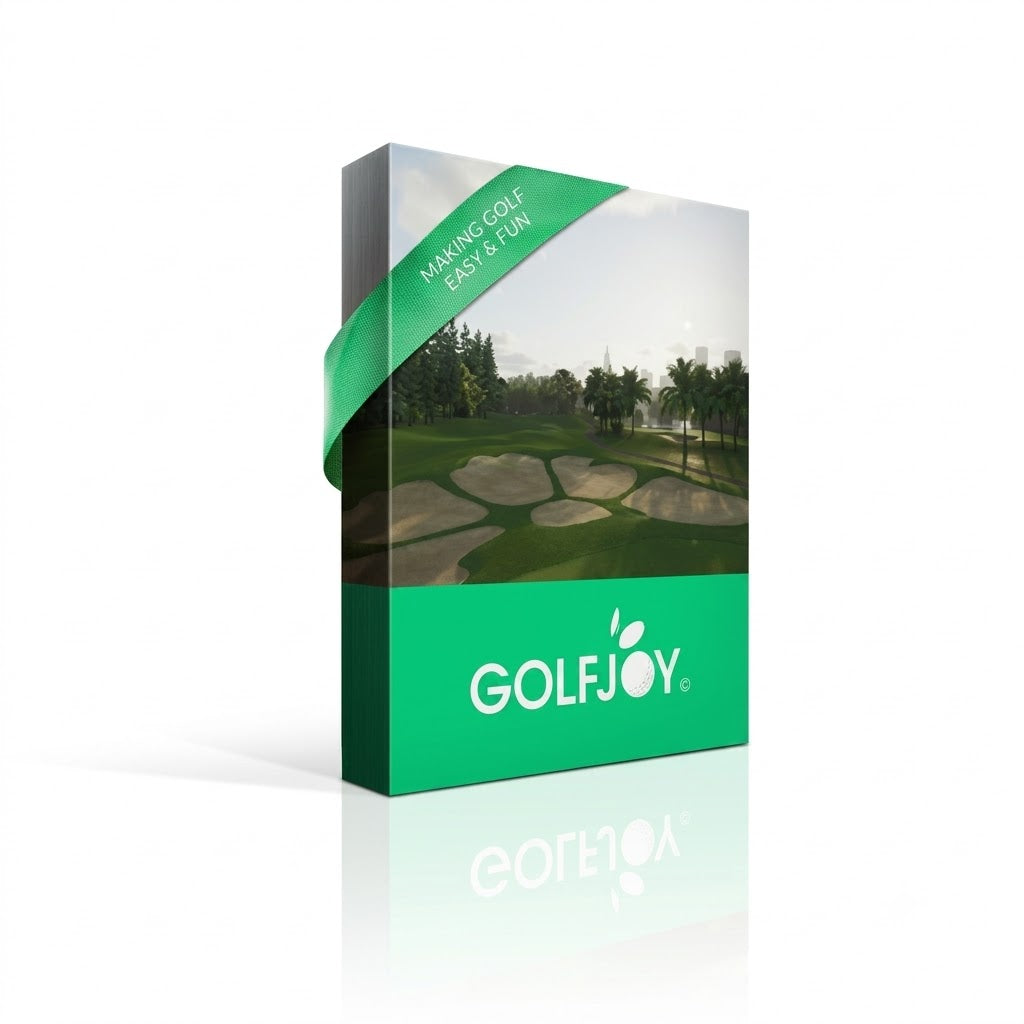
Complete Home Golf Simulator Package (Golfjoy P7/P8)
Simulator Model
Enclosure Size
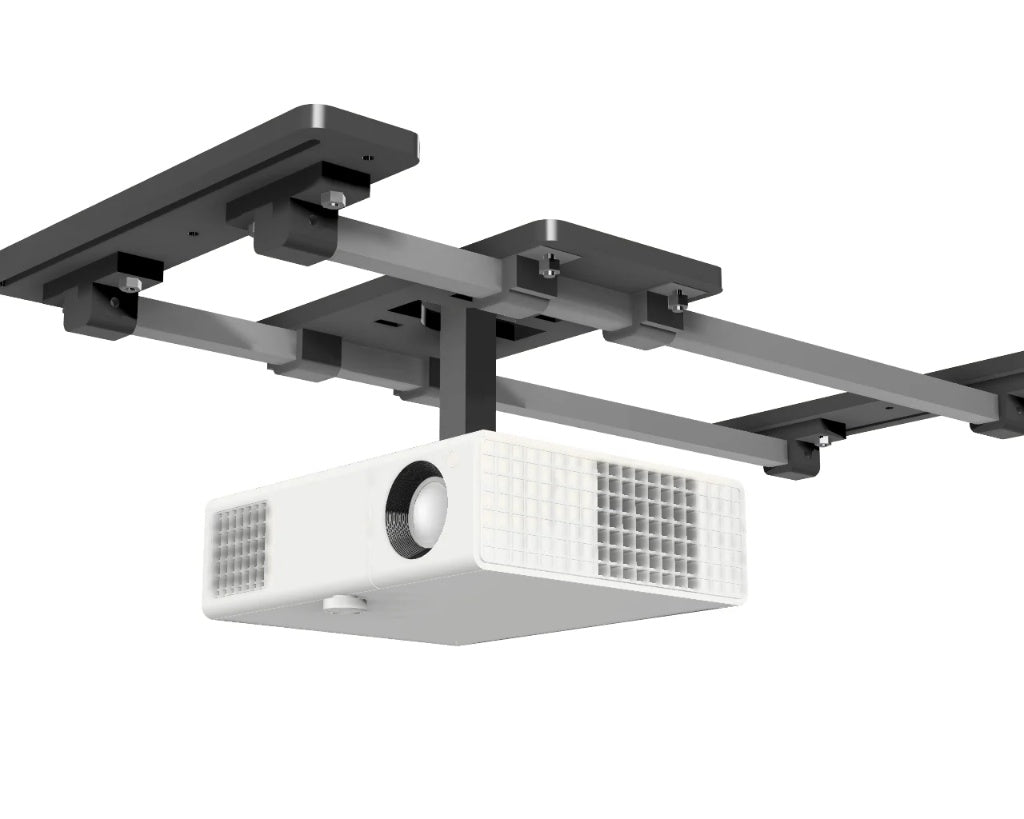
Projector Mount
Choose options
Simulator Model
Enclosure Size
Projector Mount
Simulator Model
Enclosure Size
Projector Mount

Turnkey Home Setup
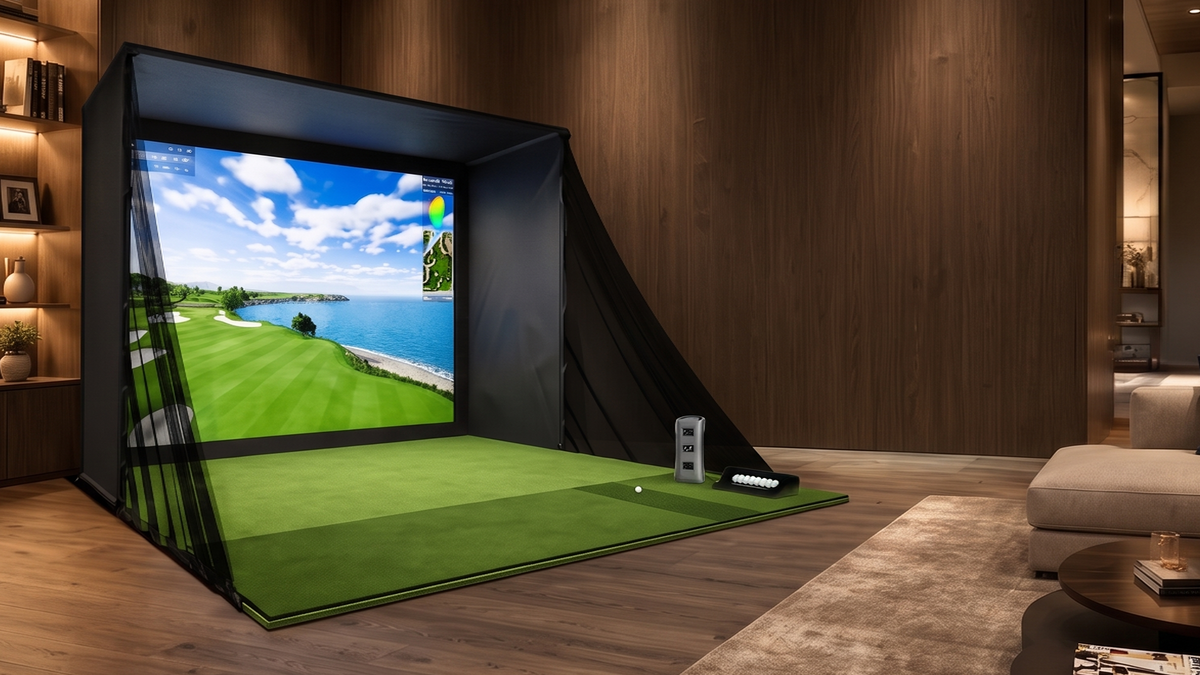
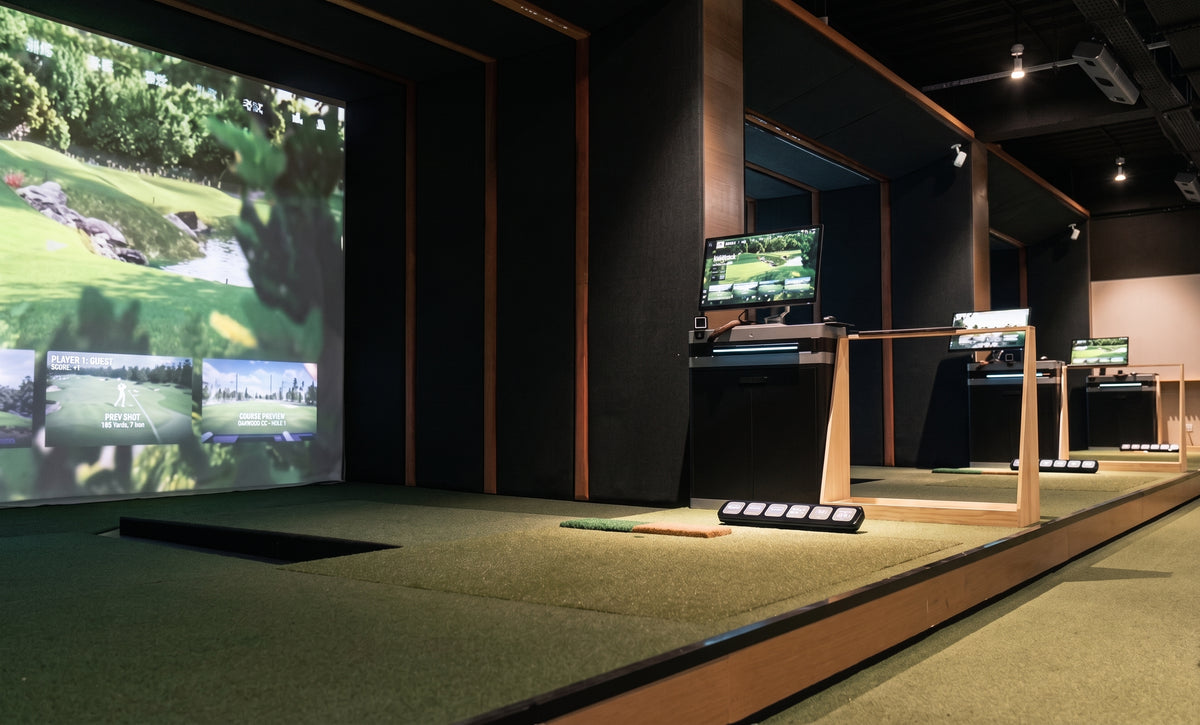
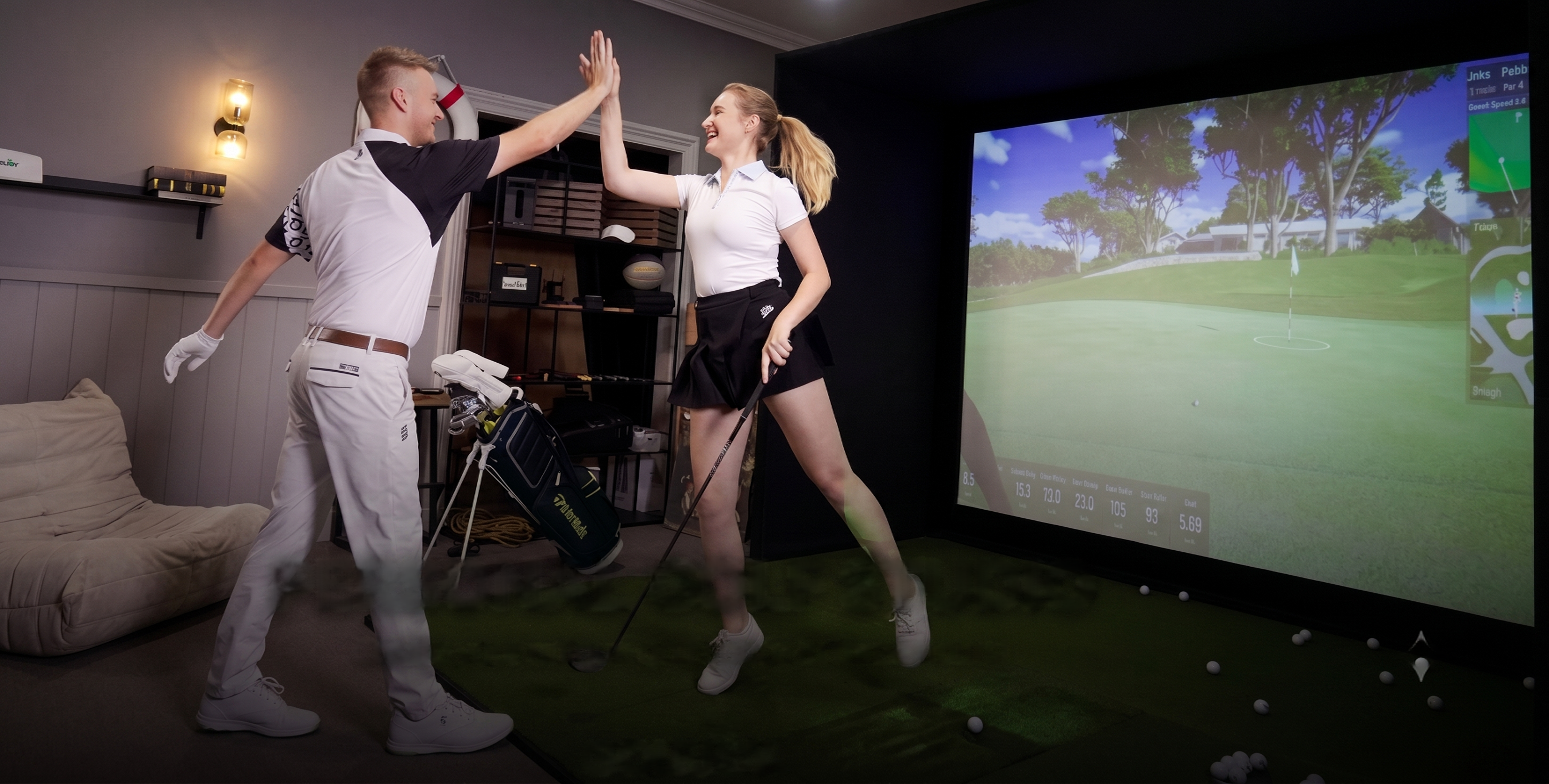
Skip the heavy tools, pipe cutting, and complex hardware. This complete GOLFJOY indoor golf simulator package features a lightweight, tool-less click-frame and an intuitive Velcro system designed for an easy, 1-hour DIY installation anywhere in your home.
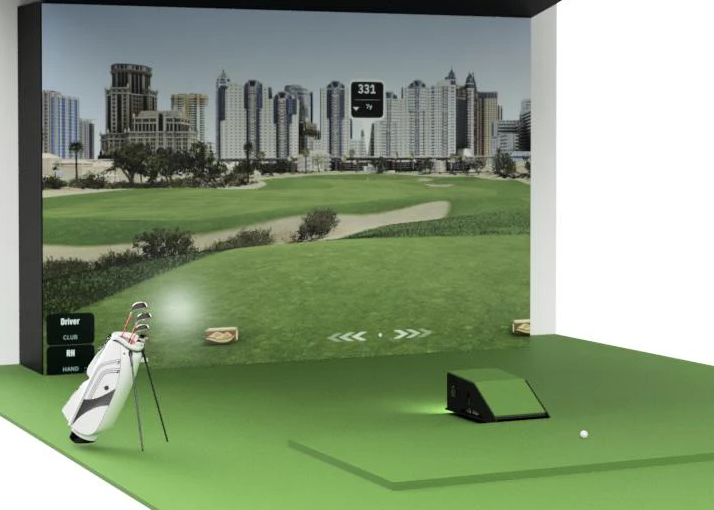
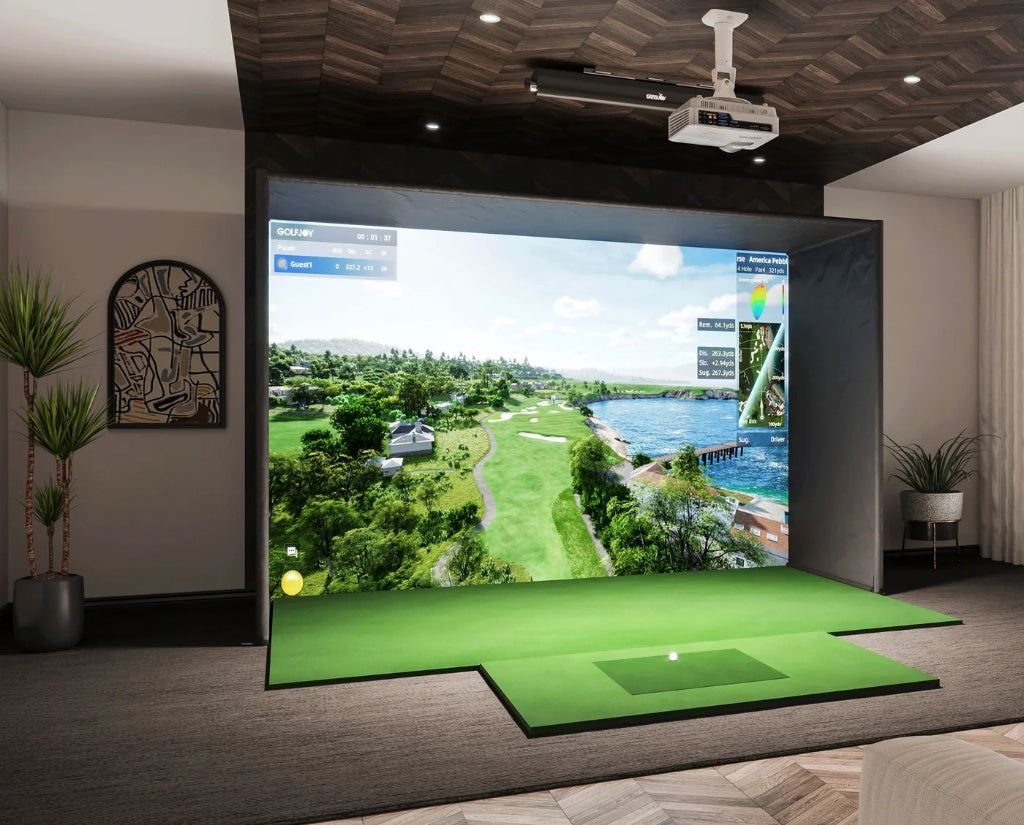
Equipped with an integrated premium projector mount, this affordable, portable, and patented turnkey system offers a studio-quality virtual golf experience with zero guesswork.

Key Features
-
Quick-Build Enclosure: Steel poles with a tool-free click assembly system (under 1-hour setup).
-
High-Def Impact Screen: Premium 3-layer, sound-reducing screen designed to last ~30,000 shots.
-
Premium Hitting Mat & Turf Roll: Real-course feel putting turf and fairway-realistic mat built to withstand 40,000 swings.
-
AI Data Tracking: Captures 29 real-time metrics (club head speed, ball speed, spin) via built-in GOLFJOY AI algorithms.
-
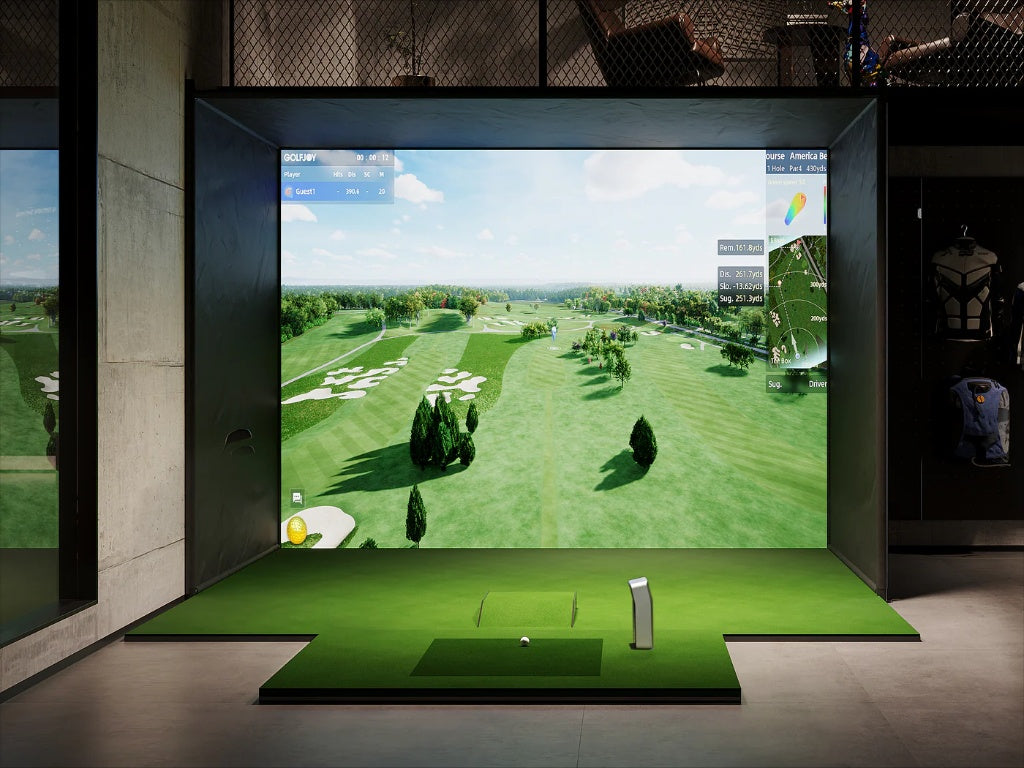
Lifelike 4K Gameplay: Powered by Unreal Engine 4 (4K, 60fps HDR) with multiple modes and iconic real-world courses.
What’s Included in the Box
-
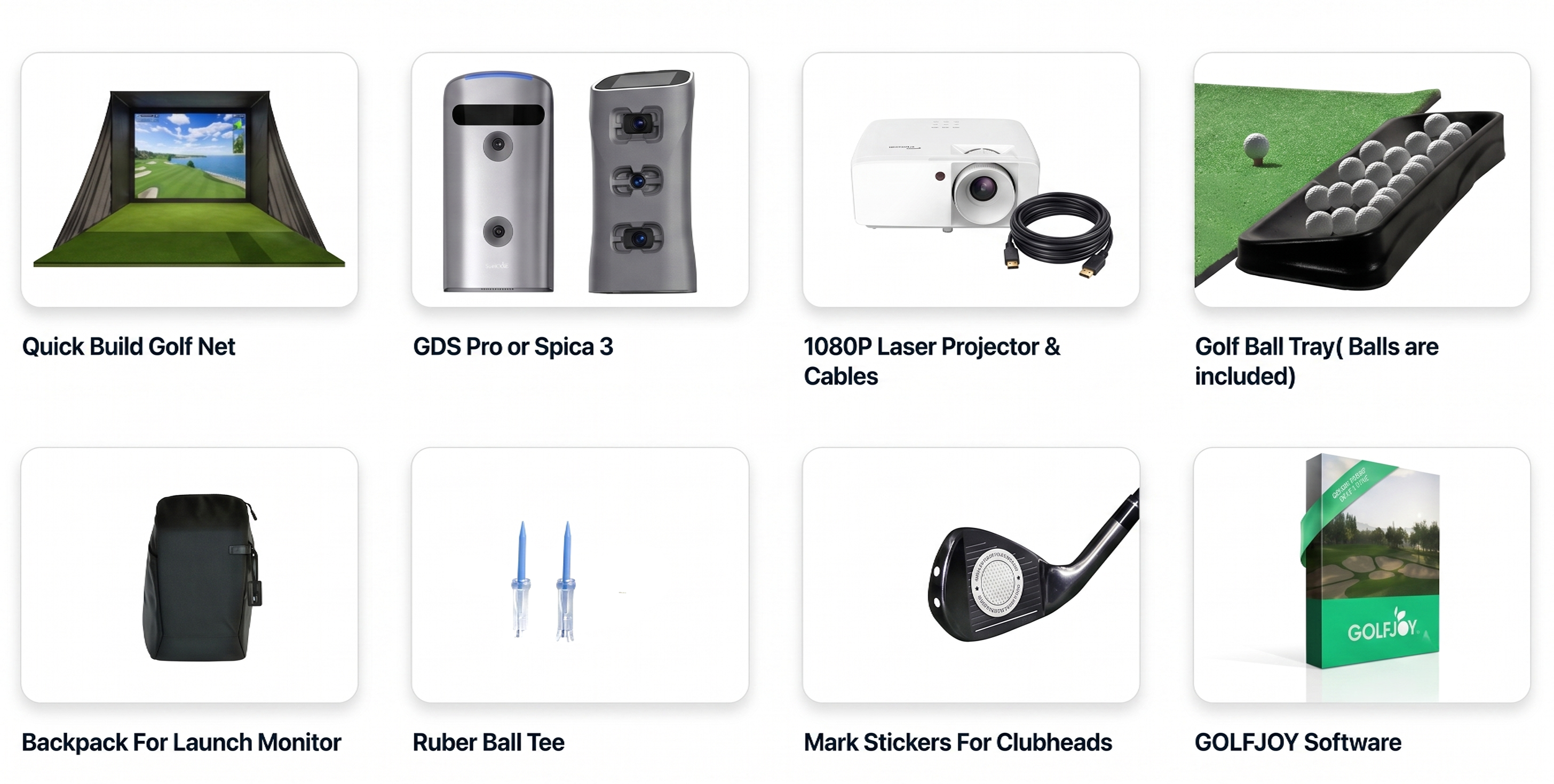
Your Choice of Official GOLFJOY Launch Monitor: GDS Pro or Spica 3 + Custom Backpack
-
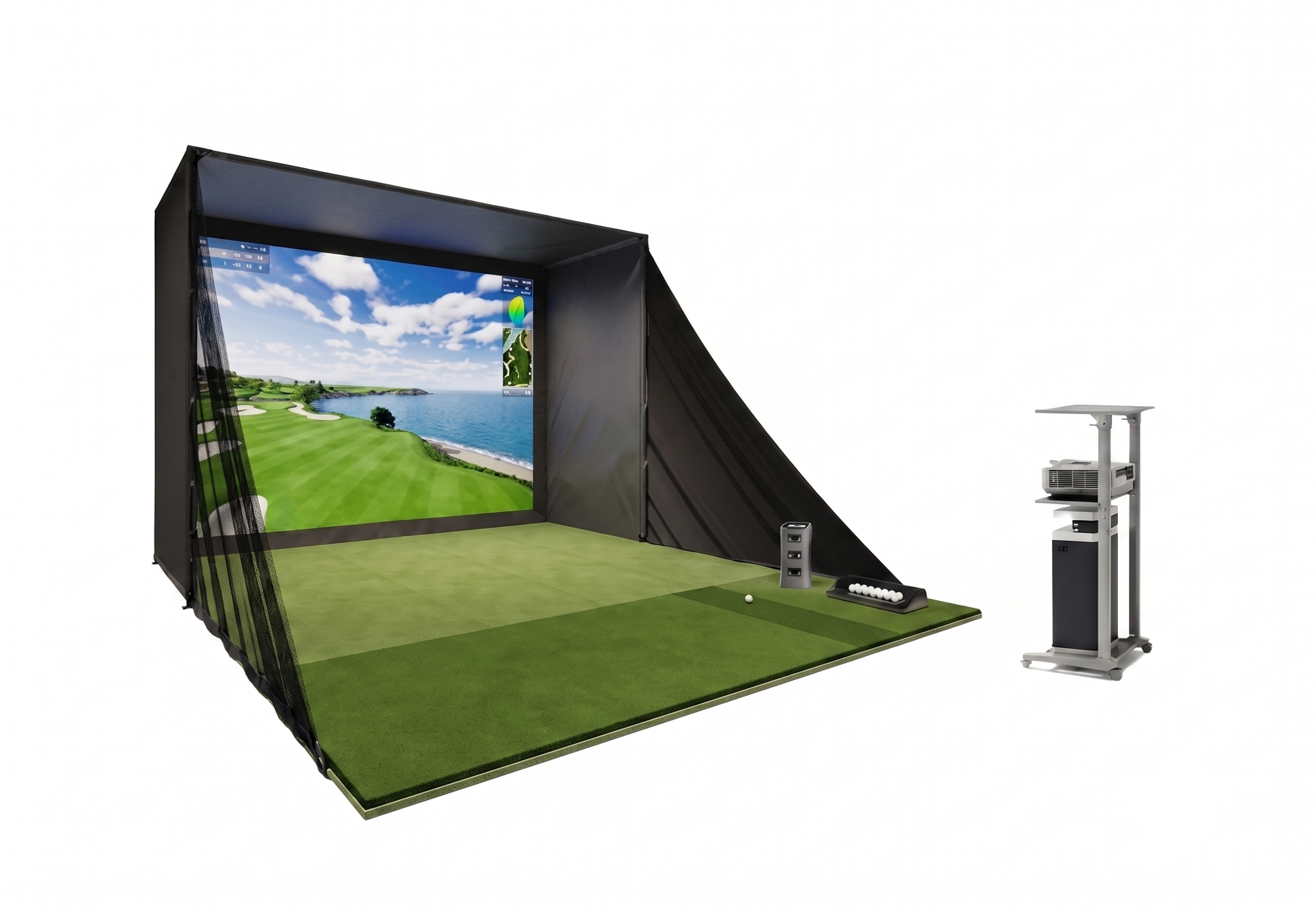
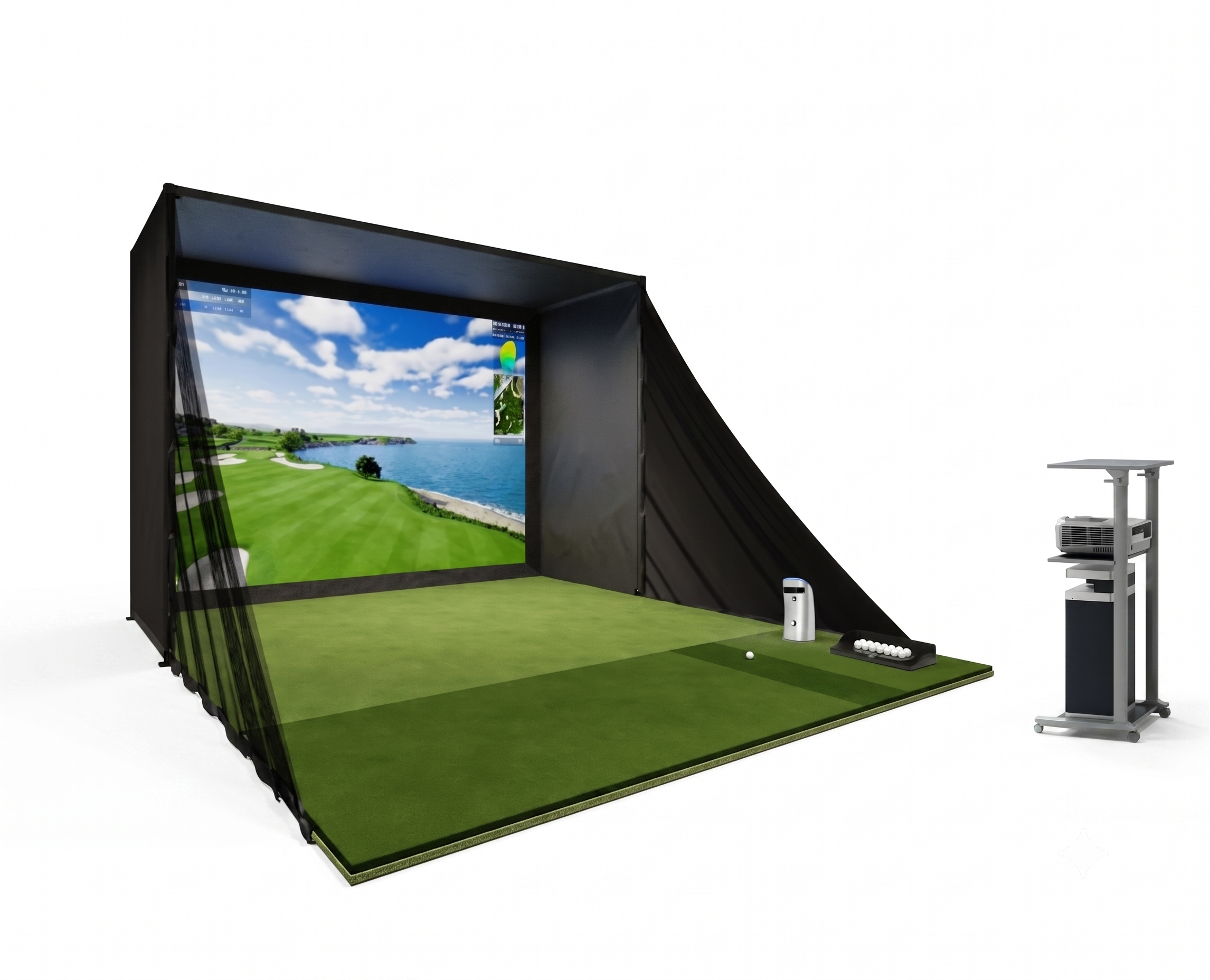
Complete Studio Enclosure: High-quality impact screen & quick-build safety net
-
Premium Hitting Mat System: Real-feel putting turf & rubber tees
-
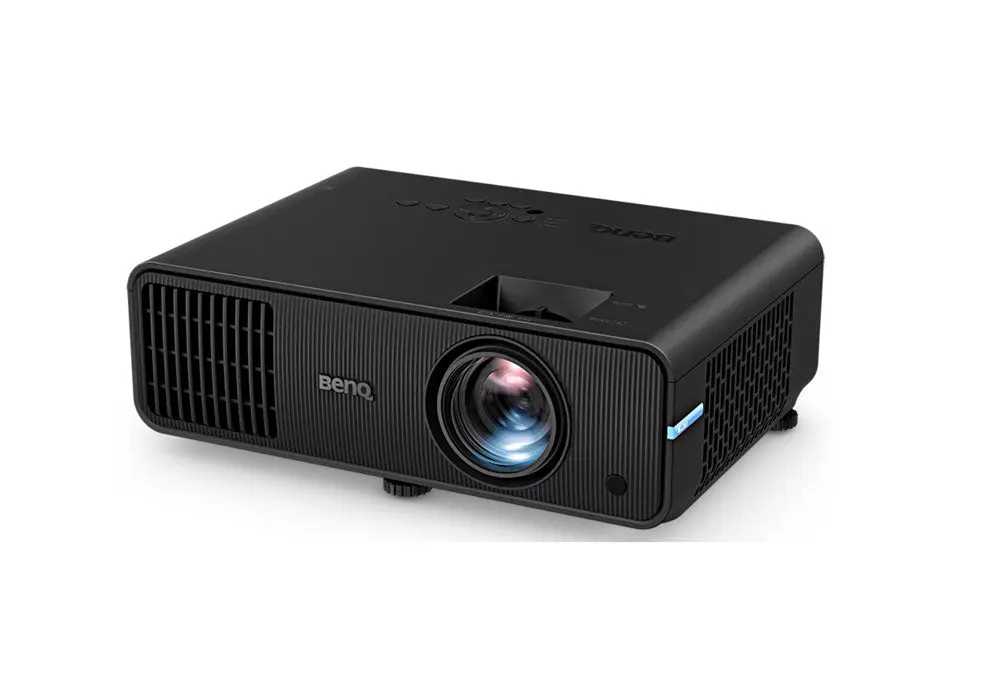
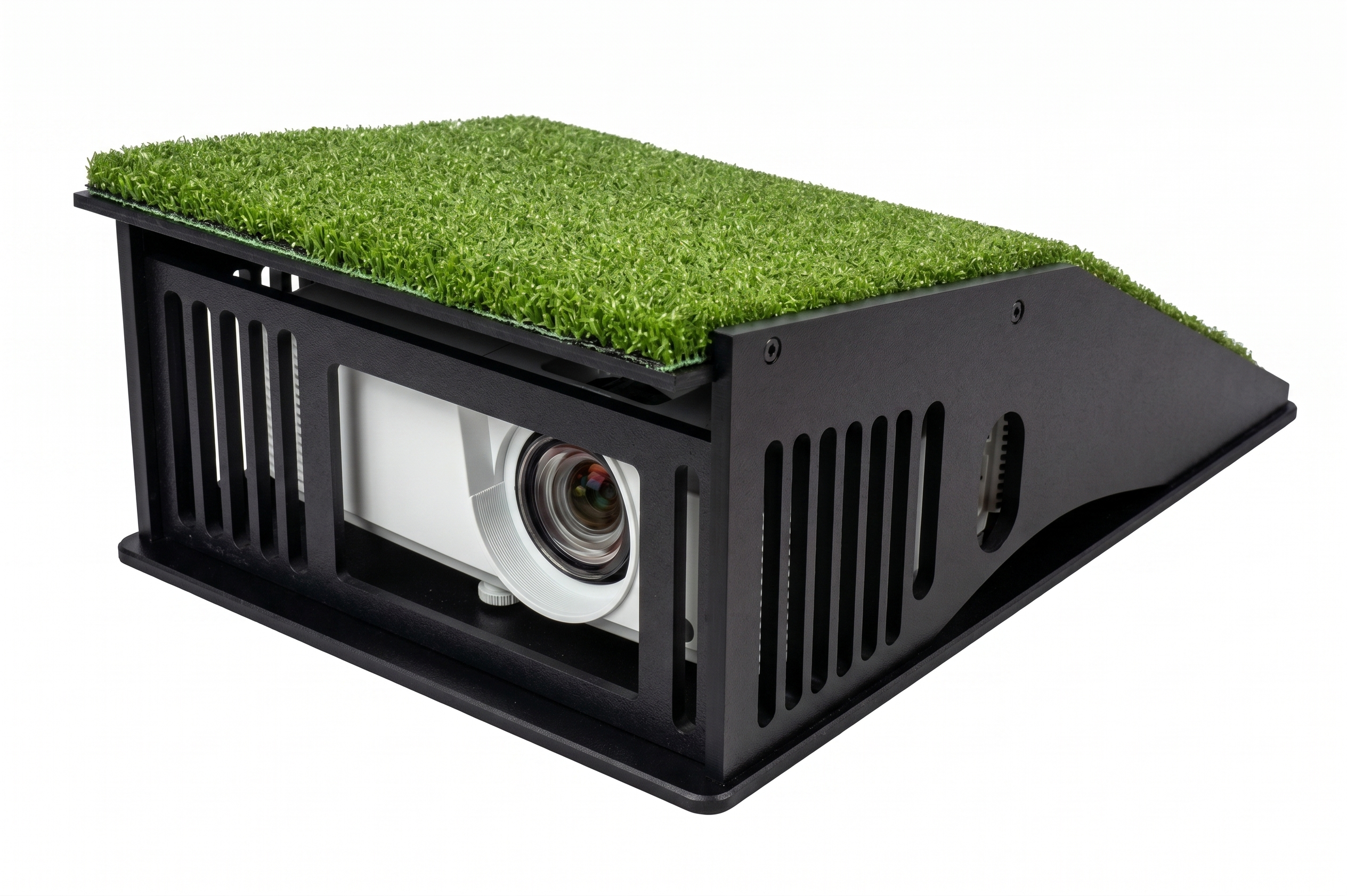
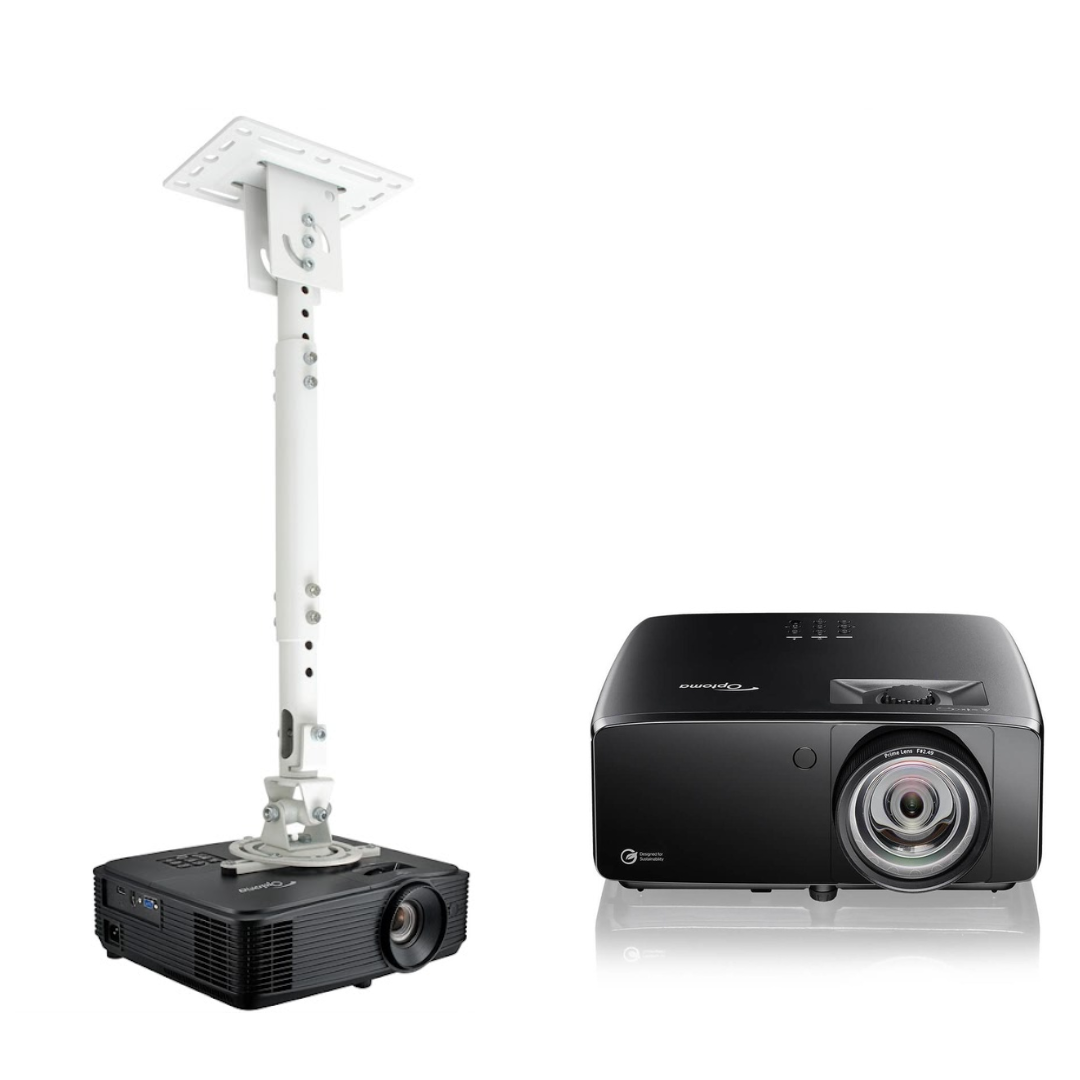
Visual Hardware: 1080p Full HD Short Throw Projector, all necessary connecting cables, and optional projector enclosure and mount completely tailored to fit.
-
GOLFJOY Software: 1-Year Subscription (up to 25 courses) & free Mobile/iPad App
-
Accessories: Golf ball tray (practice balls included) & clubhead marker stickers
🔒 Premium Protection Included
-
1-Year Manufacturer's Warranty: Your entire investment is fully covered for 12 months to ensure absolute peace of mind.
Specifications & Room Fit Guide
-
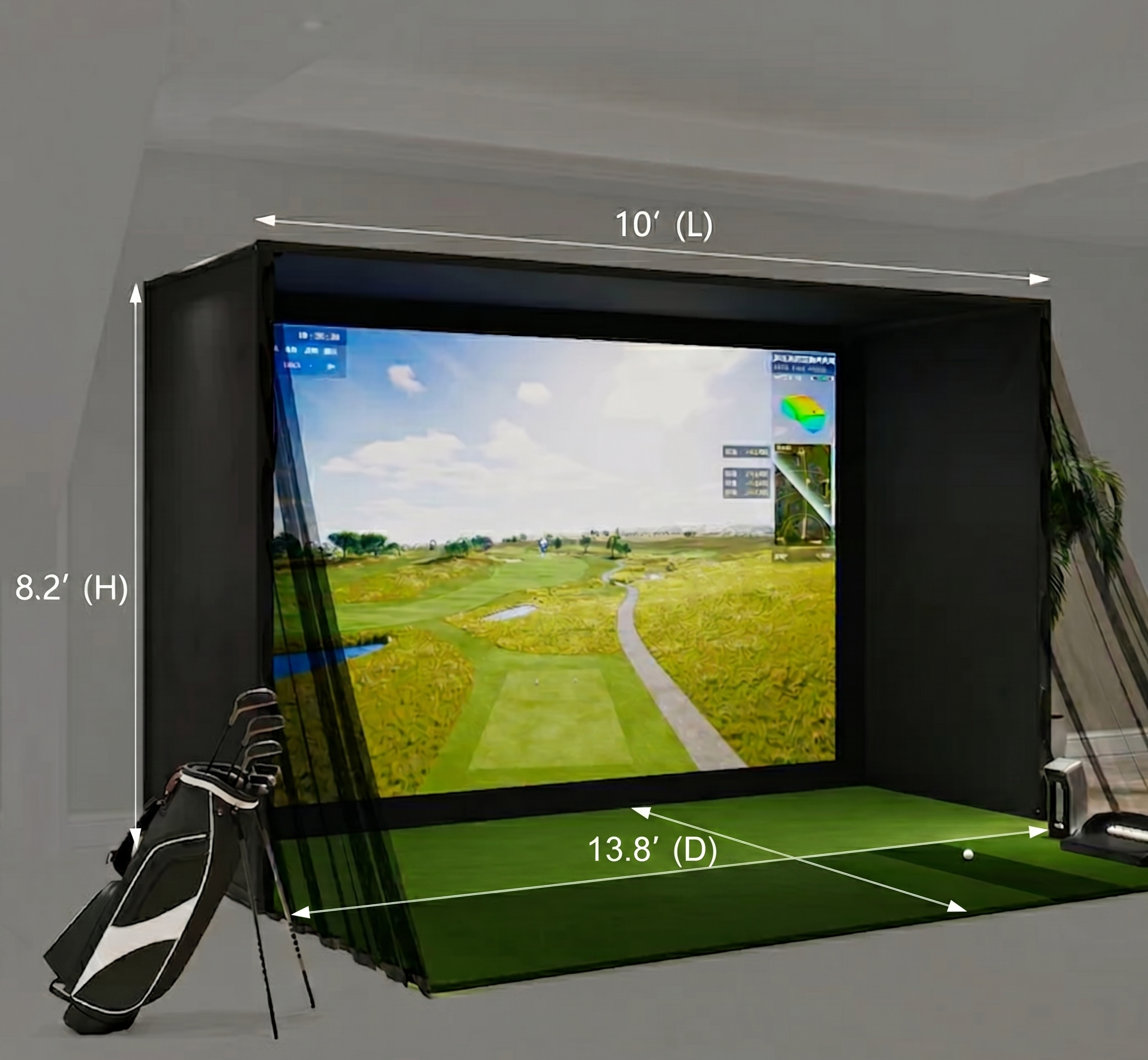
Product Dimensions: 10’ (W) x 8.2’ (H) x 4.9’ (D)
-
Minimum Room Requirements: 12’ (W) x 9.5’ (H) x 14’ (D)
💡 Pro-Tip: Prior to ordering, stand in your intended space and take a slow practice swing with your longest driver to verify total ceiling and wall clearance.
Launch Monitor Options: P7 (GDS Pro) vs. P8 (Spica 3)
To help you choose, here is a quick comparison of the two launch monitors included in your studio package:
| Feature | P7 (GDS Pro) | P8 (Spica 3) |
| Camera Tech | Dual High-Speed Cameras | Advanced Triple High-Speed Cameras |
| Hitting Zone | 7.5" x 6.7" (Standard) | 9.8" x 9.8" (Expanded & Forgiving) |
| Latency | 0.35 seconds | 0.30 seconds |
| Touchscreen | No (View on screen) | Yes (Built-In with Data Widgets) |
| Battery Life | 4 - 5 Hours (Removable) | 6.5 - 7.5 Hours (Integrated) |
| Connectivity | Bluetooth + Ethernet | Wi-Fi + Bluetooth + Ethernet |
| Weight & Size | 3.3 lbs (Lightweight) | 6.6 lbs (Larger Footprint) |
| Software | GOLFJOY UE5 4K, GSPro, E6 | GOLFJOY UE5 4K, GSPro, E6 |
Installed in Less Than 1 Hour. Zero Tools Required.
Set up your Personal Golf Simulator in less than one hour with zero tools required. Utilizing a precision click-frame system and heavy-duty Velcro technology, assembly is fast, incredibly simple, and completely secure.
Download the Official GOLFJOY PGS Assembly and Operation Manual (PDF).
Expert Support
Need help designing your space? Contact us for a custom quote!
Email: sales@turnkeyprostudios.com | Call/Text: 1-402-577-0167 (We respond within 24 hours)
Equipment included with Personal Golf Simulator
Finish Your Setup
Frecuently bought together
Get the most out of your space!
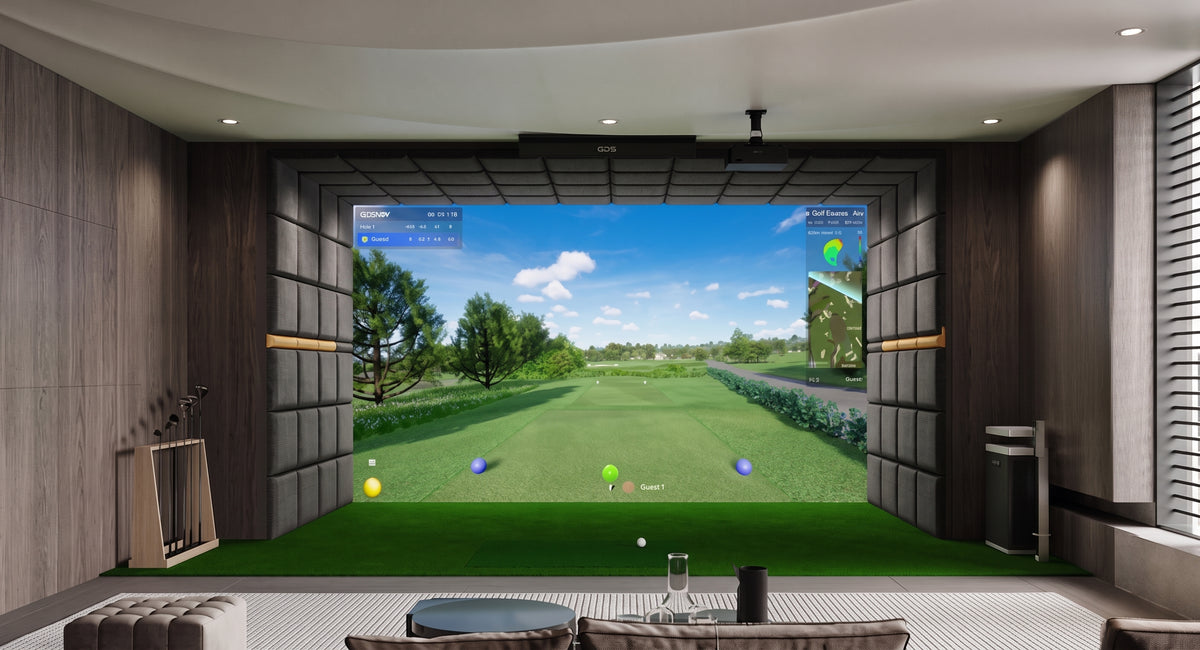
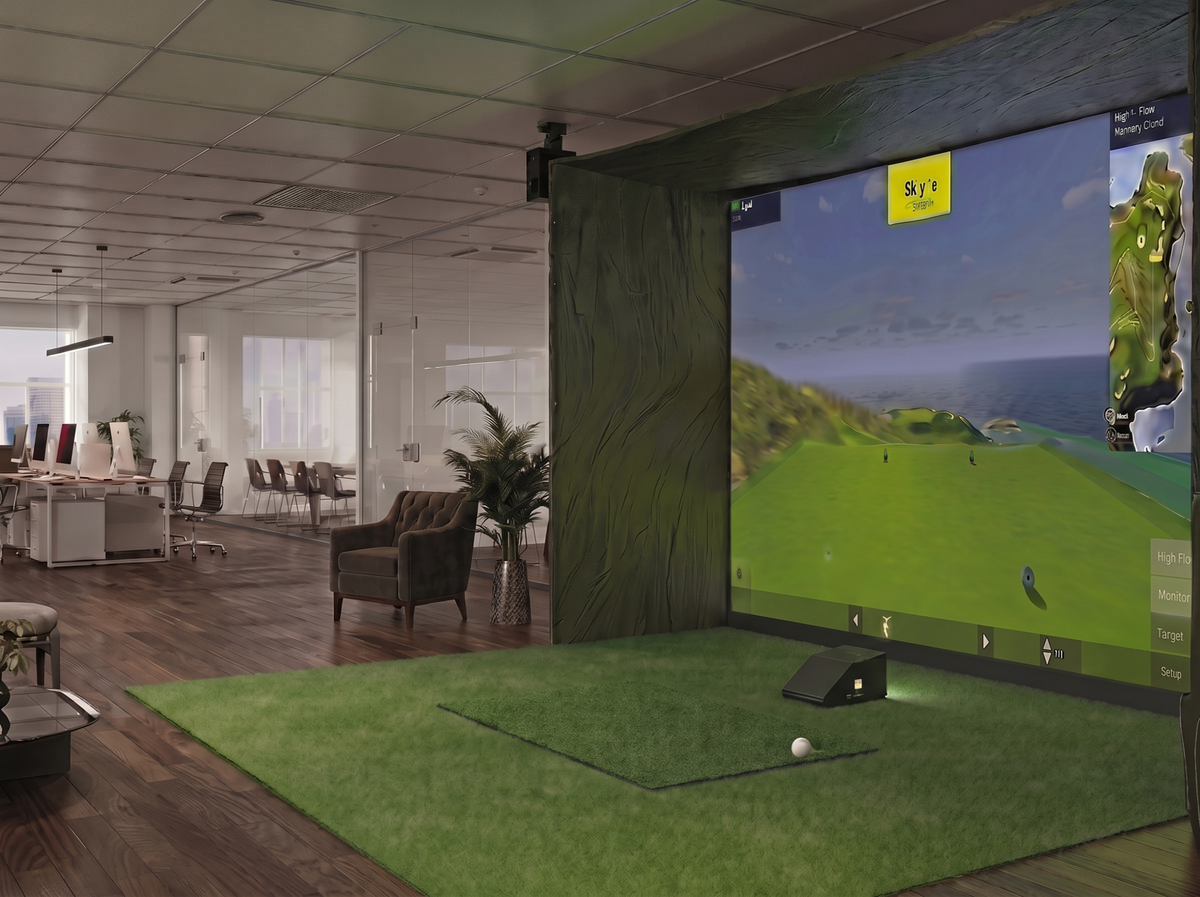
Build your perfect personal golf simulator. Our standard 10'W x 8.2'H x 4.9'D package with customizable launch monitor options delivers a great balance between compact size and playability.
- Best for: Garage bays or mid-sized rooms where you need a bit more hitting space to swing freely.
Customization is available for this package.
Easy set up tool-less and hassle free!
The golf simulator kit features a high-strength steel frame that snaps together in just minutes using spring-snap technology, and the poles can click into place easily and securely. No tools needed. With easy assembly, you can definitely enjoy a round of golf within two hours, making it one of the best golf simulator packages for home.
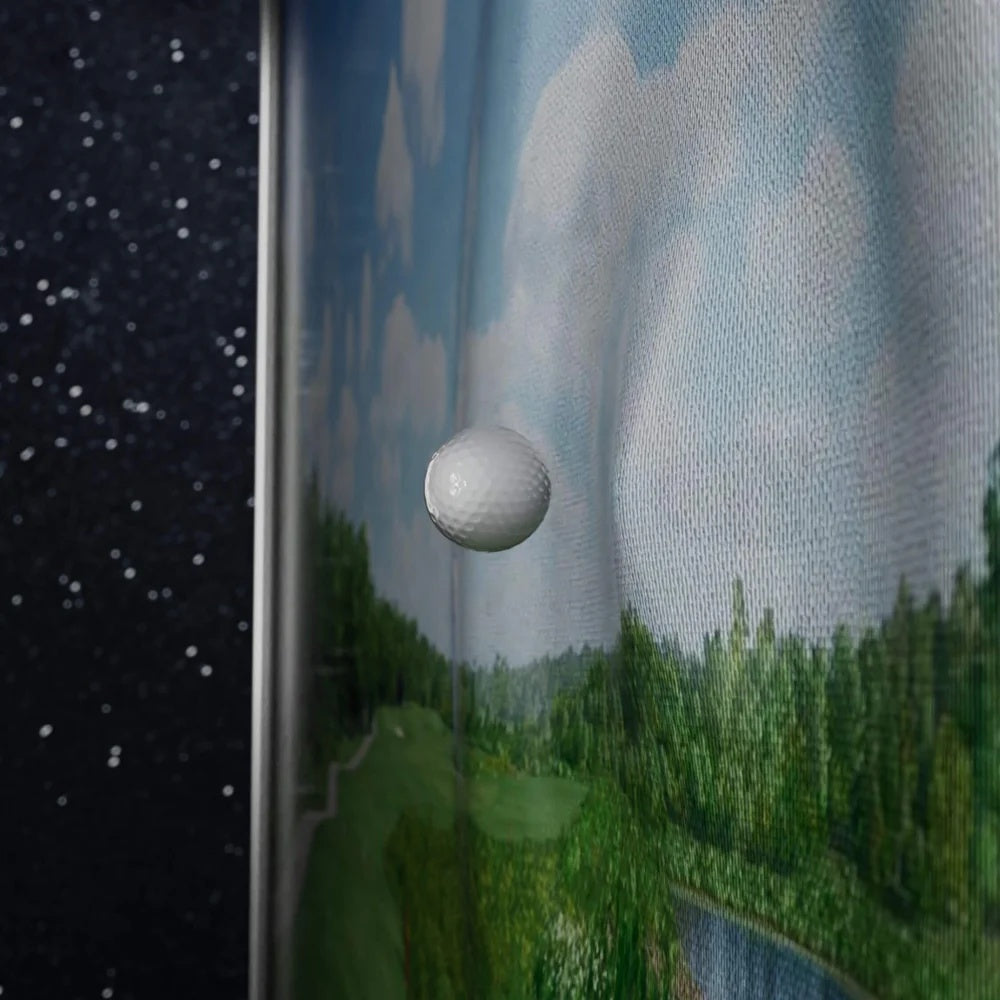
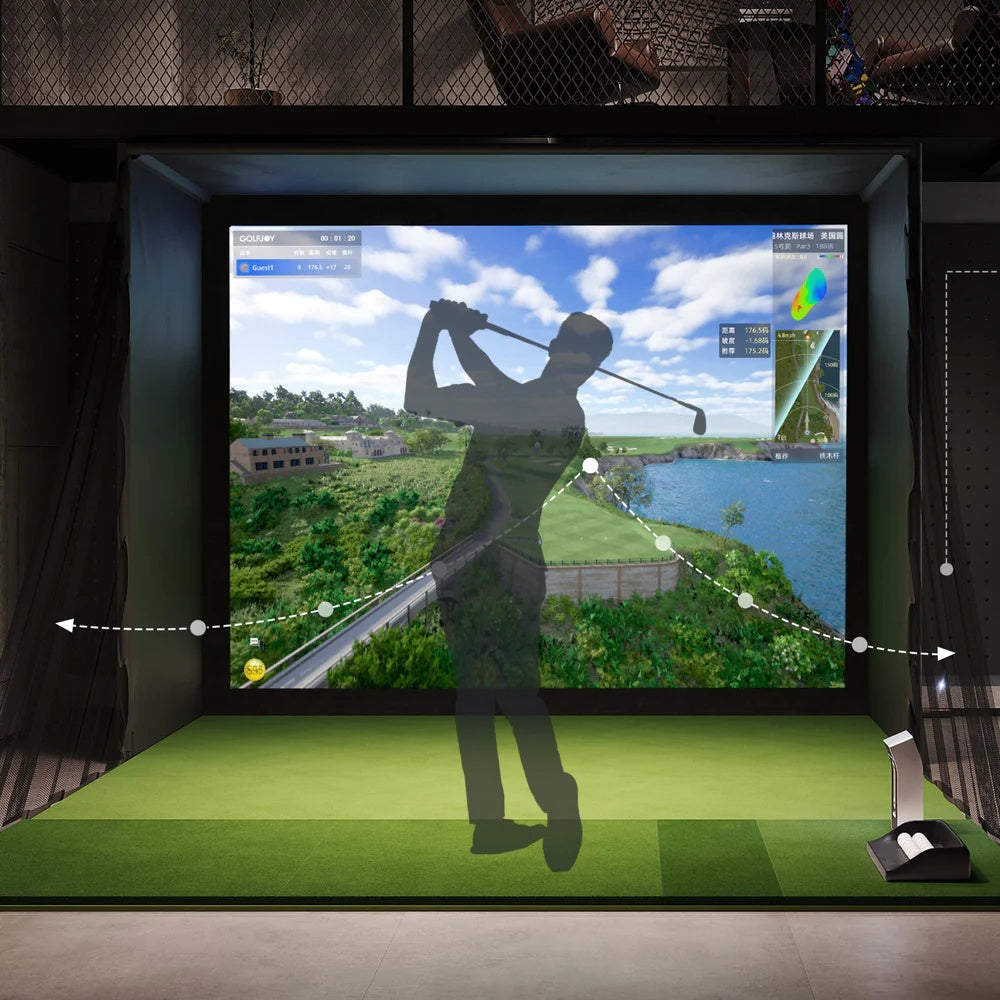
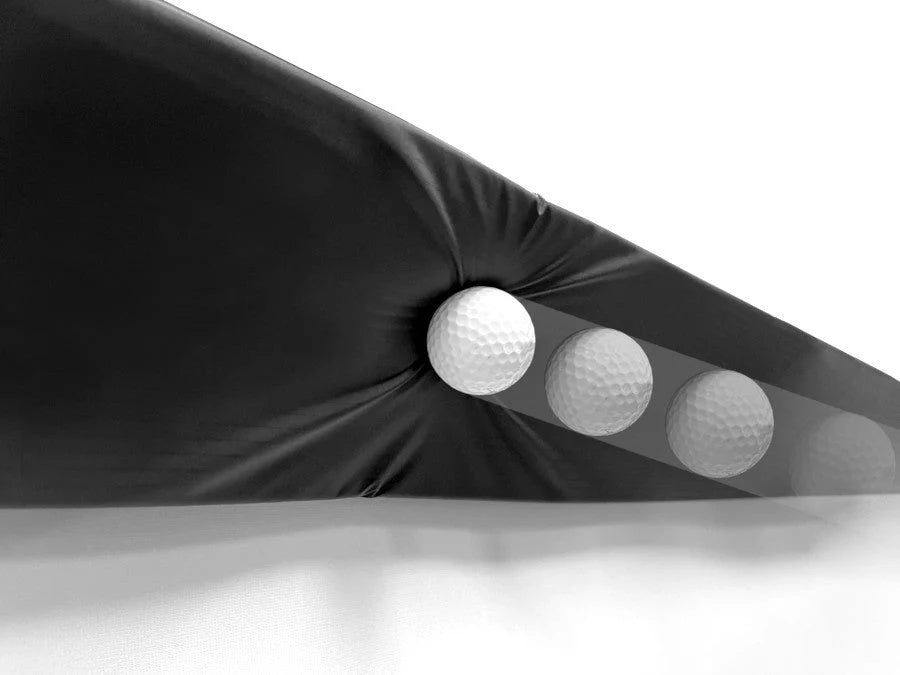
Slow rebound impact curtain
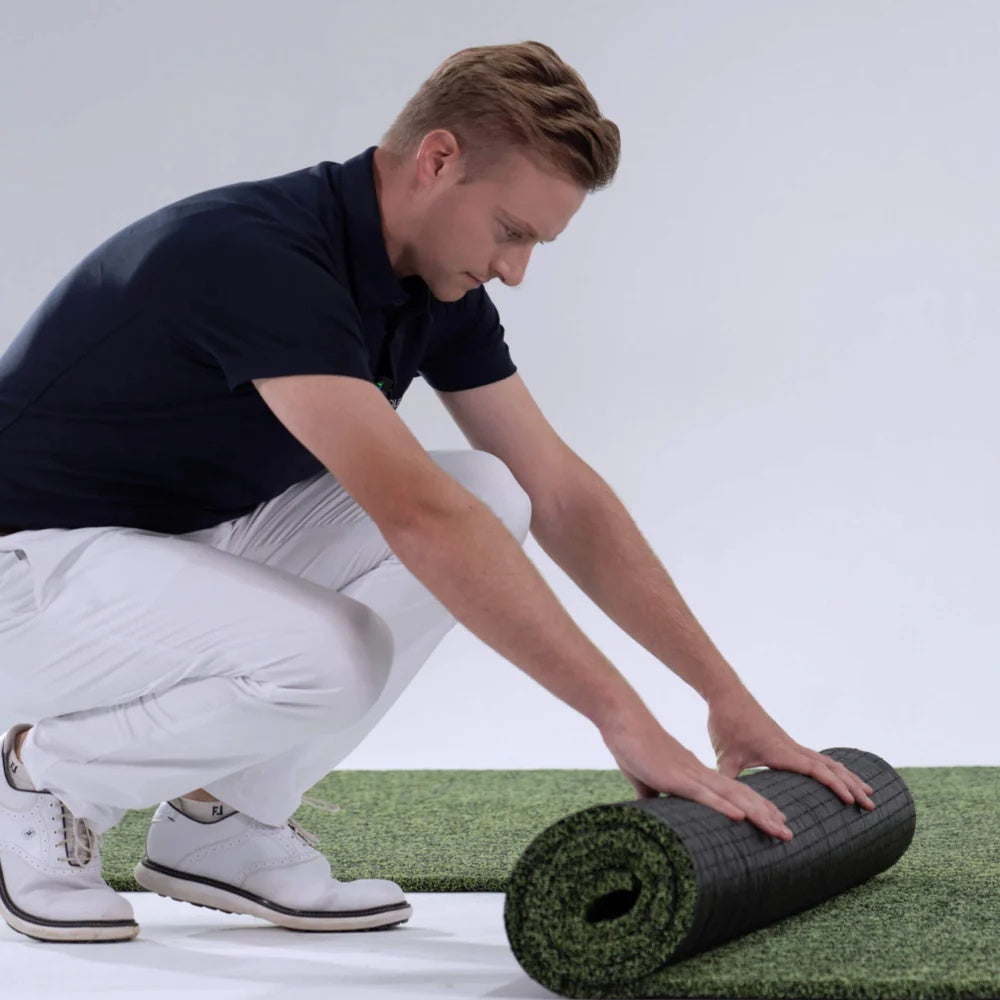
Artificial turf in front of the screen provides the ideal surface for putting. The hitting mat, held together with elastic string, provides a firm surface for standing and a softer area for hitting, capable of withstanding 40,000 swings. This home golf simulator kit is crafted for longevity, ensuring you get long-term enjoyment from your home golf set up.
Slow rebound and high-definition impact screen.
This golf simulator enclosure kit with an impact screen is available in standard and enlarged sizes to fit your space, making it one of the best affordable golf simulators on the market. The three-layered screen offers astonishing visual clarity backed with high-density protective padding to reduce sound, absorb ball impact and ensure prolonged use. You can hit some 30,000 shots before the front part needs replacing.
More Accurate Data Capturing
Equipped with a built-in, multi-group high-performance chip and the latest AI algorithm model, the multi-sport golf simulator provides real-time accurate analysis of key data. GolfJoy Intelligence software system provides a strong combination of 29 key golf data, including flying club head speed, ball speed, spin value, take-off angle and hitting efficiency. The golf shot simulator helps you track your performance with unmatched precision, making it one of the most accurate golf simulators. Whether you're a beginner or a pro, this virtual golf simulator offers the tools to refine your skills.
Enjoy Multiple Modes of Game Play!
GOLFJOY simulator software comes with golf course, training, real-time match, games, four cutting-edge content section. Applying Unreal Regine Four and invite the world-renowned design team to customize the software interface, with provide meaningful and valuable information for users. With 4K 60fps HDR, the course scene is lifelike.
Complete Indoor Golf Simulator | Golfjoy P7/P8 FAQs
In stock! Ships within 4-7 business days.
Limited time Free Shipping.
Adult Signature delivery is required.
We recommend an absolute minimum height of 2.8m (9.2ft) although we recommend the ideal height to be 3m (9.8ft). This way you will feel comfortable swinging any club.
We recommend a minimum width of 3m (9.8ft).
Operating System: 64-bit Windows 10 or higher
Processor: Intel i5-10600 or higher are recommended
Graphics Card: Nvidia GeForce RTX 3050 or higher (AMD GPUs are not supported)
Memory: Minimum of 16GB system RAM
Unsure if your device is compatible with GOLFJOY's Software, learn more here or email us directly at sales@turnkeyprostudios.com
🏌️♂️ Quick Setup Guide: Distance, Placement, & Shadow Prevention
Core Placement Recommendations
- Optimal Distance: Mount the projector 8 to 12 feet from the impact screen, depending strictly on your model's specific throw ratio.
- Centering: Ensure the lens is perfectly centered to the middle of the impact screen to prevent a warped display.
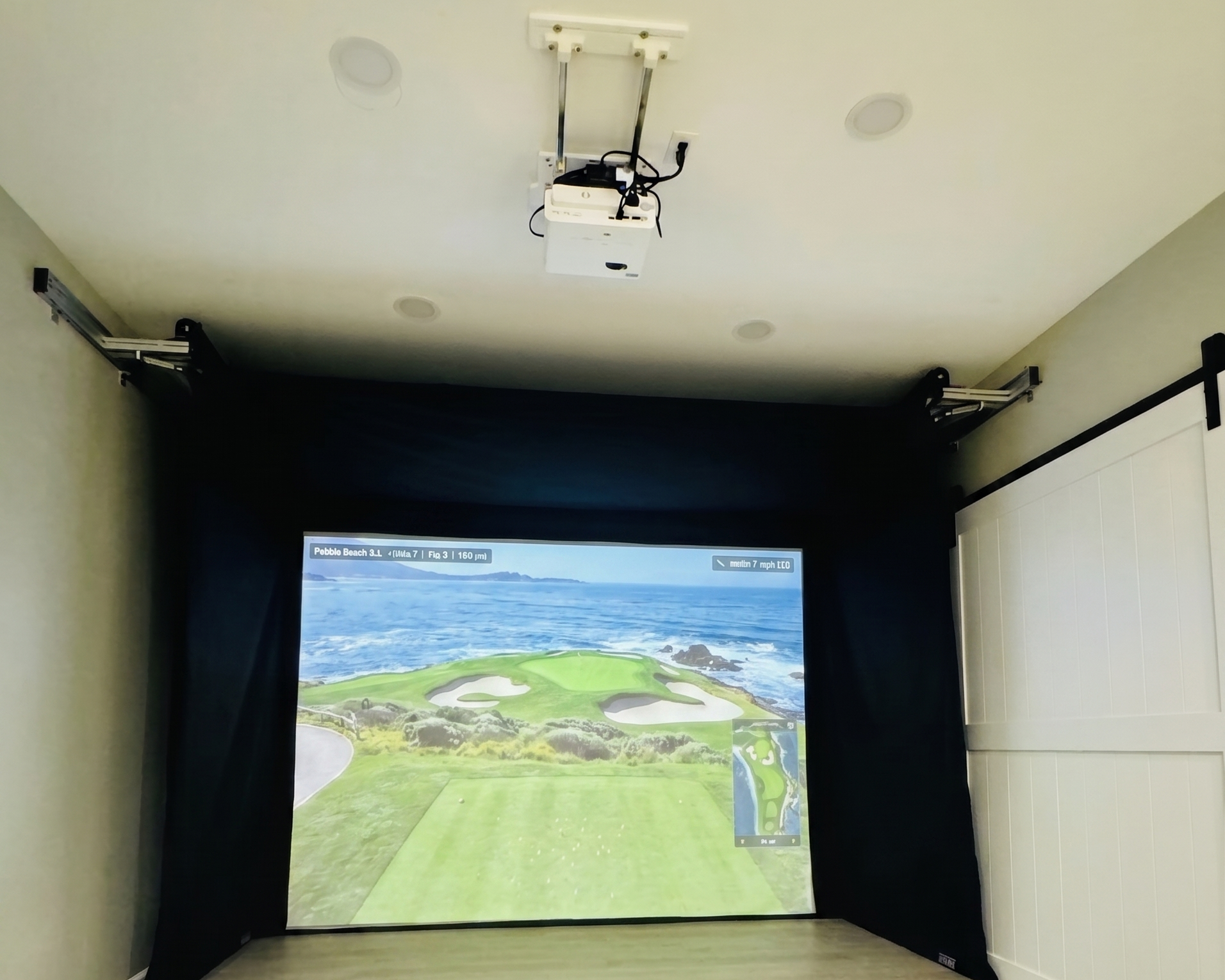
- Shadow Prevention: Mount the projector in front of the hitting area and slightly overhead so the light beam stays completely clear of your physical swing path.
Mounting Options: Floor vs. Ceiling
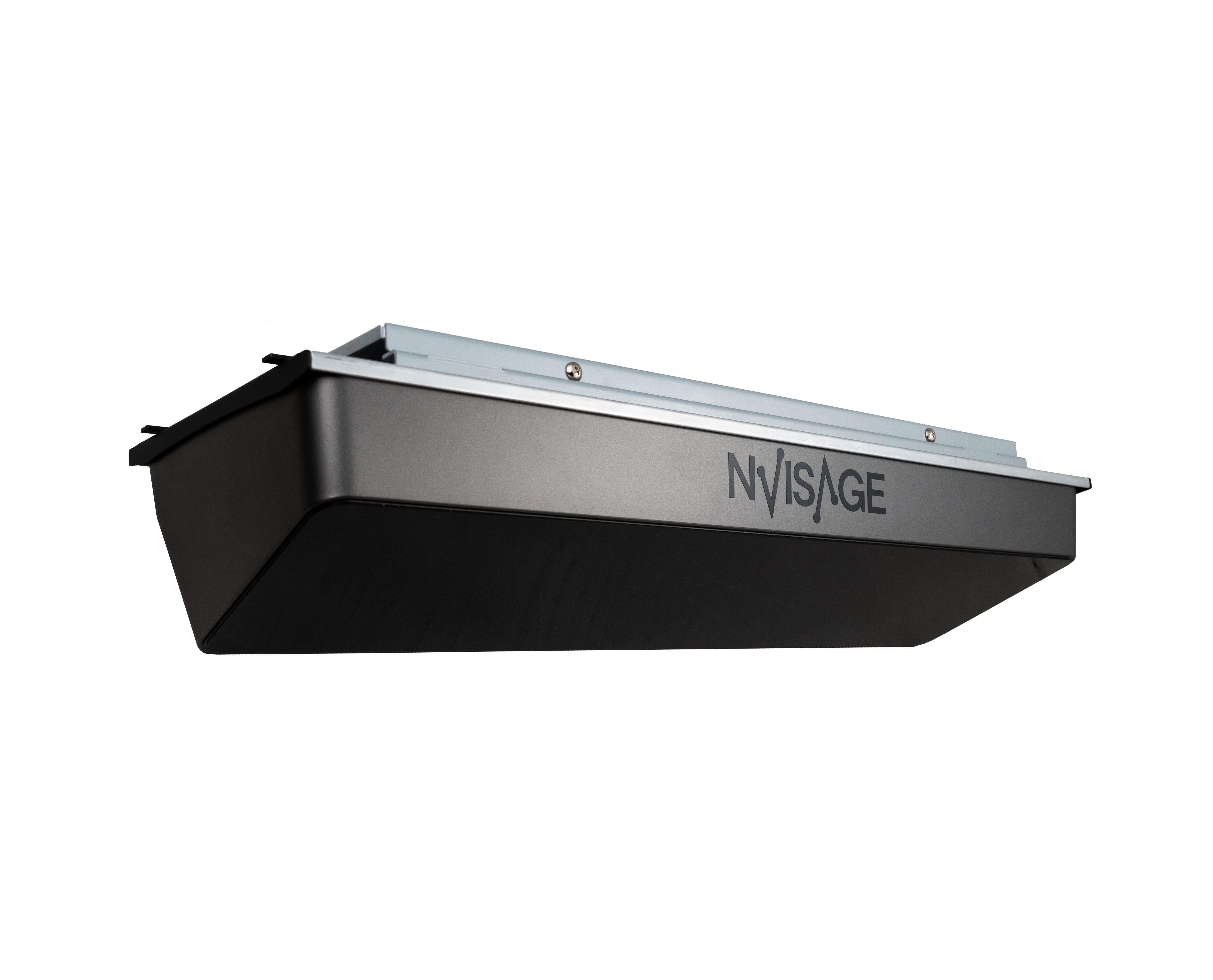
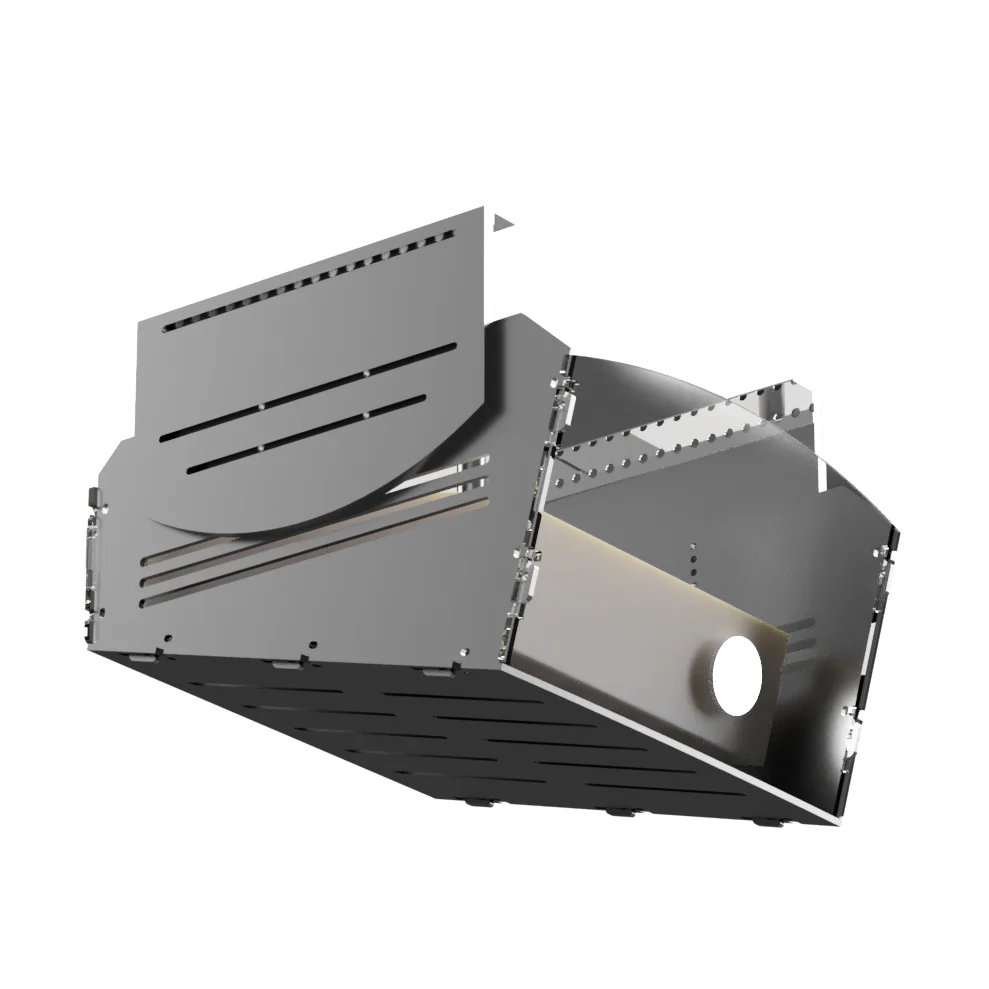
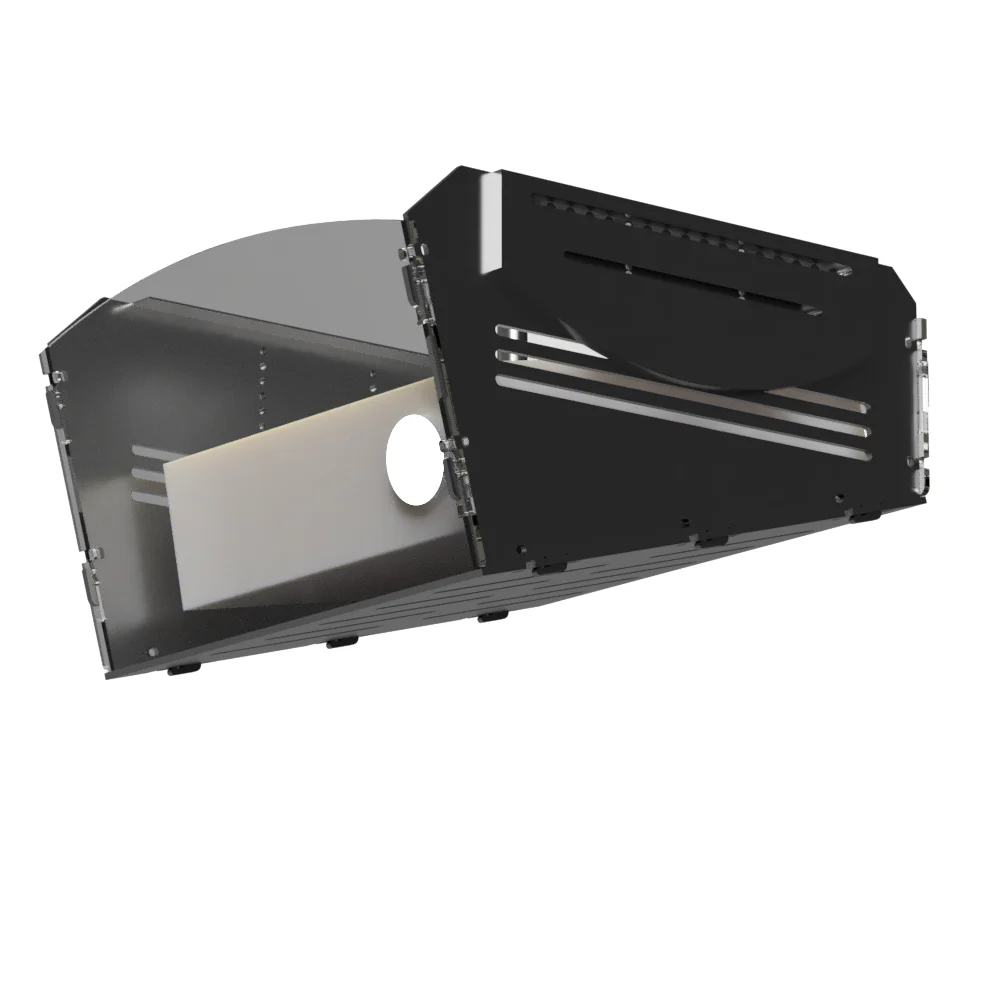
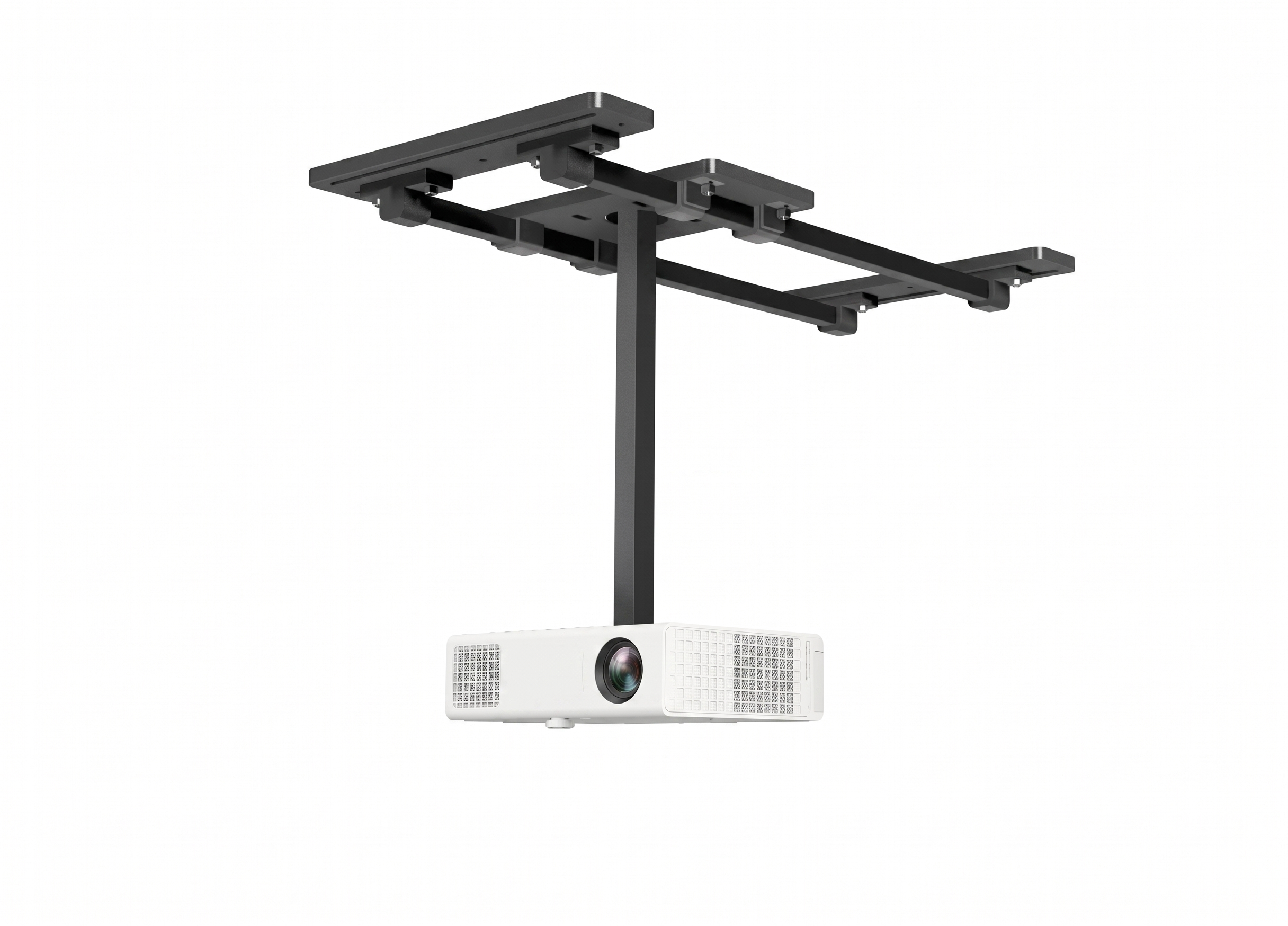
- Ceiling Mount & Shield (Best for 9ft+ Ceilings): Keeps the floor clean. Projecting from above and ahead of the player throws any potential body shadows down onto the floor rather than the screen. Recommendation: Always use a ceiling shield enclosure to protect the hardware from high-lofted wedge shots.
- Floor Mount Enclosure (Best for Low Ceilings or Quick Setup): Places the projector inside a heavy-duty, impact-resistant box on the floor directly in front of the hitting mat. Because you stand completely behind the box, it is physically impossible to cast a shadow on the screen.
Fast Calibration Checklist
- Cables: Connect directly to your simulator PC or console via a high-quality HDMI cable. If you get a "No Signal" message, verify your physical connections and check that the projector's input source matches the exact HDMI port used.
- Resolution: Set your PC display output resolution exactly to 1920x1080 (1080p) so the GOLFJOY software scales perfectly without stretching.
- Image Alignment: If the projected image looks skewed or trapezoidal, use the remote control's Horizontal and Vertical Keystone settings to adjust it into a perfect rectangle.
- Sharpness: Slowly twist the physical focus ring on the projector lens until all on-screen text is razor-sharp.
The availability of golf courses and driving ranges on a simulator can vary depending on the software or platform used. The golfjoy software offer from 2 to 25 high end golf courses to different member. In addition, you could purchase extra golf courses by upgrading to different tier, for that and more information, please contact us directly at sales@turnkeyprostudios.com and we will be happy to assist you.
Yes, multiple players can often use a personal golf simulator simultaneously, depending on the specific system and software. Some simulators support multiplayer modes where players can compete against each other or play together on the same virtual course.
Yes, personal golf simulators are commonly used for practice and game improvement. They provide detailed swing analysis, feedback on ball flight, and measurements of various swing parameters. This information can help golfers identify areas for improvement and enhance their overall performance.
The accuracy of swing and ball tracking measurements can vary depending on the quality and technology used in the simulator. Advanced simulators with high-quality sensors or cameras can provide accurate data on clubhead speed, clubface angle, ball spin, launch angle, and more. However, it's important to note that no simulator is 100% perfect. However our mission is to offer you the most trusted products, with high demand that get as close a spossible to 99.99% accuracy.
Yes, personal golf simulators can be used both indoors and outdoors. However, outdoor setups may require additional considerations such as protection from sunlight, wind, and rain.
The key components of the Home Golf Simulator like P7 or P8 typically include: Impact screen and projector for displaying the virtual golf course. Launch monitor to measure club and ball data. Computer or console to run the simulator software. Golf mat or hitting surface. Enclosure, side netting, tracy, etc.
The Complete Indoor Golf Simulator P7/P8 from Golfjoy use cameras to capture data about the player's swing, clubhead speed, clubface angle, and ball flight. This information is then processed by the simulator's software, which calculates the trajectory and simulates the ball's flight path on the virtual golf course displayed on the screen or projector.
Warranty
We offer 1 year warranty.
What is covered under the warranty policy
Your Consumer Warranty guarantees replacement in the event of product defect related to materials or craftmanship.
The warranty does not cover impact or cosmetic damages, damage by misuse, improper installation or testing, attempts to modify the product, attempted service (exceptions for battery replacement), or general wear and tear over the lifetime of the device, as well as any damages caused by spills, liquids, fires, power changes or other hazards outside of normal operation or use with 3rd party peripherals.
Returns & Refunds
We offer a 30-day risk-free trial, if you do not like our PGS, you have a 30 day window to file for a return.
Cancelations
Orders can be edited or canceled only before the shipment via our customer support team
Contact
Please email us directly with all your inqueries at: sales@turnkeyprostudios.com
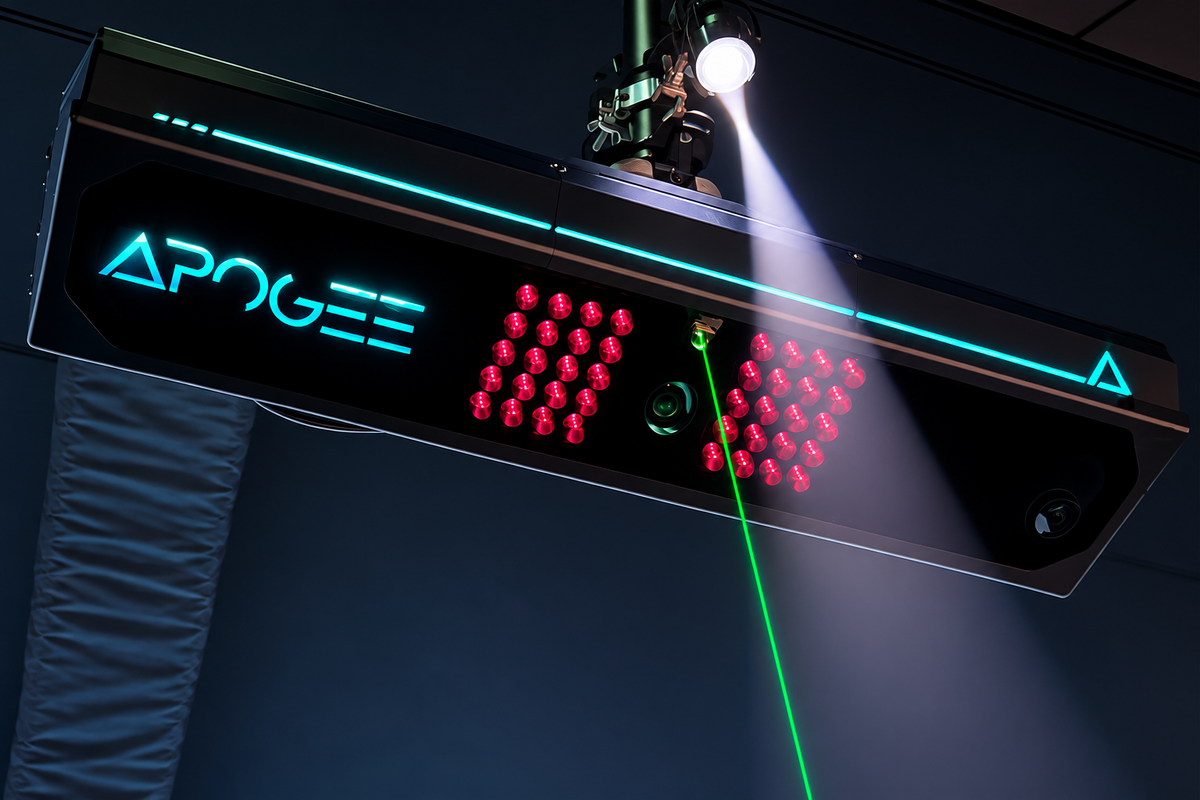
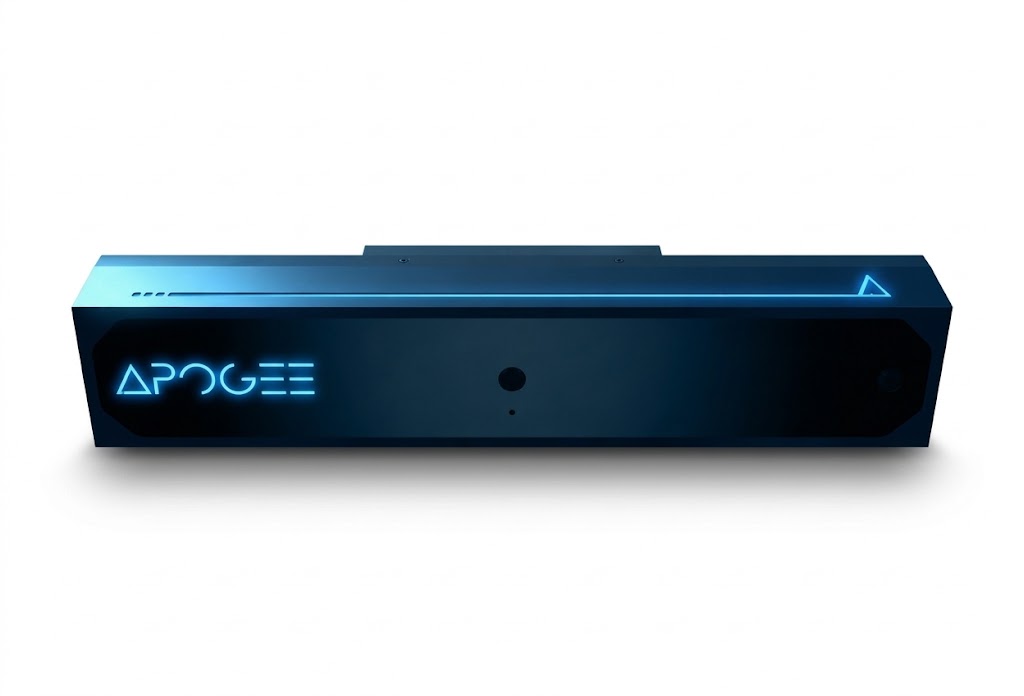
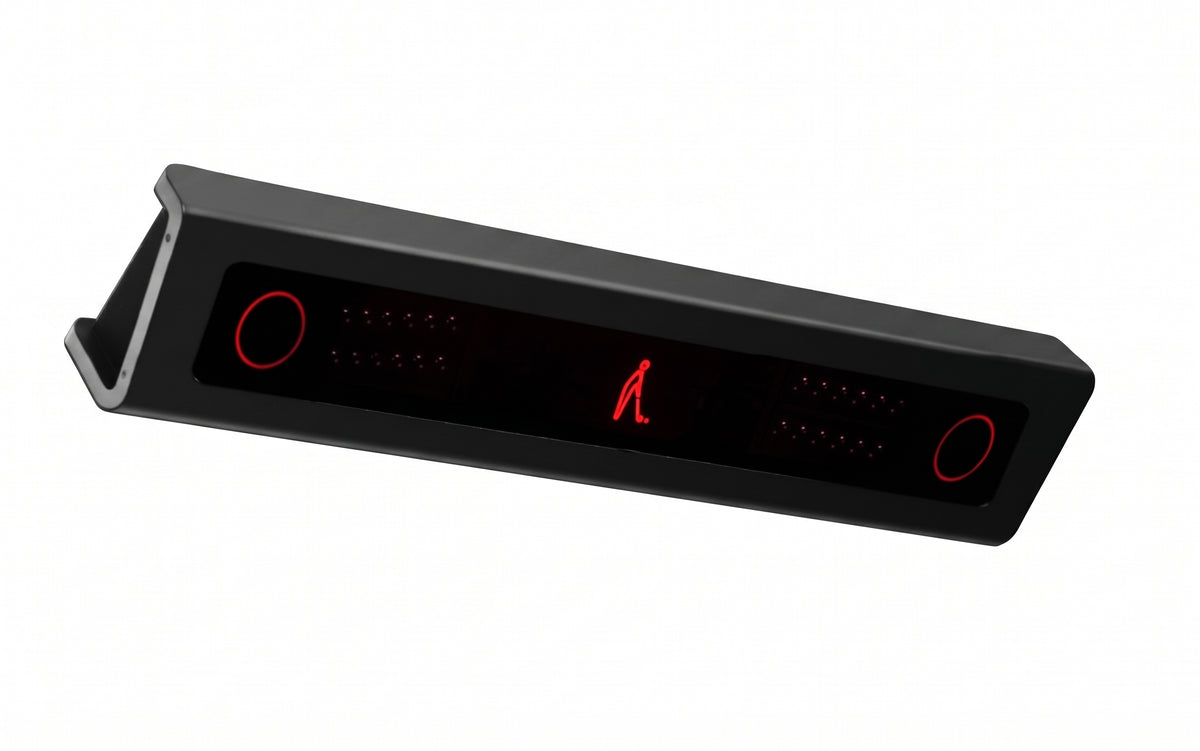
Cealing mounted Launch Monitors
Elevate Your Game
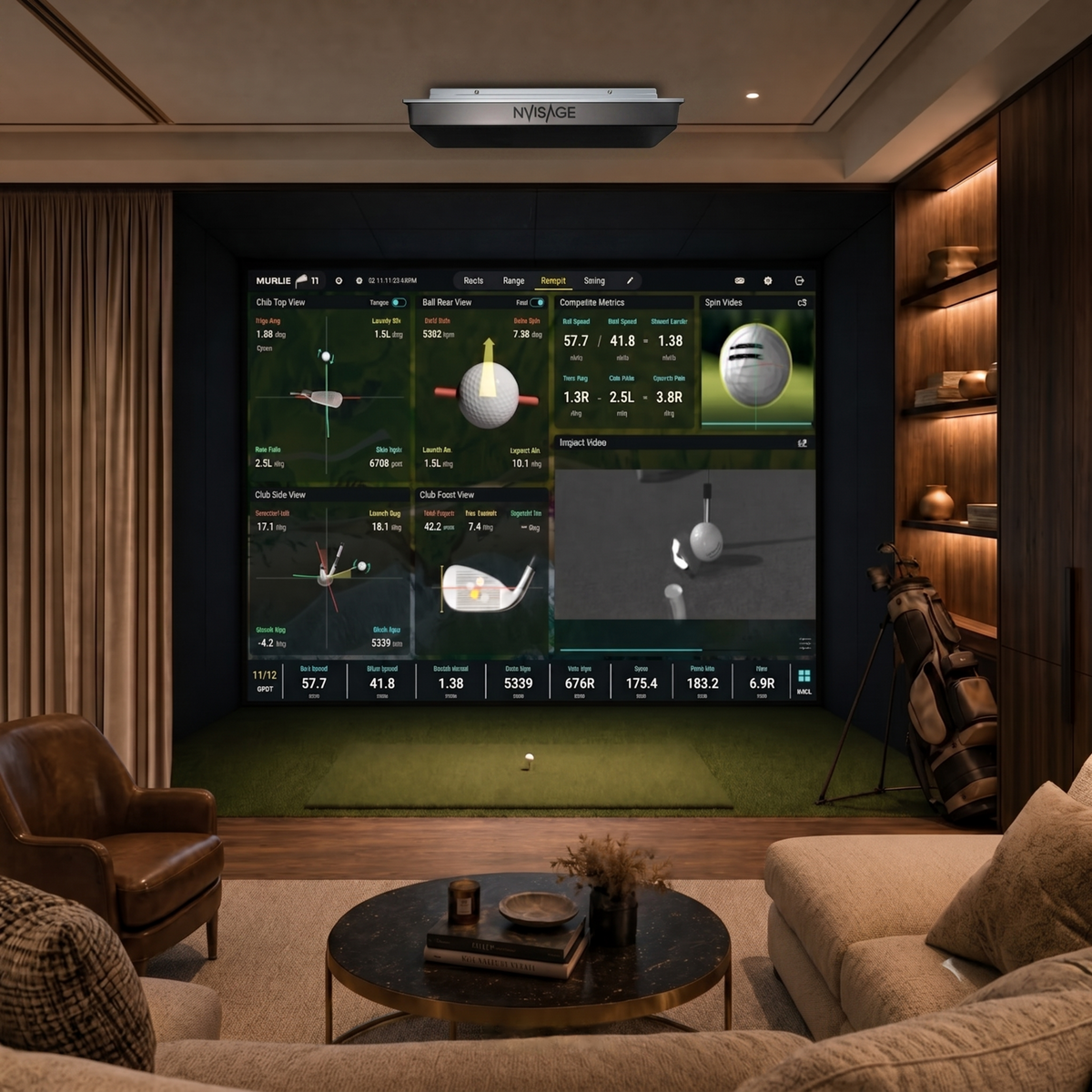
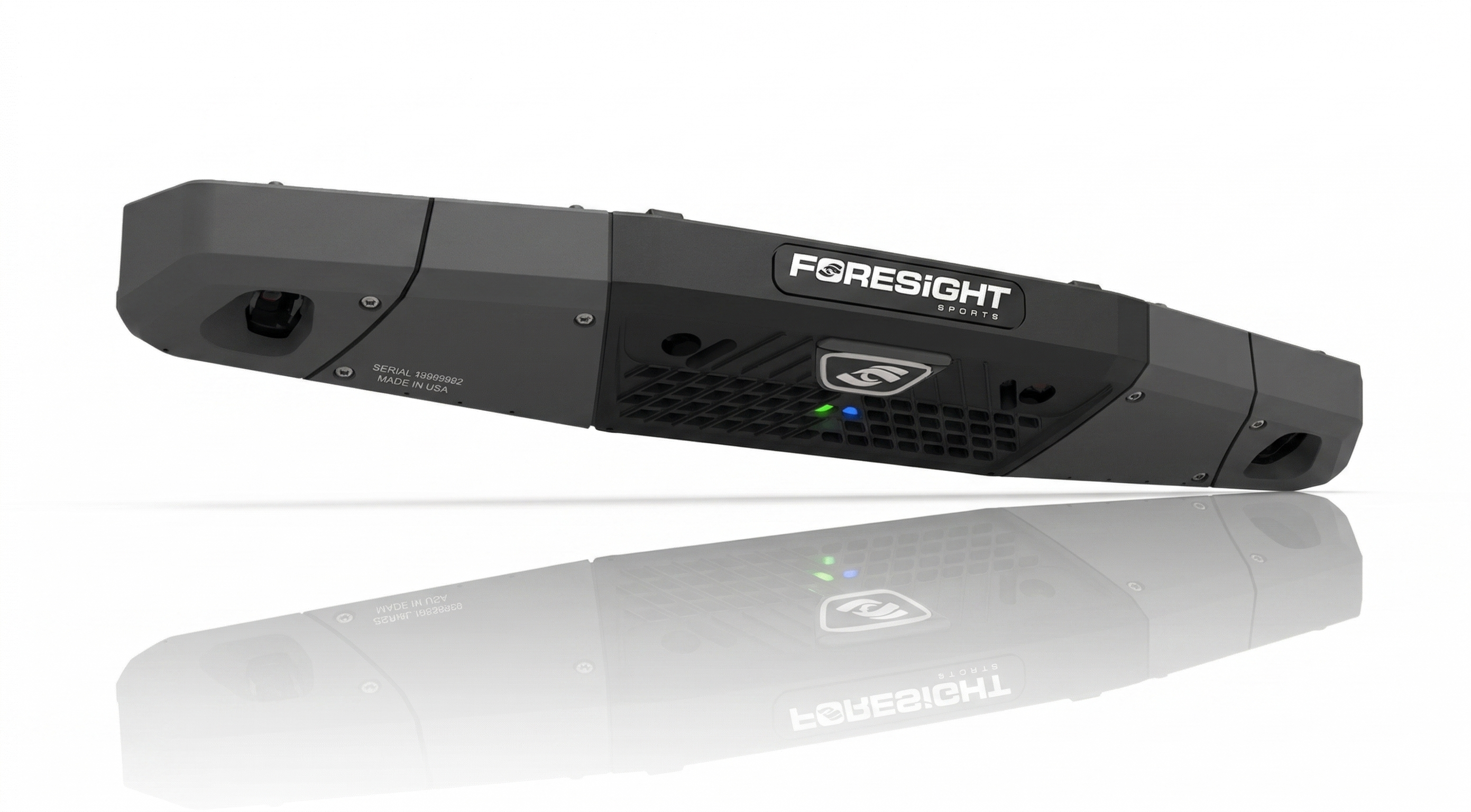
Upgrade your full package with our pro-grade ceiling launch monitor. No floor clutter, no wires, and zero risk of ball strikes—just pure, unobstructed swing freedom and instant data.