

Turnkey Pro Studios
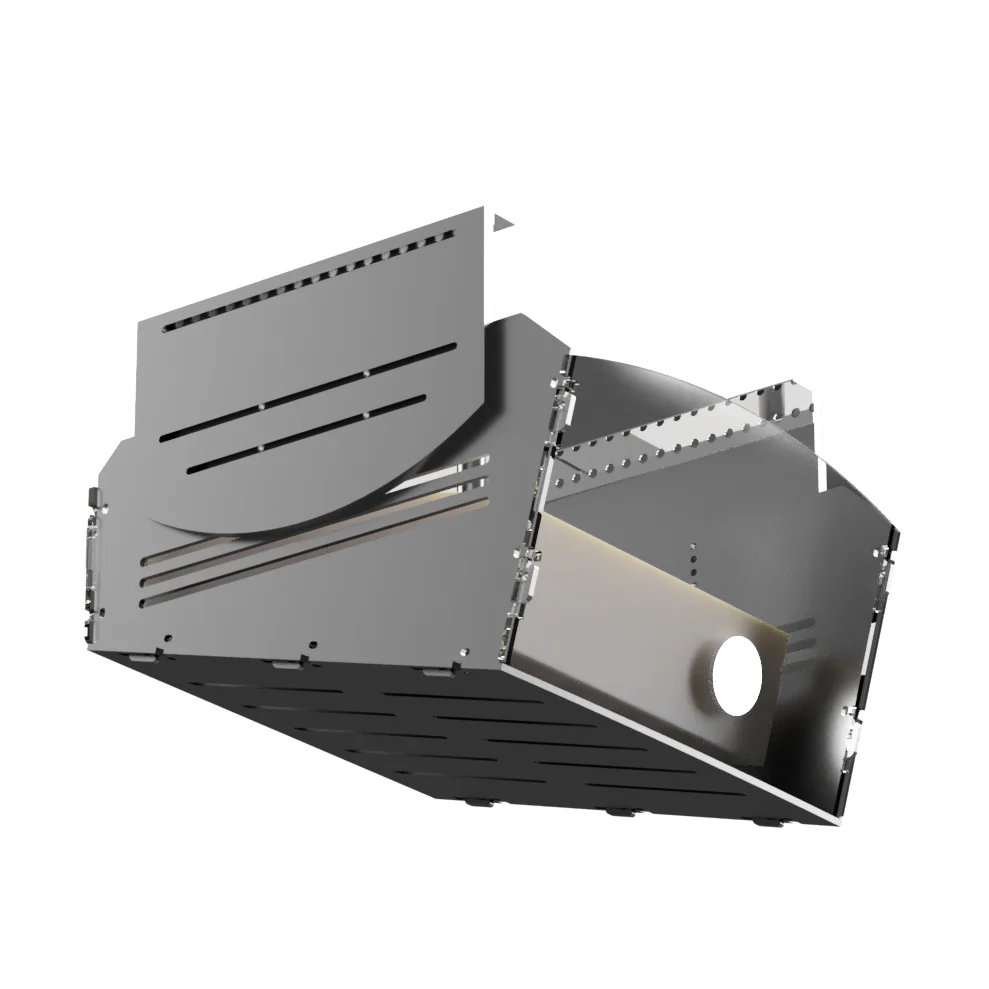
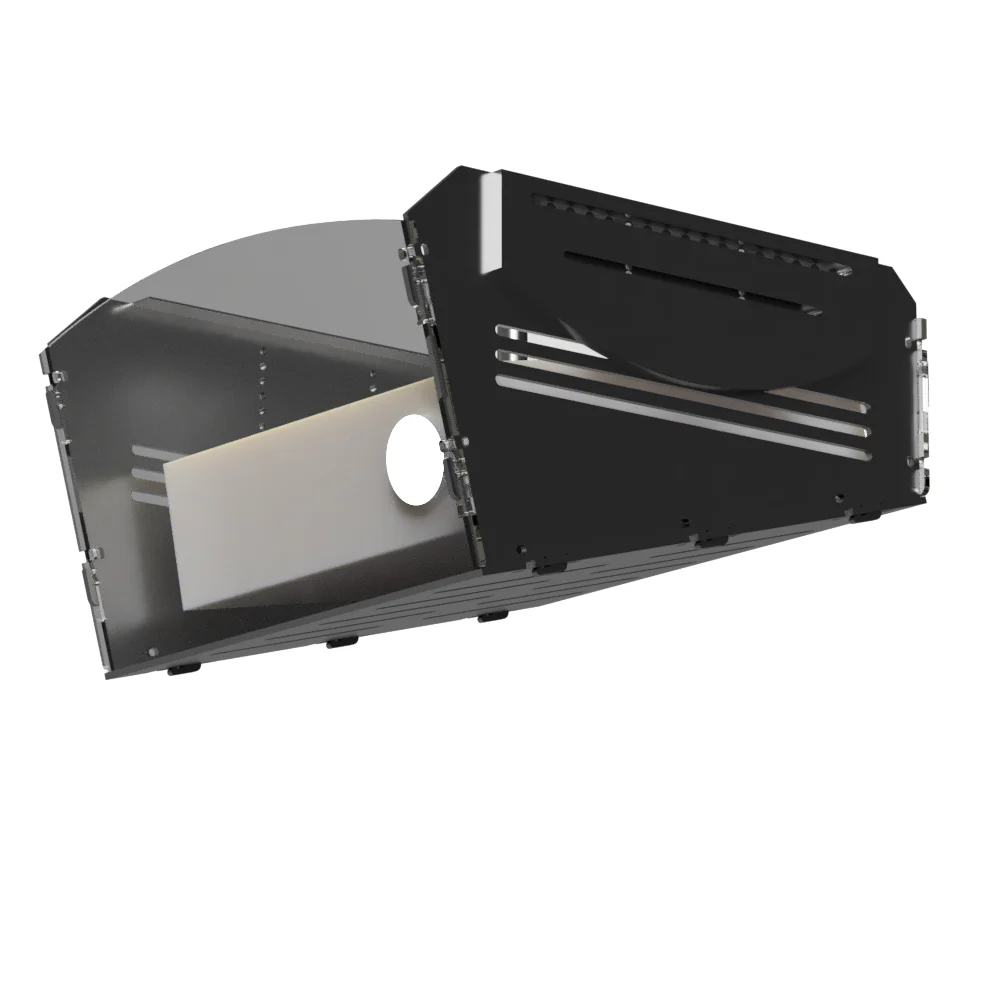
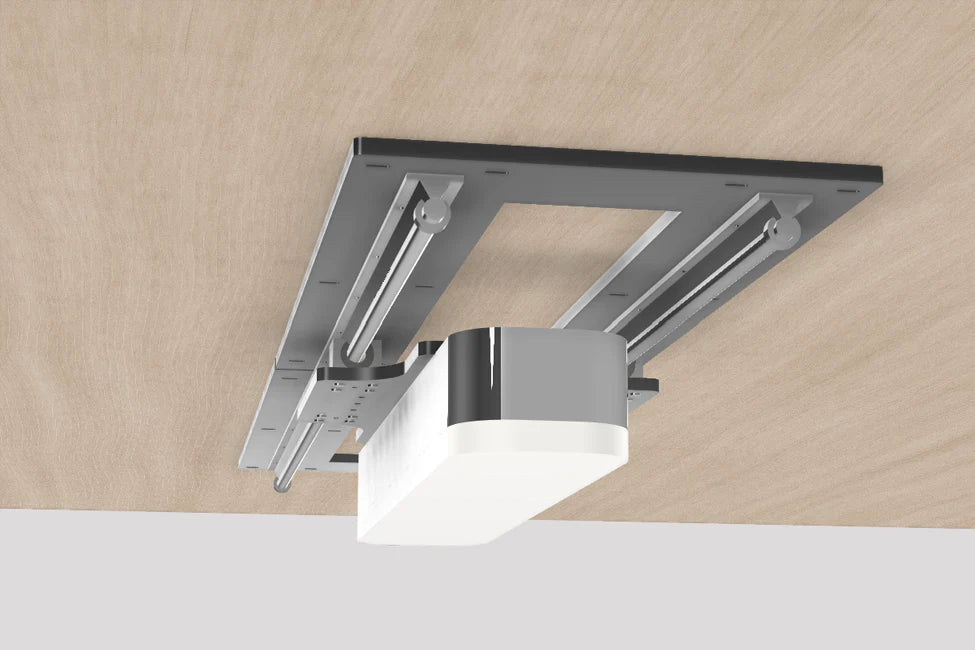
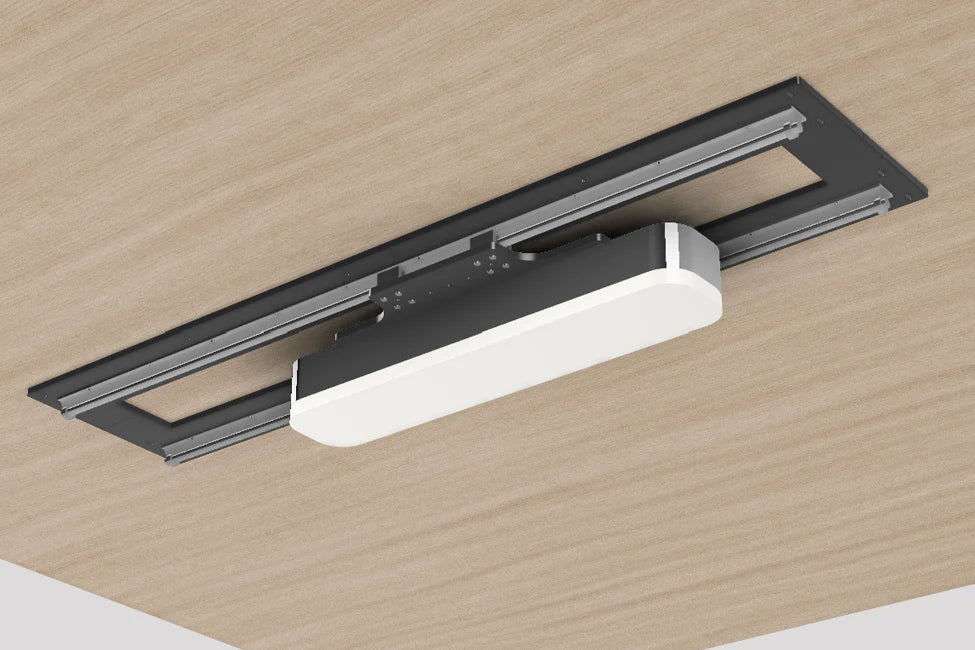
AeroTrack™ LM Universal Cealing Mount For Launch Monitors/Projectors
Variance
Size
Choose options
Variance
Size
Variance
Size
For Launch Monitors & Projectors
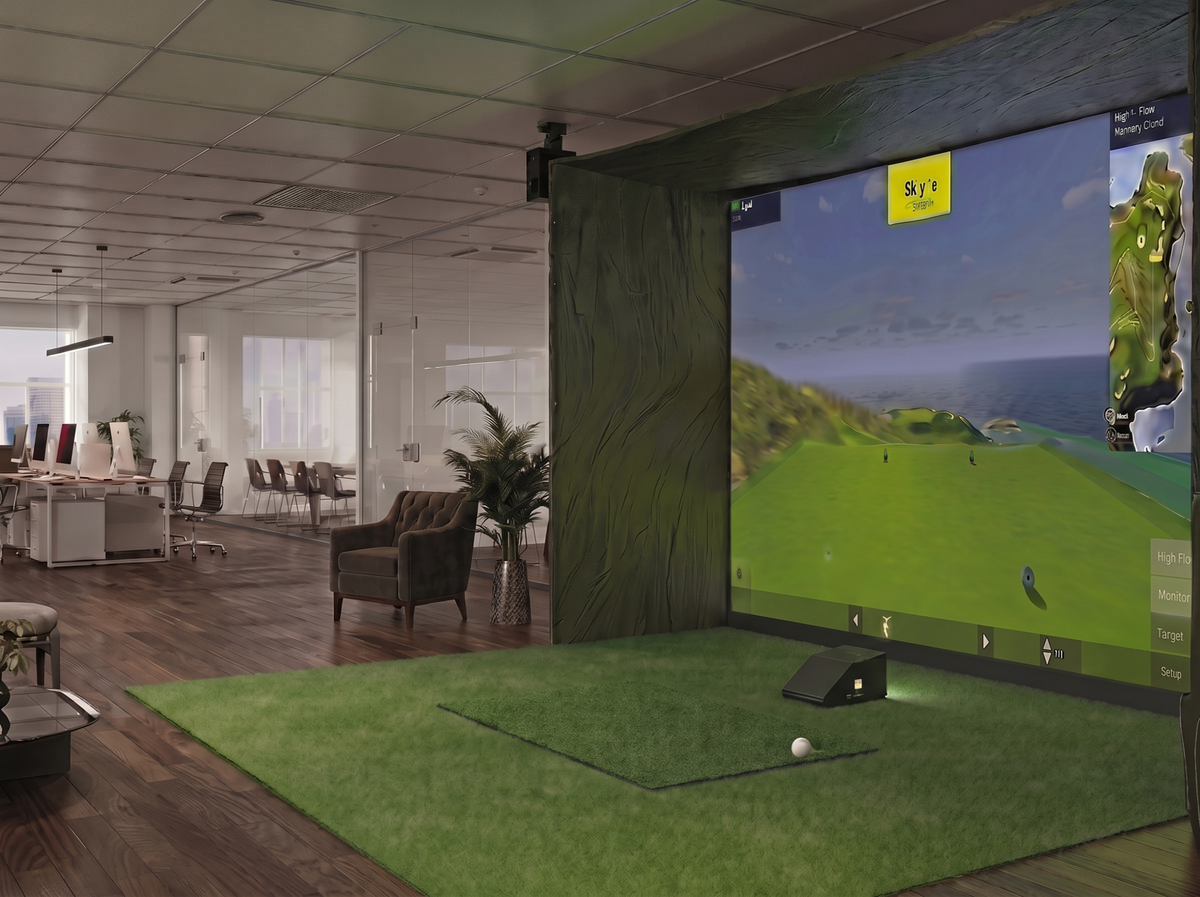
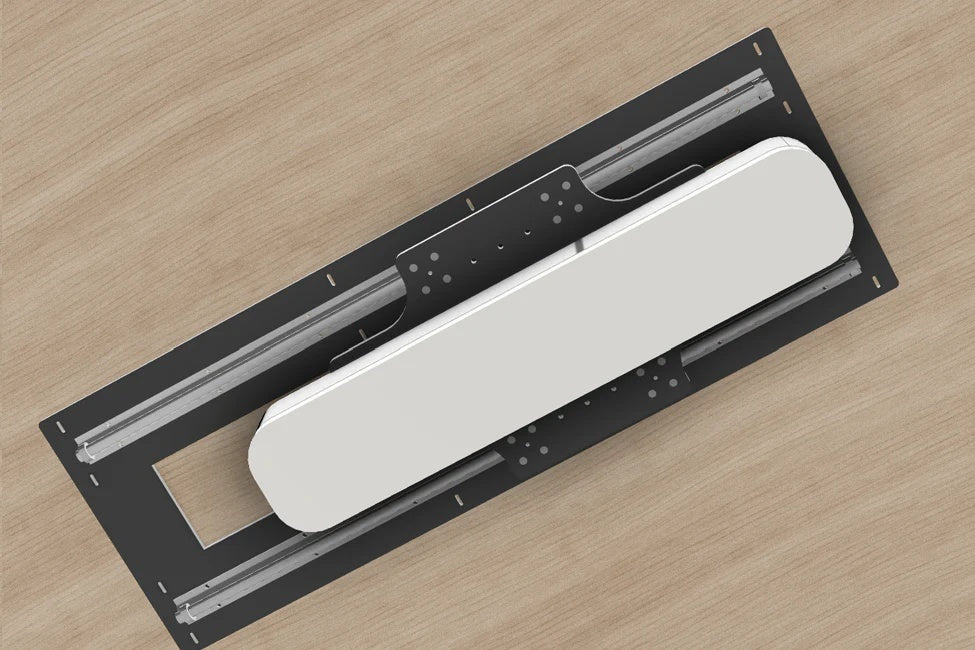
The AeroTrack™ LM is a heavy-duty, double-track rail system engineered for elite stability. Eliminate floor clutter and fixed-mount limitations with a single, sleek ceiling solution designed for high-traffic commercial lounges and luxury home studios.
Key Features & Specs
-
Slide-and-Lock Technology: Effortlessly adjust the position of your hardware along the rail to accommodate different aspect ratios or player heights.
-
Heavy-Duty Construction: Built from high-grade, powder-coated aluminum and steel to support premium hardware with zero sag.
-
Low Profile Design: Maximizes ceiling clearance, crucial for swings in rooms with standard ceiling heights.
-
Vibration Dampening: Engineered to minimize image shake or data interference from overhead movements.
Compatibility
Universal Compatibility: Our universal carriage system is pre-drilled and weight-rated for the industry's most popular overhead hardware.
-
Uneekor: EYE XO, EYE XO2
-
Foresight Sports: GCHawk, Falcon
-
Golfjoy: GR2, GR3
-
Nvisage: N1
-
Protee: VX
-
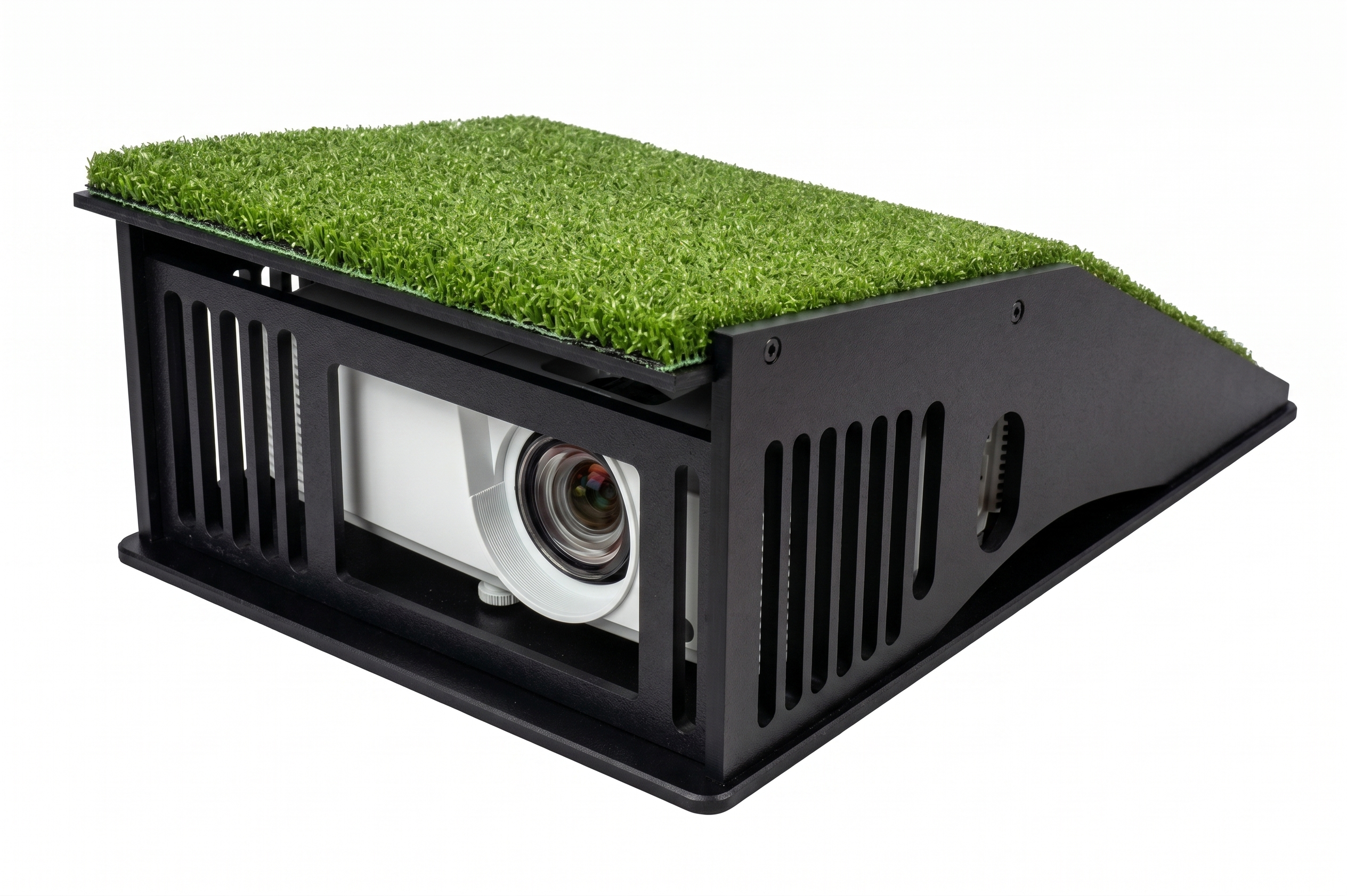
Projectors: All professional short-throw models (BenQ, Optoma, Epson, etc.)
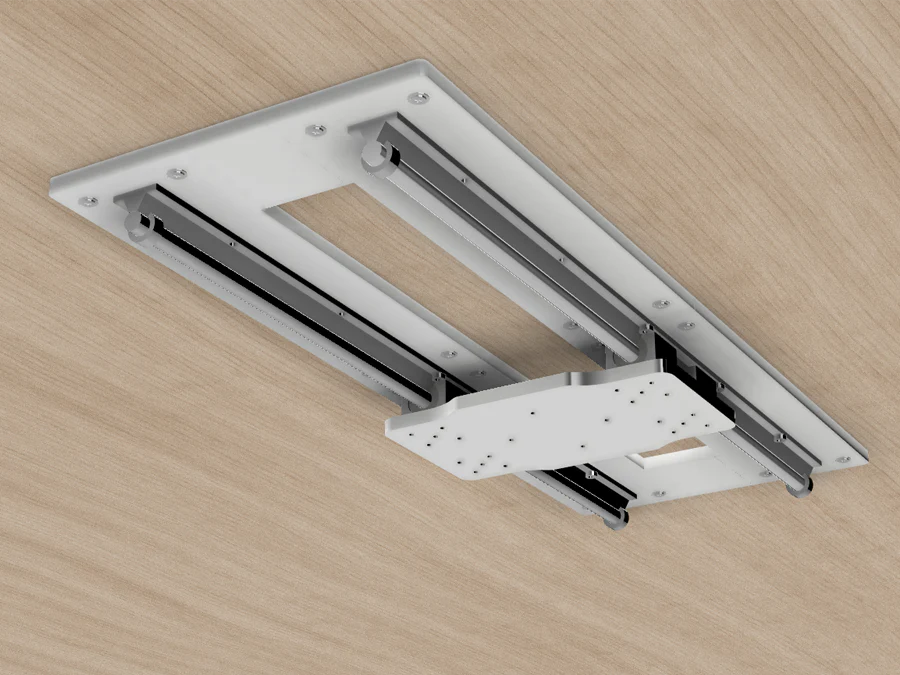
Note: The sliding plate provides a 6" x 6" pre-drilled area for projector mounts (mount not included).
What’s Included
-
High-grade precision mounting rail
-
Universal mounting bracket/carriage for any Launch Monitor.
-
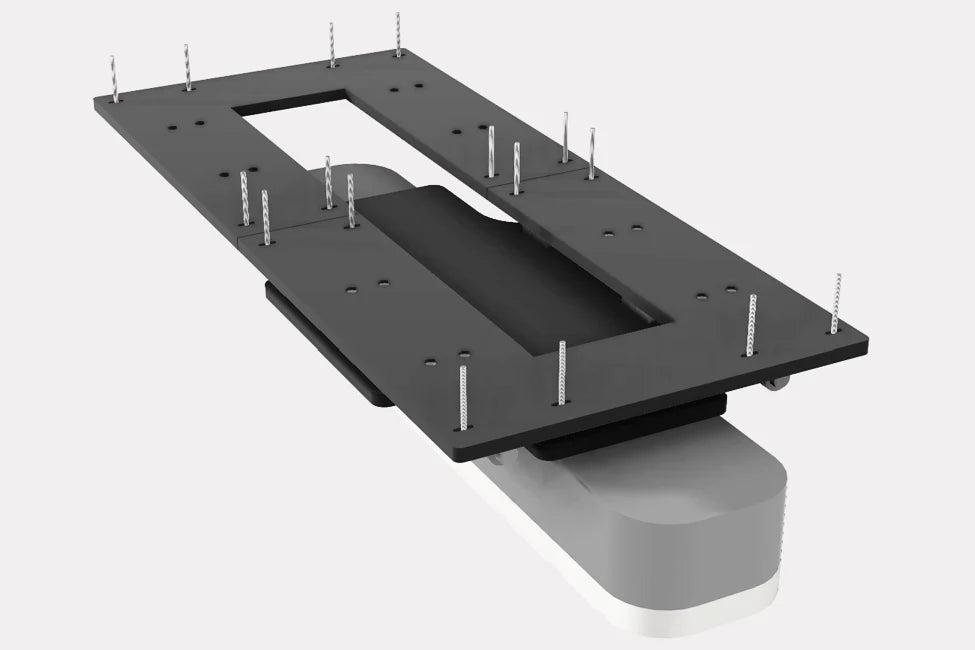
Heavy-duty ceiling anchors and hardware kit
-
Cable management clips for a clean, professional finish
What’s Not Included
-
Launch Monitor
-
Projectors & Projector Mount
- Hardware (cabling)
Setup Considerations
-
Installation: Ensure your ceiling joists can support the weight of the AeroTrack™ LM plus your specific Launch Monitor and hardware. Professional installation is recommended for commercial settings.
-
Resources: Need help with the layout? You can download the AeroTrack™ full Installation & Calibration Guide on our Resources Page.
Why AeroTrack™ LM vs. Standard Mounts?
| Feature | Standard Mount | AeroTrack™ LM |
| Stability | Single-point; prone to vibration. | Dual-Track: Rock-solid for heavy sensors. |
| Flexibility | Fixed position. | Infinite Adjustment: Slide and lock in seconds. |
| Capacity | Designed for light loads. | Industrial Grade: Built for 30lb+ units. |
Shipping & Delivery
Processing: 3-5 Business Days (Quality check & packaging).
Shipping: 3-5 Business Days via FedEx.
Total Delivery: Expect your order within 6-10 Business Days.
Adult Signature Required: For security, an adult signature is required upon delivery.
Free Standard Shipping.
SurfThing 5702Ti Further Information
These premium computers are built to oder and can take 3-5 days to fulfill.
Tracking: A tracking number will be emailed to you automatically the moment it ships.
Key Features & Capabilities
- Next-Gen 4K Graphics Power: Driven by the powerhouse RTX 5070 Ti 16GB GDDR7 GPU, this system renders flawless, hyper-realistic 4K environments and easily sustains high-fidelity simulation and gaming frame rates.
- Seamless Multi-App Execution: Effortlessly run high-speed swing analysis cameras, heavy simulator software, and background data tools simultaneously with zero frame drops or system stutter.
- Elite Speed & Storage Capacity: Packed with 32GB of high-frequency DDR5 RAM and an ultra-fast 2TB NVMe Gen4 SSD to provide instantaneous software load times and massive storage for expanding course libraries.
- Whisper-Quiet Thermal Management: Dual 120mm precision-engineered fans optimize internal airflow, maintaining peak hardware performance and ice-cold temperatures even during back-to-back commercial simulation sessions.
- Purpose-Built for Golf Studios: Every internal component is carefully selected, balanced, and stress-tested specifically to handle the unique graphic and processing demands of industry-leading golf simulation environments.
- Custom Plug-and-Play Deployment: Save hours on technical setup. Our engineering team can pre-configure and map your specific simulation software pipeline so the tower arrives ready to launch right out of the box.
- Compact Studio-Grade Chassis: A modern, space-conscious footprint that cleanly integrates into premium home setups or tight commercial bays without cluttering your floor space.
Case Dimensions
Modern, Compact Case: 8.07" (W) x 14.29" (H) x 17.8" (D)
Computer Specifications
- Processor: Ultra 5 225F
- Cooling: Dual Fan 120MM Air Cooler
- Graphics Card: RTX 5070 Ti 16GB GDDR7
- Memory: 32GB DDR5 6000MHz
- Storage: 2TB NVMe Gen4 SSD
- Operating System: Windows 11 Home
- Wireless: Bluetooth 5.3, WiFi 6E
- Rear I/O: 1x USB-C (Thunderbolt), 6x USB 3.2 Gen 1, 6x USB 2.0, 1x 2.5G LAN, 2x WiFi Antennas, 1x Optical S/PDIF, 2x Audio Jacks
- Front I/O: 1x USB 3.2 Gen 1 Type-C, 1x USB 3.2 Gen 1 Type-A, 1x HD Audio
Q: Will this desktop computer overheat or lag during long simulation sessions?
A: No. The SurfThing 57102Ti utilizes a spacious desktop chassis equipped with a dedicated Dual Fan 120mm Air Cooler. Unlike laptops that suffer from thermal throttling under heavy loads, this desktop configuration maintains stable component temperatures and consistent frame rates over extended, multi-hour tracking sessions.
Q: Can it run demanding golf software like GSPro, FSX Play, and E6 Connect?
A: Yes. The Intel Core Ultra 5 225F processor combined with the NVIDIA RTX 5070 Ti 16GB graphics card provides immense processing power to handle complex physics engines and high-density turf rendering. The upgraded 16GB of VRAM allows it to run GSPro, E6 Connect, FSX Play, and Trackman smoothly in full 4K resolution with maximum detail settings.
Q: How do the computer, launch monitor, and projector integrate?
A: The desktop functions as the central system brain. Your launch monitor tracks club and ball metrics and sends that data to the PC. The PC processes the physics data in milliseconds and instantly projects fluid 3D graphics onto your simulator screen.
Q: How do I connect my projector to this desktop?
A: You plug the projector's video cable (HDMI or DisplayPort) directly into the ports on the rear-mounted NVIDIA RTX 5070 Ti dedicated graphics card. Connecting directly to the GPU ensures an uncompromised video signal with zero latency or conversion loss.
Q: Why does this PC feature two Ethernet (LAN) ports on the back?
A: The system comes equipped with a built-in 2.5G LAN port plus an additional 1G Ethernet LAN expansion card. This configuration is intentional for golf simulators: it allows you to use one port to hardwire your computer to the internet for online play and software updates, while using the second dedicated port to connect straight to an Ethernet-based overhead launch monitor (such as Uneekor or Trackman) without needing an external network switch.
Q: Will my launch monitor experience data or signal lag?
A: No. Floor-based units (Foresight, Bushnell, Full Swing) connect via high-speed USB 3.2 Gen 1 ports. Overhead tracking systems connect via a dedicated, hardwired Gigabit LAN interface, ensuring instant data transmission to the simulation software.
Q: Can I connect high-speed swing analysis cameras simultaneously?
A: Yes. The SurfThing 57102Ti features 14 total USB ports distributed across the front and rear of the chassis (including a USB Type-C port with Thunderbolt 4 and multiple USB 3.2 ports). You can connect a projector, launch monitor, touchscreen, and multiple high-speed cameras at the same time without requiring an external USB hub that could bottleneck data transmission.
Q: What is the purpose of the "Ultra USB Power" ports on the rear I/O?
A: Two of the rear USB 3.2 Gen 1 ports are specifically engineered to provide stable, continuous voltage. This prevents random device disconnects or signal drops when running high-draw simulator peripherals, such as bus-powered tracking hardware or high-frame-rate cameras.
Q: Does this PC support running a touchscreen monitor and a projector at the same time?
A: Yes. The NVIDIA RTX 5070 Ti graphics card features multiple video outputs (HDMI and DisplayPort). This allows you to output the main simulation play screen to your projector while concurrently running a local touchscreen or secondary monitor for data display and system control.
Q: Apart from the computer, what data cables do I need to supply?
A: You only need two standard cables:
- An HDMI or DisplayPort cable long enough to connect the computer's graphics card to your projector.
- The data interface cable (USB or Ethernet) that came packaged with your specific launch monitor.
Q: I am unfamiliar with computer hardware and software installation. How difficult is the setup?
A: TurnKey Pro Studios provides optional pre-installation and customization services. Our technical team can pre-configure Windows, update your graphics drivers, and install/activate your specific golf simulation software suites before shipping. When the system arrives, your setup consists strictly of plugging in your physical hardware peripherals.
Return & Cancellation Policy
We want your simulator setup to be seamless. If you need to return or cancel your order, here is exactly what you need to know:
30-Day Return Policy
- Window: You can return your product within 30 days of delivery.
- Condition: Items must be in like-new, undamaged condition with all original packaging, manuals, and accessories included.
- Restocking Fee: All outright returns are subject to a 20% restocking fee.
- Shipping: The customer is responsible for all return shipping costs.
Cancellations
- Within 24 Hours: Cancel within 24 hours of placing your order for a full refund. After 24 hours, cancellations incur a 3% merchant processing fee.
- After Shipping: Once an order has shipped, it cannot be canceled. It will be treated as a standard 30-day return (subject to return shipping costs and the 20% restocking fee).
How to Initiate a Return
- Email Us: Send a return request to sales@turnkeyprostudios.com.
- Include Details: Reference your order number and provide clear photos showing the condition of the items and original packaging.
- Ship It Back: Once approved, we will provide you with the return shipping address or a pre-paid label (shipping costs deducted from your refund).
- Refund: Your refund will be processed back to your original payment method after our warehouse receives and inspects the items.
Hardware Warranty Facilitation Policy
The hardware is backed by a 2-Year Limited Warranty from SurfThing, LLC. TurnKey Pro Studios acts as your direct intermediary, managing the entire troubleshooting, logistics, and repair process on your behalf to ensure a seamless experience.
During the two-year warranty period from the original date of purchase, if the system fails under normal operating conditions due to a defect in materials or workmanship, SurfThing will repair or replace the defective hardware. TurnKey Pro Studios will facilitate the fulfillment of these terms.
Return & Repair Process
- Contact TurnKey Support: Reach out to TurnKey Pro Studios to initiate troubleshooting. We handle the communication with SurfThing to confirm the hardware issue.
- Prepaid Shipping: If a repair is necessary, a prepaid return shipping label from SurfThing will be provided. If you lack original packaging, a suitable shipping box will be sent to you at no charge.
- Secure Packaging: You must package the system securely to prevent transit damage.
- Turnaround Time: SurfThing will complete the hardware repair and ship the system back within five (5) business days of receipt.
Data and Software
- Data Responsibility: If the hardware failure involves an SSD or storage device, SurfThing will make reasonable efforts to recover your data, but data recovery is not guaranteed. Regular backups to an external drive or cloud service are strongly recommended.
- Software Reinstallation: TurnKey Pro Studios will coordinate the restoration of any original simulation software pre-installed on the system at the time of initial shipment.
Exclusions
This limited warranty does not cover:
- Damage caused by misuse, negligence, physical modification, or unauthorized repair attempts.
- Cosmetic damage or normal wear and tear.
- Loss or corruption of user data.
- Software applications or configurations not originally installed by SurfThing or TurnKey Pro Studios.
Limitation of Liability & Transferability
Neither SurfThing, LLC nor TurnKey Pro Studios shall be liable for indirect, incidental, or consequential damages, including data loss, system downtime, or loss of business revenue. This warranty is valid only for the original purchaser and is non-transferable.